Mixers · 2026-06-28
Best Compact Mixers for Electric Violinists Using Backing Tracks Live
The best compact mixer for most electric violinists using backing tracks live is the Yamaha MG10XU because it gives Tanya Strings enough real channels for violin, stereo tracks, a vocal mic, and one spare input without turning the rig into a second job. If you want stronger USB workflow and more direct-monitor control, Mackie ProFX10v3 is the sharper hybrid pick. Soundcraft Notepad-8FX is the lightest serious bag mixer. Move up to ProFX12v3 or Notepad-12FX when duo sets or extra playback sources crowd the show. If content creation and pad-triggered audio matter as much as the stage, Boss Gigcaster 5 becomes the smarter buy.
Follow Tanya Strings on Google
Add the site as a preferred source to see more new violin posts from Tanya Strings in Google.
Affiliate disclosure: Some links in this article are affiliate links. I may earn a commission if you make a purchase, at no extra cost to you.
What is the best compact mixer for most electric violinists using backing tracks live?
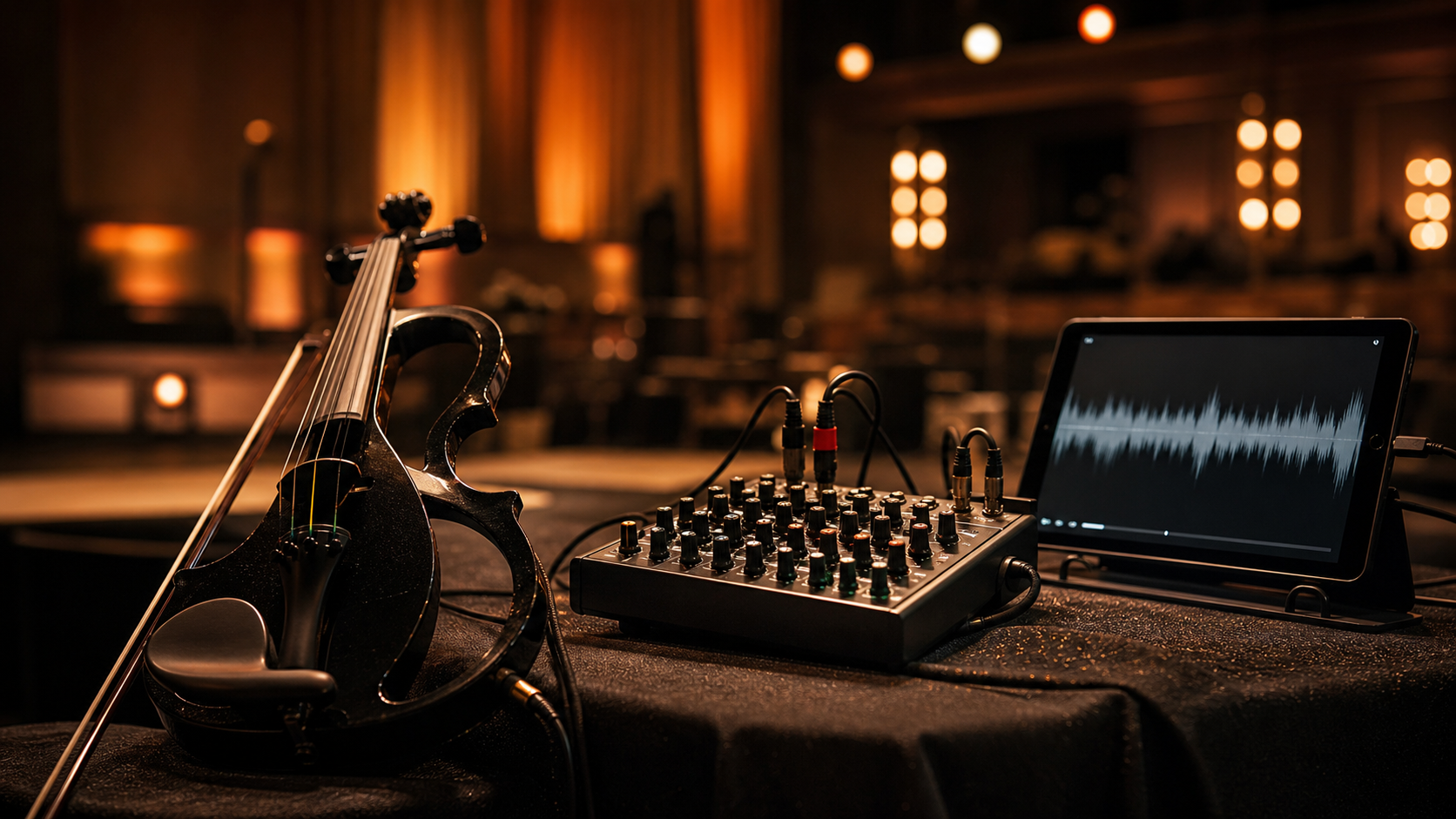
For most solo and small-event electric violin shows, I would start with the Yamaha MG10XU. Yamaha says it gives you four mic inputs, ten line inputs overall, SPX effects with 24 programs, 24-bit/192 kHz USB audio, and a metal chassis in a box that still weighs only 2.1 kg. That is the kind of balance I want on a real performance day. It is big enough to run violin, stereo tracks, and one more source with room to recover if something changes. It is still small enough that I do not resent carrying it to a wedding, club, terrace, or branded content setup.
My performer rule: the right mixer keeps the first song calm. If the routing already feels confusing before the doors open, the mixer is too complicated for that show.
Which compact mixers are worth buying right now?
This shortlist is built around stage control, bag size, backing-track discipline, and the way Tanya Strings actually has to move between live performance and content capture.
| Product | Best for | Why Tanya would use it | Watch out for | Links |
|---|---|---|---|---|
| Yamaha MG10XU | Most electric violinists who want the safest all-around live mixer | I trust it when I need enough real channels for violin, stereo backing tracks, one vocal mic, and a spare path without carrying a larger console. | It is a practical workhorse, not the lightest or most app-driven option in the group. | Official · Amazon |
| Mackie ProFX10v3 | Players who want live usefulness plus stronger USB recording workflow | I like it when one box needs to cover rehearsal capture, direct monitoring, venue work, and quick creator sessions without a separate interface. | The feature set rewards organized routing. Buy it because you will use the USB side, not just because the spec sheet looks fuller. | Official · Amazon |
| Soundcraft Notepad-8FX | Artists who want the lightest serious mixer for violin plus tracks | I would use it when bag space is brutal but I still want real Lexicon effects, USB, and a layout that stays readable during a fast setup. | Small size is the point, so expansion headroom is limited if the show keeps adding people and sources. | Official · Amazon |
| Mackie ProFX12v3 | Duo or vocal-heavy shows that need more channels and a monitor send | I would move here when the set grows to violin, tracks, speech, guest vocal, or a second instrument and the smaller mixers start forcing compromises. | More mixer is only smarter if the set list really uses the extra control. Otherwise it is just more bulk to manage. | Official · Amazon |
| Soundcraft Notepad-12FX | Players who want a compact analog feel but more room than an 8-channel frame | I like it when the day mixes rehearsals, gigs, and simple content work and I want more channels without a much more intimidating board. | It still favors simplicity over deep routing. If you need complex creator scenes, a hybrid box may fit better. | Official · Amazon |
| Boss Gigcaster 5 | Electric violinists whose live show and creator workflow are one system | I would use it when backing-track triggering, Bluetooth audio, USB multichannel routing, and content-ready control matter as much as the venue mix itself. | It is less of a plain analog mixer and more of a creator-performance hub, so buy it only if that hybrid identity is exactly what you need. | Official · Amazon |
Why is Yamaha MG10XU my safest overall stage pick?
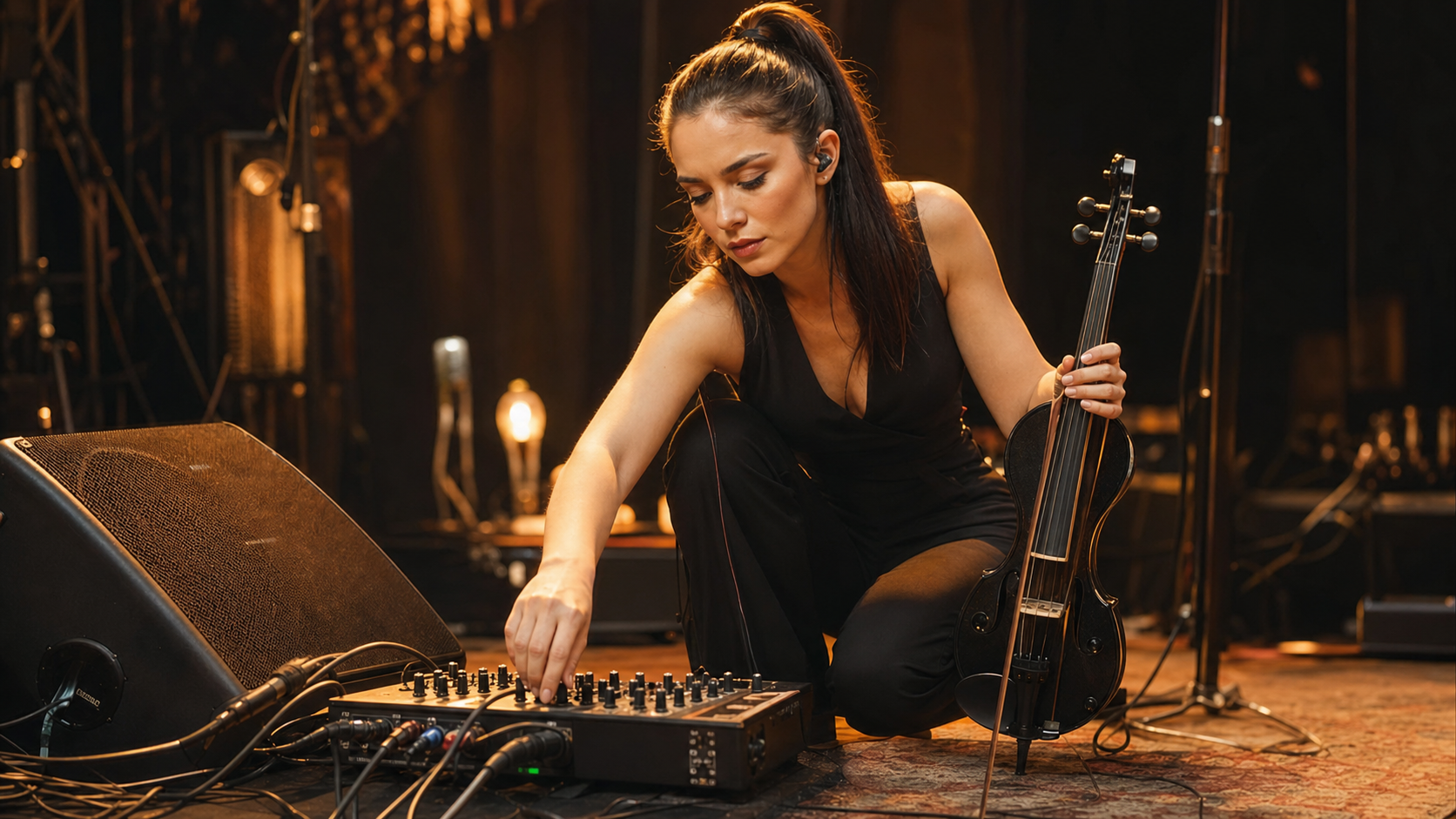
The MG10XU feels honest. Yamaha positions it as a 10-channel console with four mic inputs, three stereo channels, SPX effects, and USB audio. That matters because many electric violin shows are not huge, but they are messy in very specific ways. One moment I need violin, stereo tracks, and a mic for announcements. The next moment I need a spare input for a second playback device or a guest source. The MG10XU gives me enough headroom for those changes without demanding a larger footprint or a deeper menu structure than the gig deserves.
Who should buy MG10XU first?
Buy it first if your electric violin show already uses backing tracks regularly and you want one dependable mixer that can survive weddings, hotel events, club dates, and creator rehearsal days with the same basic routing.
- Pros: practical channel count, trusted Yamaha build, useful onboard effects, USB audio, and strong all-around stage value.
- Cons: not the smallest option and not the most specialized choice for stream-first workflows.
See the official Yamaha MG series page · Find Yamaha MG10XU options on Amazon
When does Mackie ProFX10v3 make more sense than Yamaha?
Mackie makes more sense when the mixer also needs to behave like a cleaner recording front end. On the ProFX10v3 page, Mackie highlights four Onyx preamps, 24 effects, high-resolution USB recording up to 192 kHz, and latency-free direct monitoring. That gives it a slightly different personality from the Yamaha. The Yamaha feels like a classic stage-first answer. The Mackie feels like a stronger rehearsal-to-content bridge. If Tanya Strings is filming reels, capturing arrangement ideas, or checking backing-track balances straight to a computer more often, I can justify the switch fast.
What is the real reason to pay for the Mackie?
You pay for it because you will use the USB side with intent. If the mixer spends half its life feeding a DAW, stream rig, or fast content setup, ProFX10v3 starts to pull ahead.
- Pros: better hybrid live and recording identity, direct monitoring, good effects range, and clear creator value.
- Cons: less appealing if you mainly need a straightforward analog board for venue work only.
See the official Mackie ProFX10v3 page · Find Mackie ProFX10v3 options on Amazon
Who should choose Soundcraft Notepad-8FX for the lightest rig?
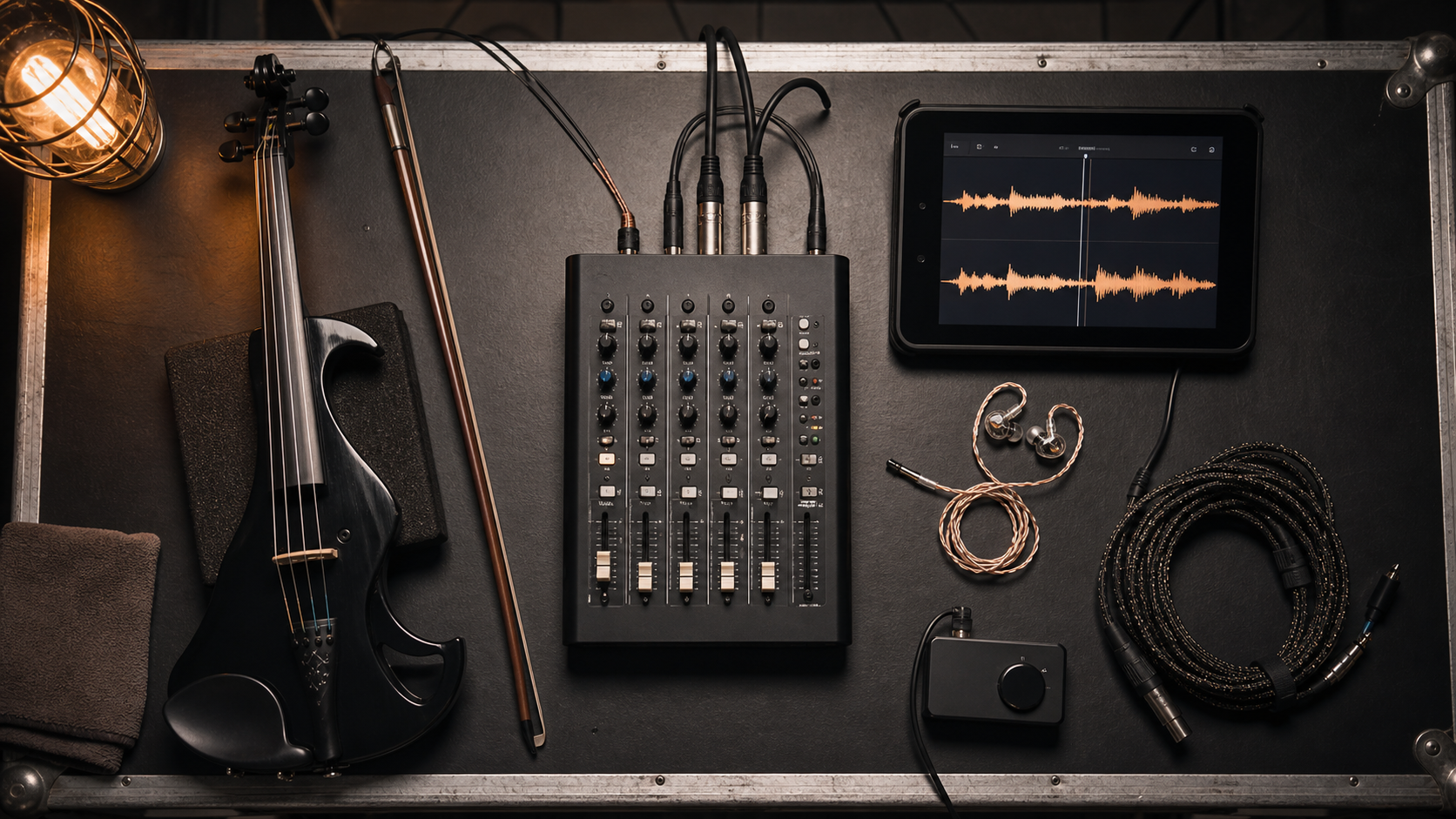
Choose the Notepad-8FX if you hate carrying extra bulk but still want a serious mixer in the bag. Soundcraft describes it as a small-format analog console with USB I/O and Lexicon effects, and also emphasizes that it fits easily in a gear bag. That is exactly why it belongs on this list. Some electric violin shows do not need a bigger frame. They need a clean violin input, stereo tracks, a fast visual layout, and a mixer that can ride to the venue without taking over the whole backpack.
What tradeoff comes with going smaller?
The tradeoff is future crowding. If the show keeps adding sources, the Notepad-8FX stops feeling elegant and starts feeling cramped faster than a 10- or 12-channel mixer.
- Pros: compact size, bag-friendly format, Lexicon effects, USB interface, and familiar analog workflow.
- Cons: less expansion room when the set grows beyond violin plus a couple of carefully managed sources.
See the official Soundcraft Notepad-8FX page · Find Soundcraft Notepad-8FX options on Amazon
When is Mackie ProFX12v3 worth the extra size?
ProFX12v3 is worth the extra size when the set has clearly outgrown solo-strip minimalism. Mackie says the ProFX12v3 gives you seven Onyx preamps, 24 effects, up to 192 kHz USB recording, built-in compression, an aux or monitor send, a stereo subgroup bus, and a footswitch input for FX mute. That is not casual extra space. That is real live control. I would step up when the performance includes a vocalist, extra spoken moments, guest players, or a second instrument and I want the mixer to stay stable instead of becoming a compromise puzzle.
What do the extra channels buy on a real show?
They buy breathing room. Breathing room is what lets Tanya Strings keep the violin centered while the tracks, mic, and backup options stay ready instead of fighting for the same few inputs.
- Pros: more useful inputs, onboard compression, monitor send, subgroup control, and stronger long-show flexibility.
- Cons: more size than many solo electric violinists need for quick ceremony or cocktail-hour work.
See the official Mackie ProFX12v3 page · Find Mackie ProFX12v3 options on Amazon
Why would some players prefer Soundcraft Notepad-12FX?
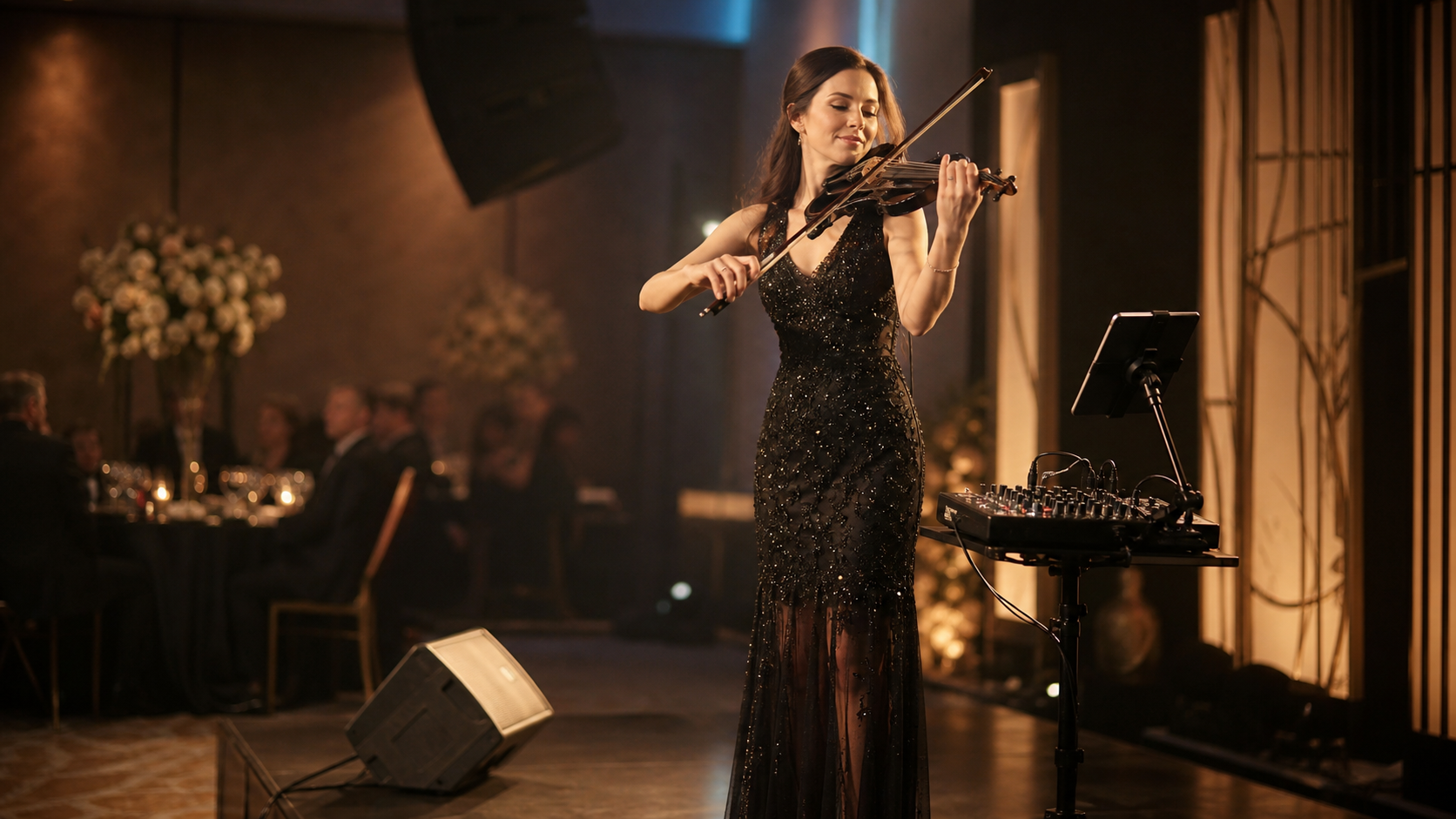
Some players simply want more channels without giving up the small-format feel. Soundcraft positions the Notepad-12FX as a 12-channel mixer with USB I/O, Lexicon effects, ducking, and the same compact family layout as the smaller Notepad models. That can be the sweet spot for violinists who want more room than the 8FX but still prefer a simpler analog surface over a more feature-dense creator box. If the job is rehearsals, duo gigs, smaller corporate sets, or content capture that does not need deep scene management, this makes a lot of sense.
Who gets the most value from the Notepad-12FX layout?
The player who wants the mixer to stay quick and readable under pressure, even after the set adds one more mic, one more playback source, or one more collaboration need.
- Pros: more room than the 8FX, compact carry logic, Lexicon effects, USB support, and a clean analog learning curve.
- Cons: less creator-specific routing than hybrid desks aimed at streaming and multichannel USB work.
See the official Soundcraft Notepad-12FX page · Find Soundcraft Notepad-12FX options on Amazon
When does Boss Gigcaster 5 beat a traditional compact mixer?
Gigcaster 5 wins when the show is not just a show. Boss describes it as a five-channel audio streaming mixer with two XLR mic inputs, a stereo line input, Bluetooth audio, ducking, two headphone outputs, 32-bit floating-point processing, and a 16x12 USB interface. Boss also says you can trigger theme songs, effects, sample loops, and backing tracks from the app and display workflow. That is why it belongs here. Tanya Strings is not only walking onto stages. She is also building clips, livestreams, branded media, and hybrid performance content. If one device needs to help with both worlds, Gigcaster 5 starts to look less strange and more efficient.
Who should skip Gigcaster 5?
Skip it if you want a plain analog mixer that any venue engineer can understand at one glance and you do not care about deeper USB and creator control.
- Pros: creator-ready routing, backing-track triggering, Bluetooth audio, multichannel USB, and useful live-control depth.
- Cons: less of a simple mixer purchase and more of a workflow decision that only pays off if you use the extra ecosystem.
See the official Boss Gigcaster 5 page · Find Boss Gigcaster 5 options on Amazon
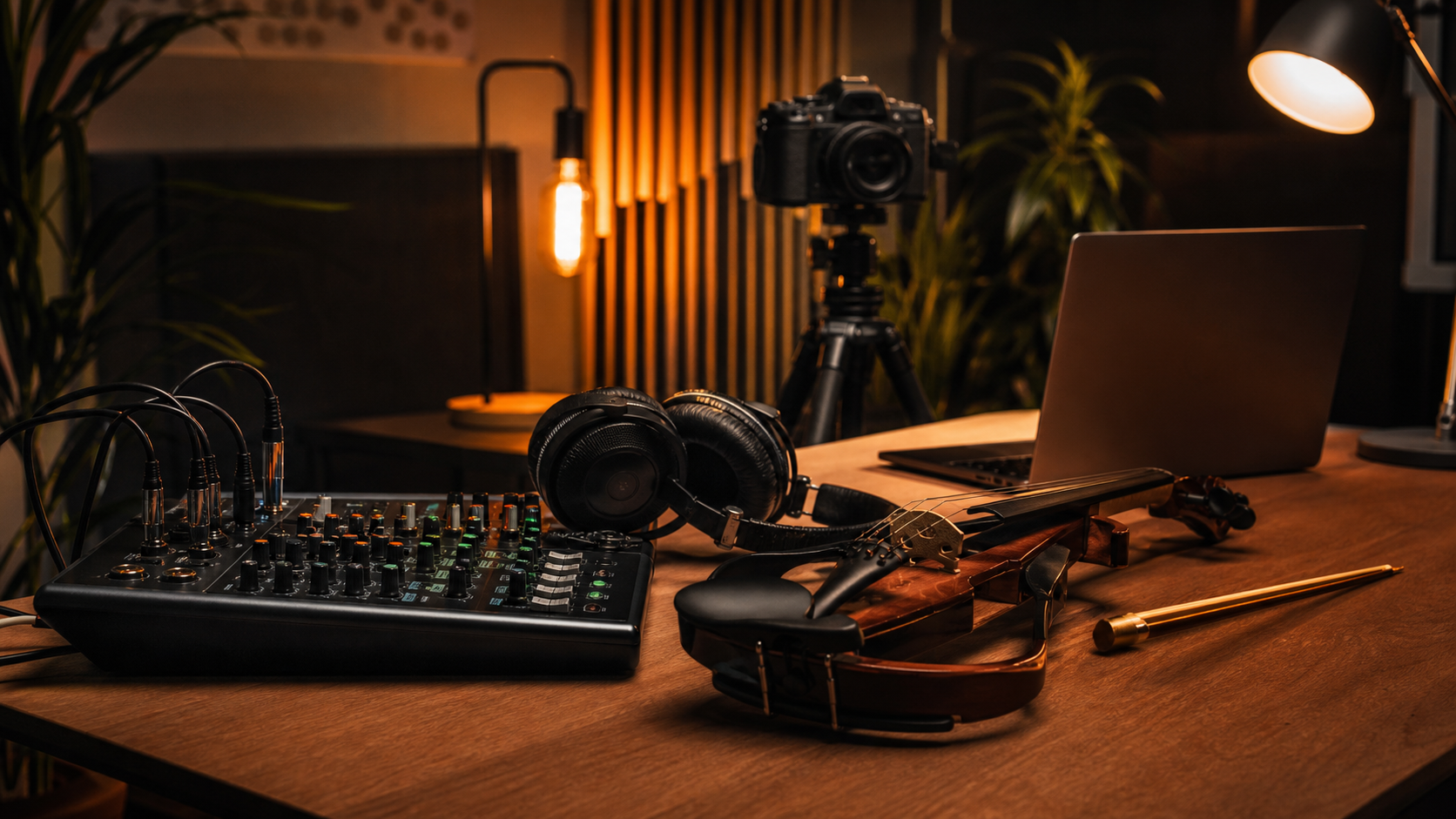
What should electric violinists look for when buying a compact mixer for backing tracks?
The right purchase starts with the job, not with the product page.
- Count real sources, not fantasy channels: violin, stereo tracks, one mic, and one backup path cover more gigs than vague future-proofing does.
- Protect the violin first: the mixer must keep the violin clear and centered before it flatters the backing track.
- Check monitor logic: if you need in-ears, a floor wedge, or a separate cue path, do not buy the smallest box by reflex.
- Respect bag weight: compact is not a style preference. It changes load-in stress, table space, and setup speed.
- Buy for your second use case: if you also record, stream, or shoot content, USB workflow matters more than it does for a pure venue-only rig.
- Keep a backup mindset: a mixer that leaves no room for emergency playback or a spare source is not really stage-ready.
How should Tanya Strings set the mixer before showtime?
I want the mixer ready to survive the first mistake. That means clear gain staging, conservative track level, and a backup path that is already connected or one cable away.
- Set the violin first: if the violin does not feel natural in the mains or in-ears, everything built on top of it gets worse.
- Bring tracks in second: the backing track should support time and drama, not crowd out bow attack and pitch center.
- Leave headroom for speech: introductions, cues, and quick fixes are easier when one mic channel stays predictable.
- Keep one mute move obvious: I need to know instantly how to stop a bad track, noisy source, or open mic.
- Carry backup playback: I still want a second device or second file copy ready, even when the main mixer is excellent.
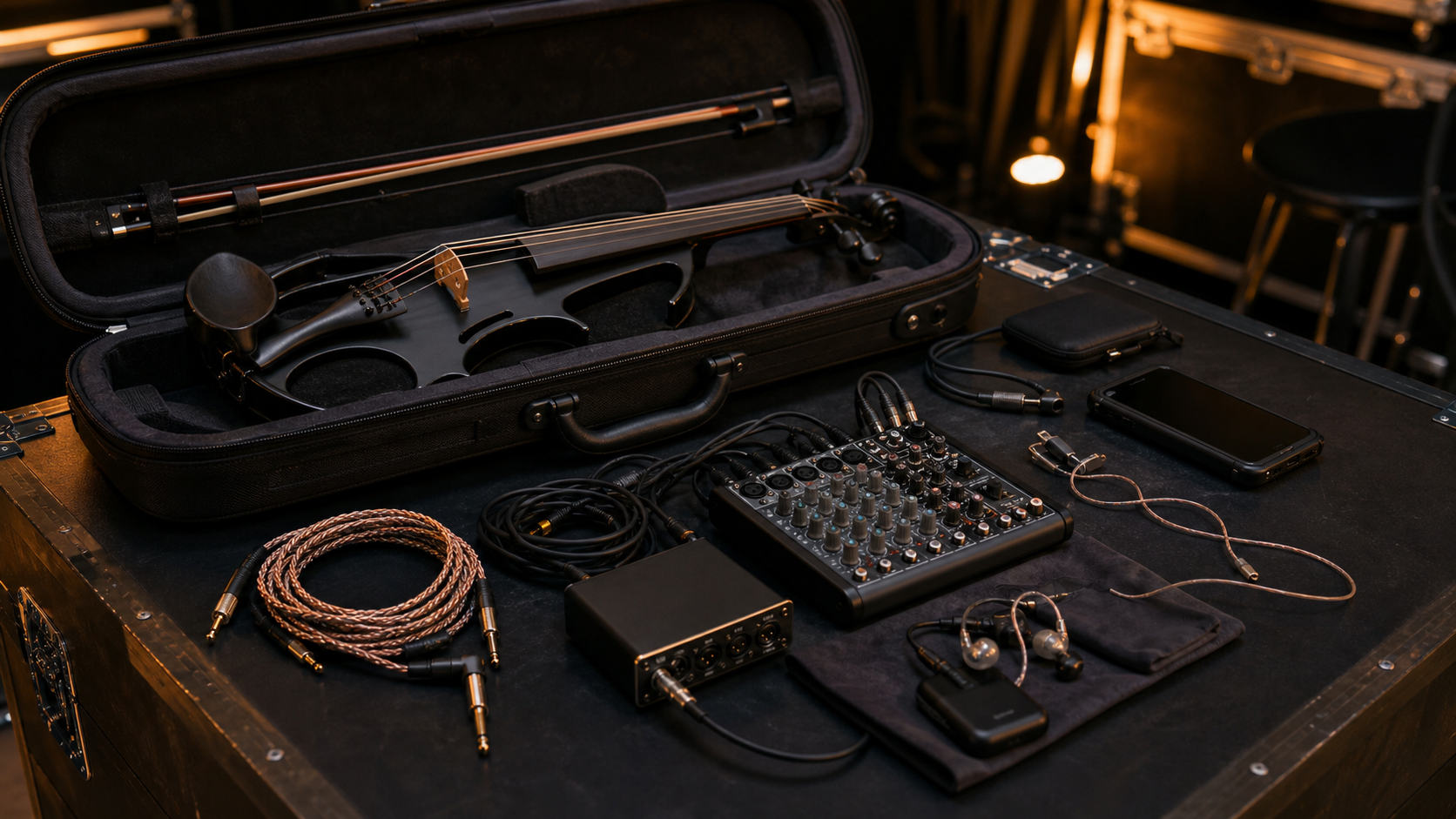
Which mixer should you buy for your actual gig?
If I had to reduce the whole article to real buying decisions, it would look like this.
- Buy Yamaha MG10XU if you want the safest all-around answer for electric violin plus backing tracks.
- Buy Mackie ProFX10v3 if your live rig also has to earn its keep in recording and creator work.
- Buy Soundcraft Notepad-8FX if your first priority is serious portability without dropping to toy-level control.
- Buy Mackie ProFX12v3 if the set now includes vocals, guest sources, or a more demanding monitor plan.
- Buy Soundcraft Notepad-12FX if you want more channels while keeping a compact analog feel.
- Buy Boss Gigcaster 5 if the mixer is also part of your livestream, clip, and backing-track trigger system.
The biggest mistake is buying for a fantasy production. Tanya Strings would buy for the actual stage, the actual bag, and the actual way the audience hears the violin next to the track.
FAQ
Do electric violinists really need a separate compact mixer if the venue already has one?
Not always. But if the show depends on your own backing tracks, repeatable cue levels, or a self-contained soundcheck, a personal mixer gives you much more control and less panic when something shifts at the venue.
How many channels should an electric violinist running backing tracks have?
For many solo shows, four workable inputs is the honest minimum. That usually covers violin, stereo tracks, and one more source. Bigger sets justify a 10- or 12-channel mixer quickly.
Is a compact analog mixer better than using only an audio interface on stage?
Usually yes. A compact mixer is faster to read and fix under pressure, and it hands off to venue engineers more naturally than a laptop-dependent interface workflow.
Should Tanya Strings still carry a backup playback device even with a good mixer?
Yes. A good mixer improves control, but it does not replace a backup plan. Carry a second playback device or second copy of the show file so one failure does not kill the set.