Creator Gear · 2026-09-08
Best USB-C Hubs and Travel Docks for Electric Violinists
For most electric violin performers and content creators, the Anker 555 8-in-1 is the best USB-C hub: it combines 10 Gb/s USB data, 4K 60 Hz HDMI, Gigabit Ethernet, SD and microSD readers, and up to 85W host charging in a travel-friendly body. Choose the CalDigit SOHO Dock for faster UHS-II card ingest and a replaceable cable, the UGREEN Revodok Pro 9-in-1 for more USB ports, Belkin INC009 for 2.5 Gb/s Ethernet, OWC Travel Dock E for a rugged integrated-cable design, or Satechi OntheGo 7-in-1 for an especially compact creator kit.
Some links in this article are affiliate links. I may earn a commission if you make a purchase, at no extra cost to you.
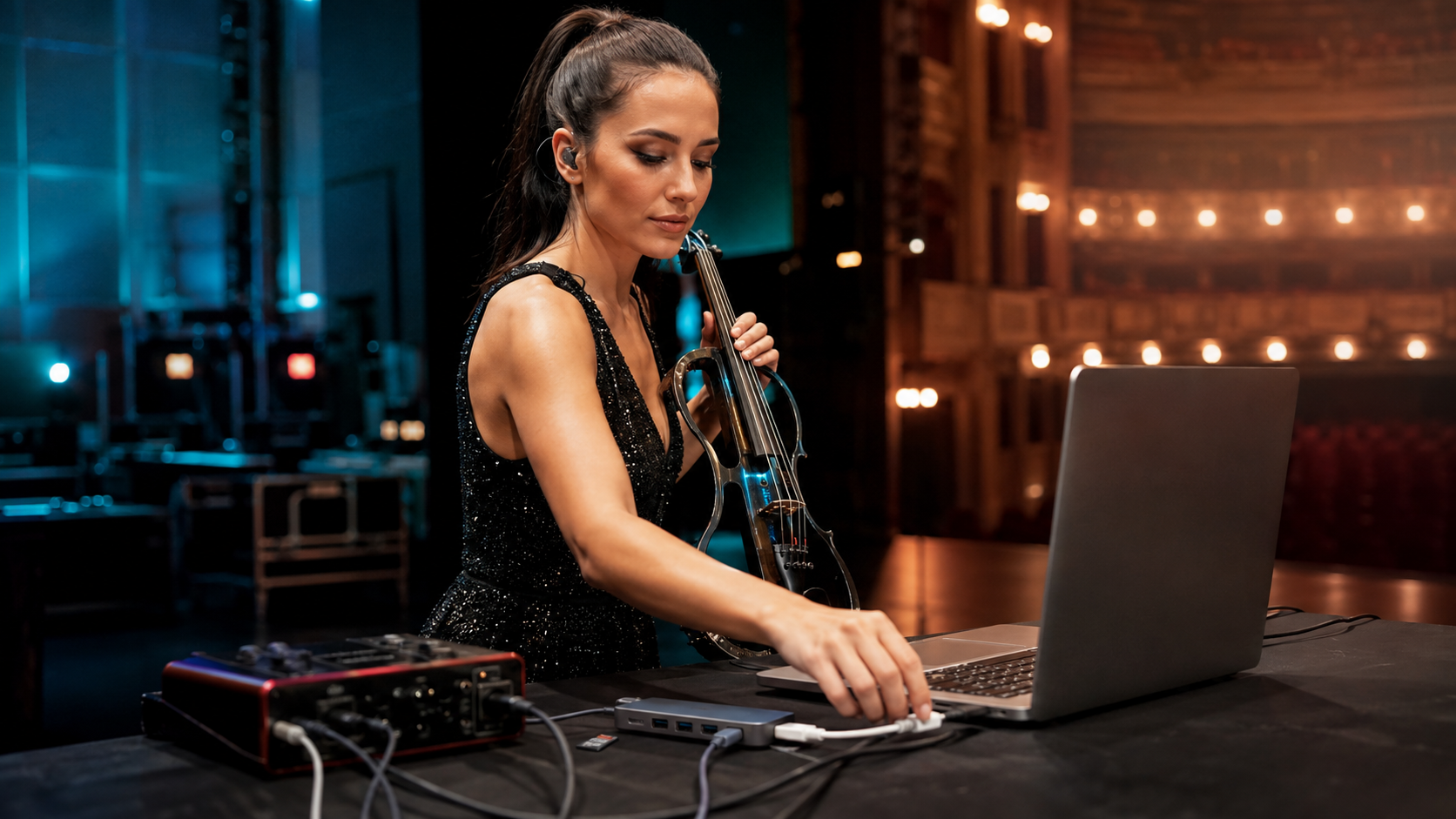
What is the best USB-C hub for most electric violinists?
The Anker 555 8-in-1 is my best overall choice. Its mix is unusually practical for a modern Tanya Strings performance day: three 10 Gb/s data ports, 4K 60 Hz HDMI, Gigabit Ethernet, UHS-I SD and microSD readers, and up to 85W charging to the laptop from a suitable 100W supply. It can connect a fast drive, wired network, presentation screen, and card media without becoming a desktop dock. The USB-C data port does not carry video, and the charger is separate, so map every connection before a show.
Which USB-C hubs and travel docks are worth buying?
| Hub | Best for | Main advantage | Tradeoff | Buy |
|---|---|---|---|---|
| Anker 555 8-in-1 | Best overall | 10 Gb/s USB, 4K60 HDMI, Ethernet, two card slots | Captive cable; UHS-I cards | Amazon |
| CalDigit SOHO Dock | Fast card ingest | UHS-II readers, 10 Gb/s data, removable cable | Only one USB-A and one USB-C data port | Amazon |
| UGREEN Revodok Pro 9-in-1 | More USB peripherals | Four data ports, 4K60 HDMI, Ethernet and cards | Heavier and reserves power from the charger | Amazon |
| Belkin Connect INC009 | Fast wired network | 2.5 Gb/s Ethernet and two 10 Gb/s USB-A ports | No USB-C downstream data port | Amazon |
| OWC USB-C Travel Dock E | Touring durability | Integrated cable, Gigabit Ethernet, 4K60 HDMI | 5 Gb/s USB data and a bulkier puck shape | Amazon |
| Satechi OntheGo 7-in-1 | Pocket creator kit | Coiled cable, 4K60 HDMI, Ethernet and card readers | 5 Gb/s USB and up to 80W host output | Amazon |
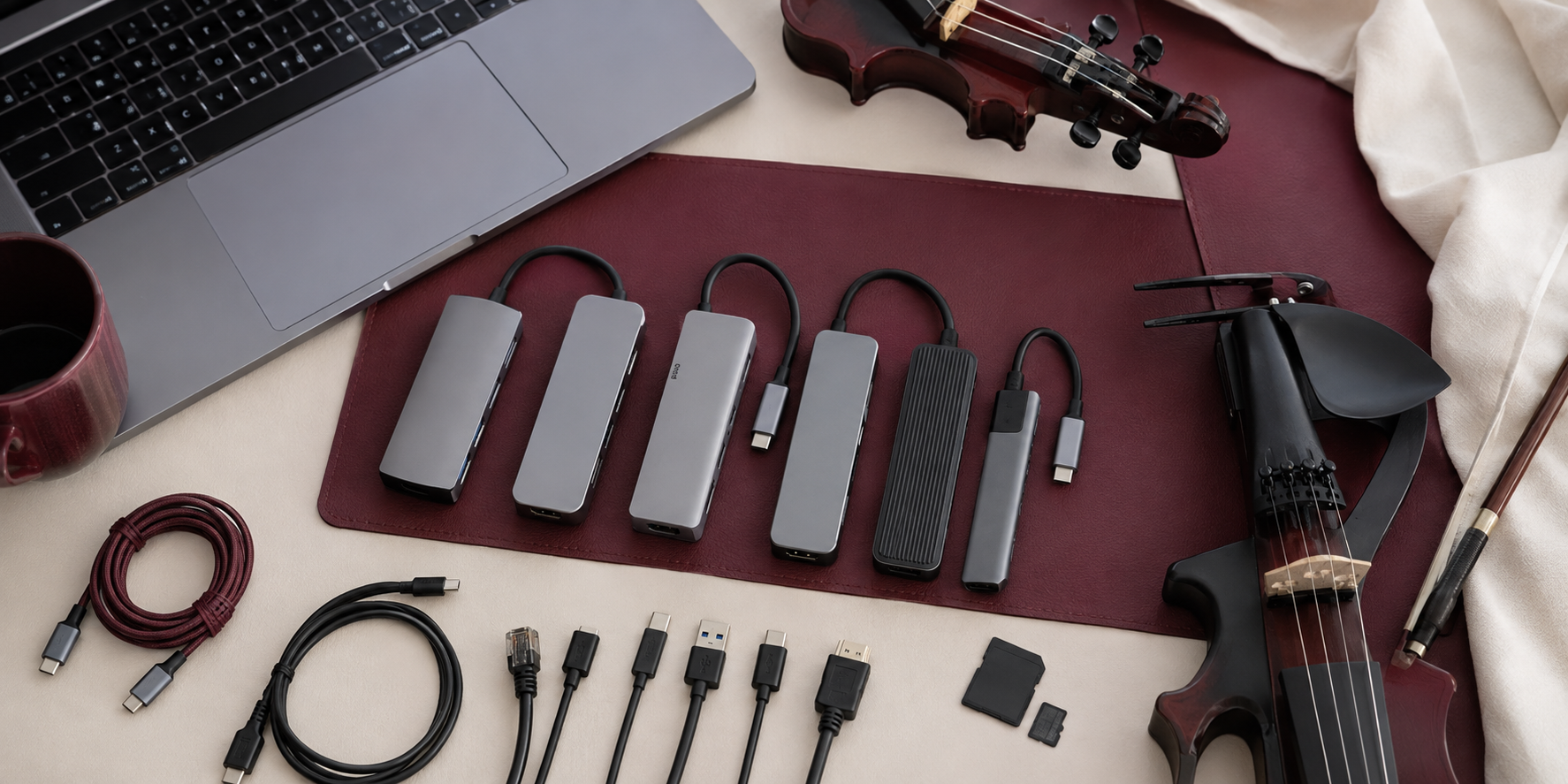
When should you choose the CalDigit SOHO Dock?
Choose the CalDigit SOHO Dock when performance video matters as much as stage playback. It provides 10 Gb/s USB-C and USB-A data, UHS-II SD and microSD readers, HDMI 2.0b, DisplayPort 1.4, and up to 90W host charging. The removable 0.5 m cable is a touring advantage because cable damage does not retire the dock. Mac users should note that dual displays are mirrored through this USB-C design; Windows can support extended dual displays under the documented host requirements.
What are the CalDigit SOHO Dock pros and cons?
- Pros: fast card readers, replaceable cable, strong display options, compact bus-powered operation.
- Cons: few downstream USB ports, no Ethernet, and video capability still depends on the host computer.
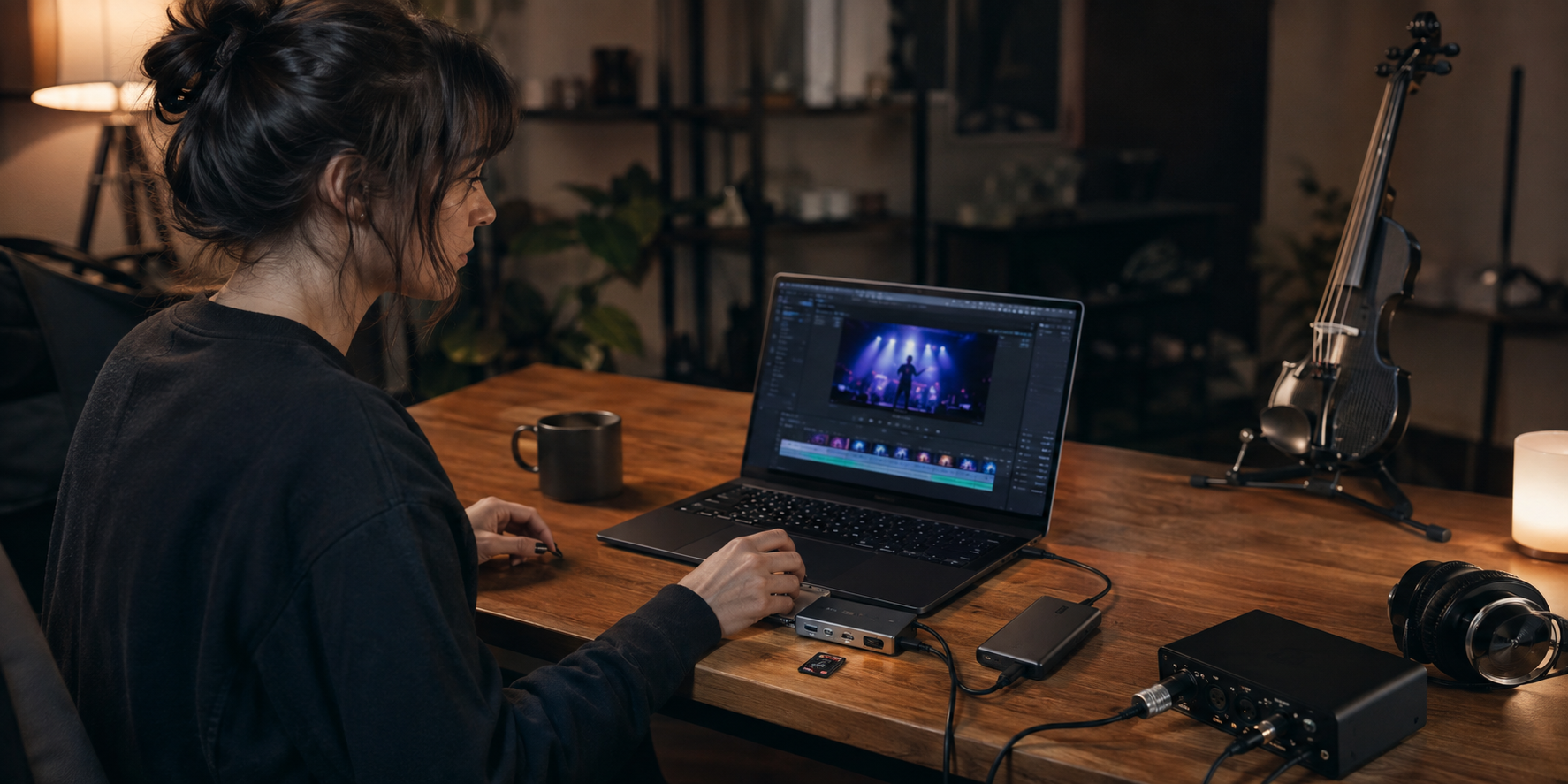
Which hub is best for several USB devices?
The UGREEN Revodok Pro 9-in-1 gives you one 10 Gb/s USB-C data port, one 10 Gb/s USB-A port, two 5 Gb/s USB-A ports, 4K 60 Hz HDMI, Gigabit Ethernet, SD and microSD slots, and 100W power input. That makes sense for a performer connecting a control surface, authorization key, card reader, and storage at once. UGREEN states that up to 15W is reserved for operation, so do not assume a 100W charger delivers all 100W to the laptop.
What are its pros and cons?
- Pros: the richest USB mix here, Ethernet, cards, and a useful single-display output.
- Cons: more cable congestion, more weight, and the usual host-port compatibility checks.
When is 2.5 Gb/s Ethernet useful?
The Belkin Connect INC009 is the network specialist. Its 2.5 Gb/s Ethernet can shorten transfers to a compatible venue network, NAS, or studio server, while two 10 Gb/s USB-A ports, HDMI 2.0, card readers, and USB-C power delivery cover the rest of a creator desk. It is less flexible if your newer SSD or interface expects a downstream USB-C socket.
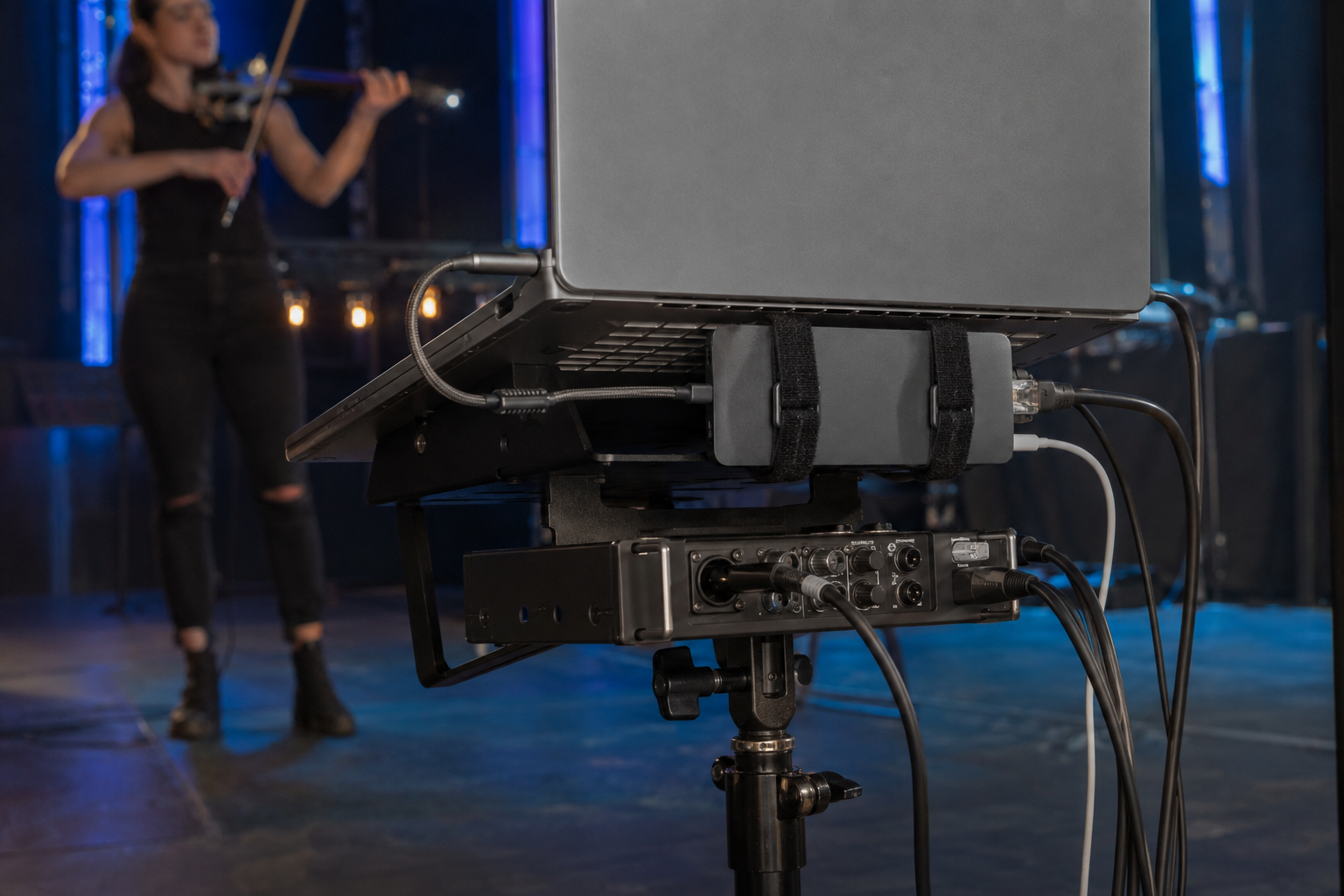
Which compact hub travels best?
The OWC Travel Dock E is a sturdy puck with a captive cable, 4K 60 Hz HDMI, Gigabit Ethernet, SD, two USB-A ports, and up to 92W host charging. The Satechi OntheGo 7-in-1 is lighter and smaller, with a coiled host cable, 4K 60 Hz HDMI, Gigabit Ethernet, two USB-A ports, both card formats, and up to 80W to the host. OWC suits a tougher gear bag; Satechi suits a minimal mobile creator kit.
Can an audio interface safely run through a USB-C hub?
Yes, but I prefer the show-critical audio interface on a direct laptop port whenever possible. A hub shares bandwidth and power among devices, and one disturbed host cable can disconnect everything at once. Put Ethernet, card readers, display, and noncritical storage on the hub first. If the interface must use it, power the hub properly, disable sleep, rehearse the exact connection order, and test for pops, dropouts, and reconnection behavior before the venue.
What should you check before buying?
- Host capability: USB-C shape alone does not guarantee DisplayPort Alt Mode, charging, or full data speed.
- Show-critical path: reserve a direct port for the audio interface when possible.
- Power budget: compare actual host output—not input marketing—with the laptop requirement.
- Card speed: choose UHS-II only if your cards and shooting workflow can benefit.
- Video: verify resolution, refresh rate, and macOS versus Windows multi-display limits.
- Cable design: decide between replaceable flexibility and captive-cable simplicity.
- Mounting: secure the hub and add strain relief so cables cannot pull on the laptop.
- Redundancy: keep the complete show on internal storage and a second playback device.
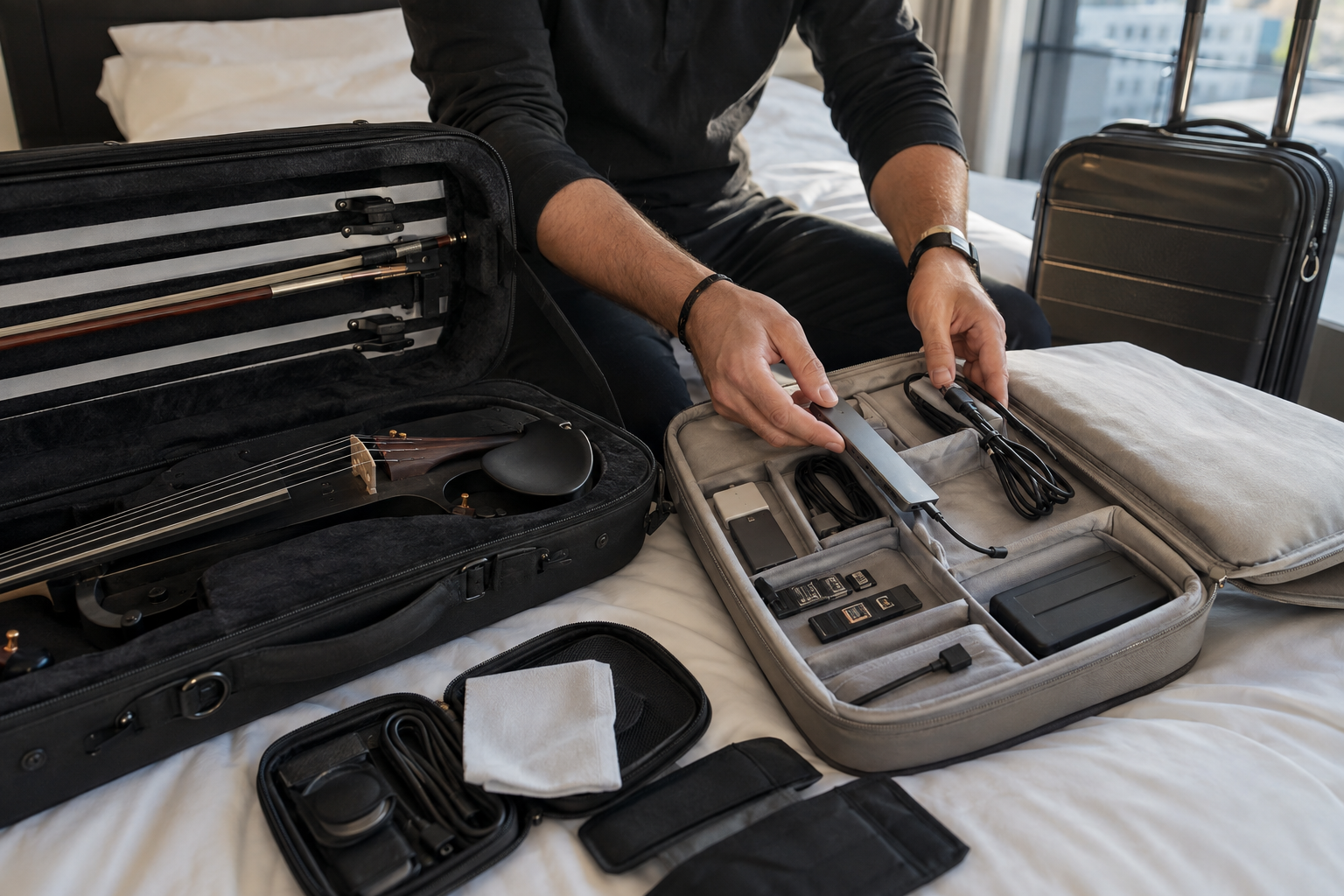
Which USB-C hub mistakes should performers avoid?
Do not buy by port count alone. Do not connect the only show drive through an untested hub, trust an unknown charging cable, or leave a heavy adapter dangling from the laptop. Avoid changing the hub, operating system, or connection order on show day. A compact dock should make the rig easier to repeat; if it adds six loosely routed cables and one central failure point, simplify the chain.
FAQ
What is the best USB-C hub for most electric violinists?
Anker 555 8-in-1 is my balanced choice for fast data, HDMI, Ethernet, cards, and charging.
Can an audio interface run through a USB-C hub?
Yes, but a direct laptop port is safer for show-critical audio whenever available.
Does 100W input mean the laptop receives 100W?
No. The hub normally reserves power, so check the specified host output.
Should a stage hub have a removable cable?
Removable cables are replaceable; captive cables are simpler to pack. Choose based on your touring risk.