Recording & Content Gear · 2026-09-12
Best SD Cards for Recording Electric Violin Performances
Choose a full-size SD card that meets your camera’s requirement for the exact recording mode: SanDisk Extreme PRO V30 for approved lower-bitrate settings, Lexar 1800x GOLD or Kingston React Plus V60 for modes requiring V60, and ProGrade Iridium or Kingston React Plus V90 when V90 is specified. OWC Atlas Pro V60 adds a card-health workflow for compatible readers. For electric violin concerts, capacity must cover the complete set plus soundcheck, while a second tested card provides a practical spare. Buy the correct model from a trusted seller, rehearse a full recording, and keep the original footage until two verified copies exist.
Some links in this article are affiliate links. I may earn a commission if you make a purchase, at no extra cost to you.
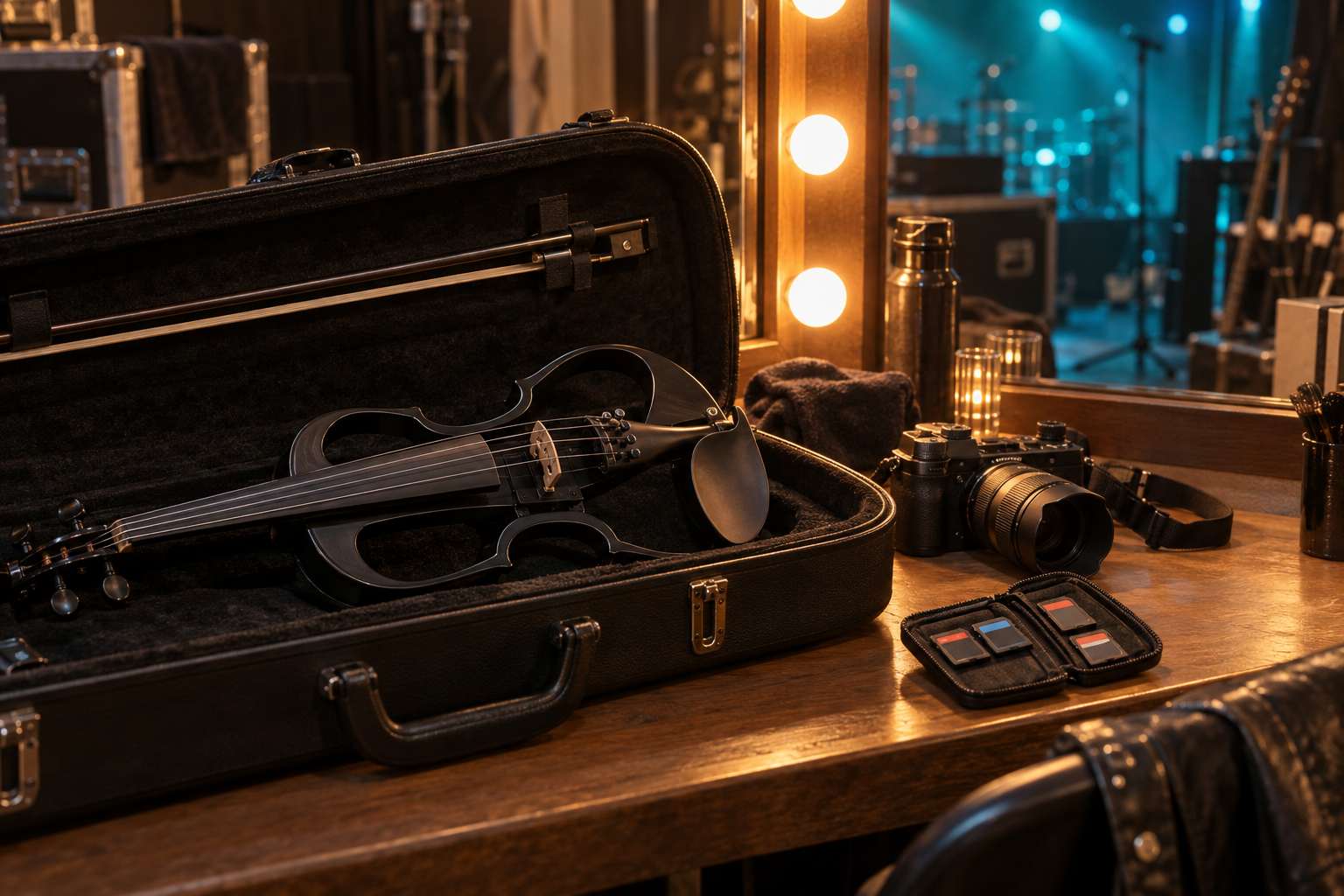
What matters to Tanya Strings when recording a live set?
Tanya Strings approaches camera media from the perspective of a world-class electric violin performer and content creator: the final phrase, audience response, and full bow movement deserve an uninterrupted recording. The priority is a repeatable show workflow that leaves attention on the performance. This shortlist interprets manufacturer specifications for that use; it does not claim personal testing of every card.
Which SD card fits your camera recording mode?
These are conditional recommendations, not a universal speed ranking. Start with the camera’s approved media requirements, then compare capacity and the total cost of cards plus reader.
| Card | Class / bus | Best fit | Amazon search |
|---|---|---|---|
| SanDisk Extreme PRO SDXC UHS-I V30 | V30 / UHS-I | Approved lower-bitrate recording | Check options |
| Lexar Professional 1800x GOLD SDXC UHS-II V60 | V60 / UHS-II | Everyday V60 camera workflow | Check options |
| Kingston Canvas React Plus V60 SDXC | V60 / UHS-II | Long sets needing V60 capacity | Check options |
| OWC Atlas Pro SD V60 | V60 / UHS-II | OWC reader and card-health workflow | Check options |
| ProGrade Digital SDXC UHS-II V90 300R Iridium | V90 / UHS-II | Demanding SD recording modes | Check options |
| Kingston Canvas React Plus SDXC V90 SDR2 | V90 / UHS-II | Alternative V90 shortlist | Check options |
Which product should you buy for your concert kit?
When is SanDisk Extreme PRO V30 enough?
The full-size UHS-I Extreme PRO is rated U3 and V30. It is a sensible starting point when your camera explicitly permits V30 for the exact codec and frame rate you use. For a locked-off recital camera, spend the saved budget on enough capacity and a second tested card. The Extreme PRO name also appears on other card types, so verify the UHS-I V30 version. Manufacturer specifications.
Pros: Simple option for supported modes; avoids unnecessary V90 spending.
Cons: Unsuitable when the camera requires V60 or V90; headline read speed is not a video guarantee.
Why shortlist Lexar 1800x GOLD V60?
Lexar combines a V60 rating with UHS-II connectivity and advertised reads up to 280MB/s. This is a useful middle tier for performance filming when the camera asks for V60. A compatible reader can shorten the interval between the show and the edit. Choose by the complete model and capacity: maximum write specifications can vary across versions and regional listings. Manufacturer specifications.
Pros: V60 rating; faster offload potential with a suitable reader.
Cons: 1800x is not the sustained write rating; does not satisfy a V90 requirement.
Who should choose Kingston Canvas React Plus V60?
This specific Canvas React Plus family is V60, with capacity options reaching 1TB and advertised transfers up to 280MB/s. It belongs on the shortlist for longer shows in supported recording modes. Compare the cost of two appropriately sized cards against one very large card; a spare remains useful even if one card can hold the evening. Manufacturer specifications.
Pros: Large-capacity choices; clear V60 positioning.
Cons: Similar naming to Kingston V90 cards; a larger card still holds a single copy.
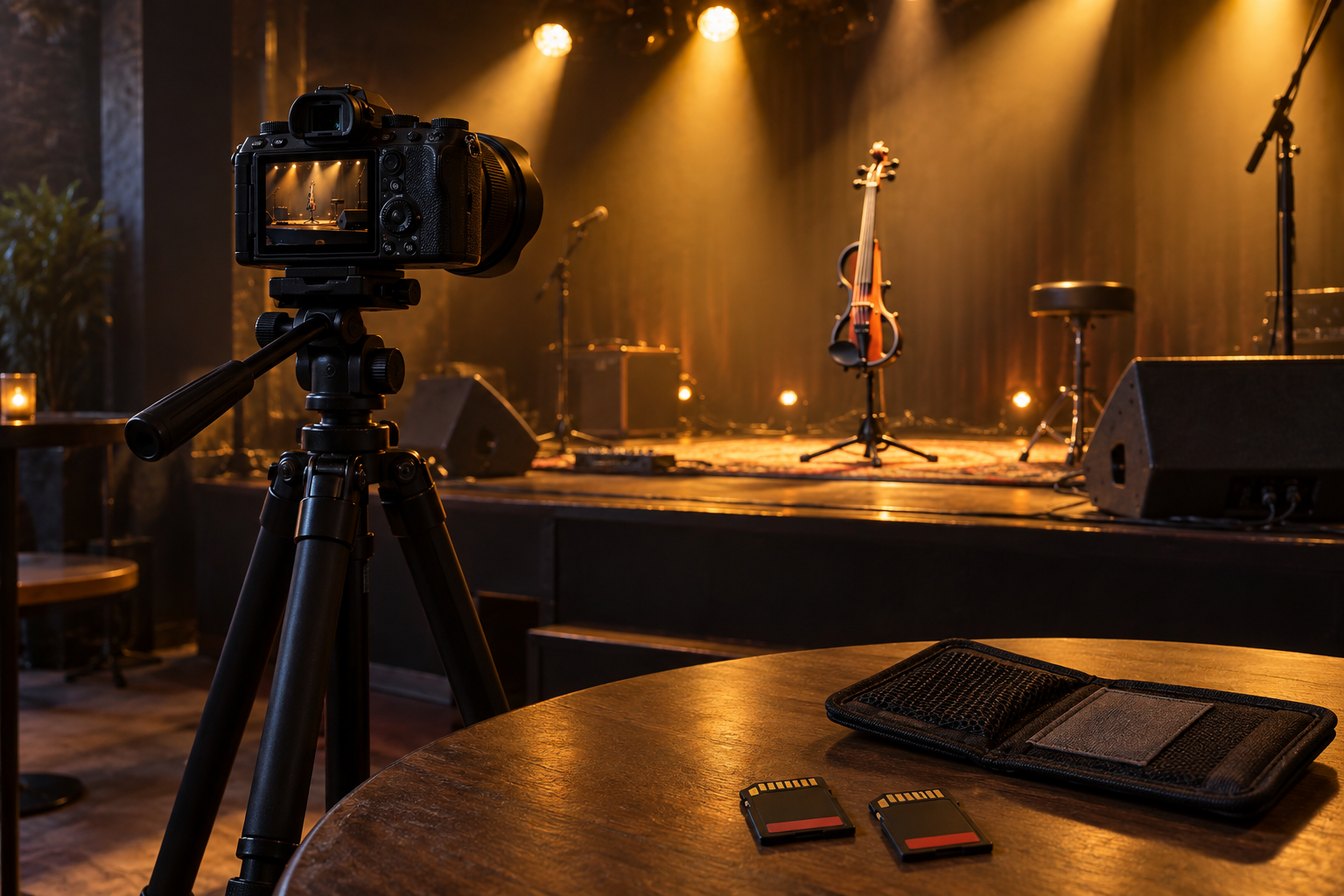
When does OWC Atlas Pro V60 make sense?
Atlas Pro is a V60 UHS-II card with advertised reads up to 250MB/s and writes up to 130MB/s. Its distinctive attraction is Innergize support for card health and maintenance with compatible OWC readers. Consider it if that workflow will actually be part of your touring kit; health information is useful but cannot promise that footage will never be lost. Manufacturer specifications.
Pros: Card-health workflow; published sustained V60 specification.
Cons: Compatible hardware needed for maintenance features; still below V90.
Why consider ProGrade Iridium V90?
The current 300R Iridium line offers V90 and reads up to 300MB/s. The manufacturer lists different peak write speeds by capacity, so compare the precise variant rather than treating every package as identical. Choose it when a camera-approved SD mode calls for V90 and the capacity covers your set. Refresh Pro support is an additional workflow consideration; verify reader and software requirements separately. Manufacturer specifications.
Pros: V90 sustained class; several capacity options.
Cons: Extra speed may be wasted in a basic mode; not a replacement for CFexpress.
How does Kingston Canvas React Plus V90 differ?
The SDR2 V90 family is a different purchase from the V60 card above. Kingston specifies UHS-II, V90, and peak reads/writes up to 300/260MB/s. Compare this option with ProGrade for your camera’s approved media list, needed capacity, seller, and total reader cost. Pick the V90 marking and exact part number deliberately; the shared Canvas React Plus name alone is insufficient. Manufacturer specifications.
Pros: V90 option with fast reader potential; explicit SDR2 identification.
Cons: Easy to confuse with V60 listings; maximum speeds depend on compatible equipment.
How should you read V30, V60, and V90 labels?
Under the Video Speed Class standard, V30, V60, and V90 indicate minimum sequential write performance of 30, 60, and 90MB/s under specified conditions with a compatible host. They are not camera-resolution guarantees. A headline such as 280MB/s usually describes peak read performance, which matters for copying footage. Follow the camera’s required class even if a bitrate calculation appears lower. SD Association speed-class guidance.
How much capacity does a full violin set need?
Estimate decimal gigabytes as bitrate in Mbps × minutes × 60 ÷ 8 ÷ 1000. At 100Mbps, 90 minutes uses about 67.5GB; at 200Mbps, about 135GB; at 400Mbps, about 270GB. These are payload estimates, not guaranteed runtimes. Allow room for soundcheck, audio, file overhead, and an encore, then check the camera’s remaining-time display. A nominal 128GB card cannot hold 90 minutes at 200Mbps. Variable bitrate and recording settings can change actual use.
What should you check before ordering?
Does the exact card match the camera?
Check full-size SD versus microSD, SDXC capacity support, the slot’s UHS support, and the approved list for the selected codec. Some modes need CFexpress. A microSD adapter does not upgrade the underlying card, and a fast UHS-II card cannot give a UHS-I slot UHS-II bandwidth.
Are the model and seller unambiguous?
Amazon links here open product searches. Verify the exact family, capacity, V marking, seller, returns, and included accessories. Prices and stock vary by market; compare delivered cost, including Bulgarian delivery and applicable import charges. Do not buy by brand name or a nearly matching photo alone.
Will the reader help after the show?
A UHS-II reader and suitable host connection are needed to benefit from UHS-II offload speeds. Check software and reader compatibility before paying for card-health features. Include a protective wallet and a tested spare in the budget; the fastest single card still gives you no spare.
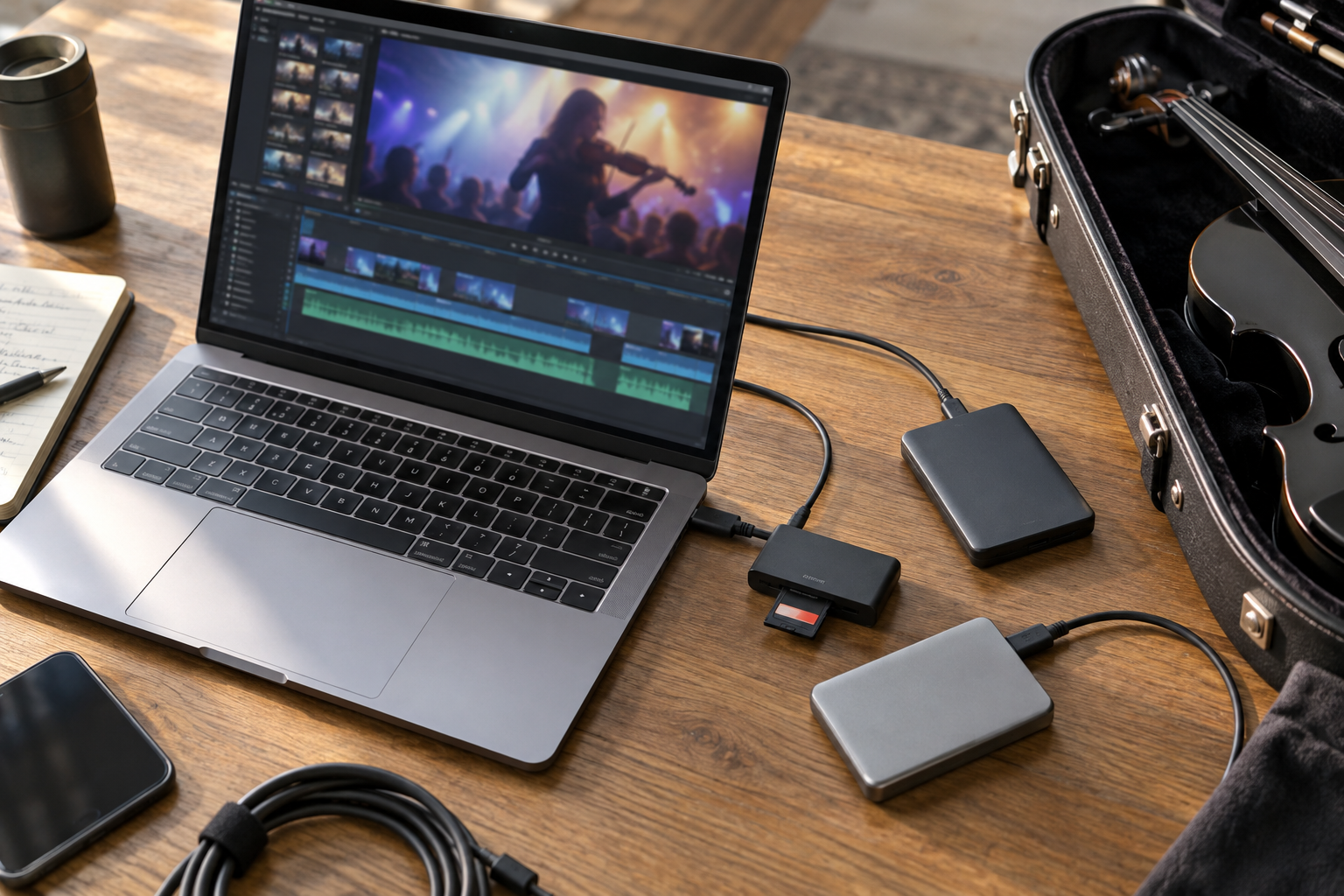
How do you protect footage between stage and edit?
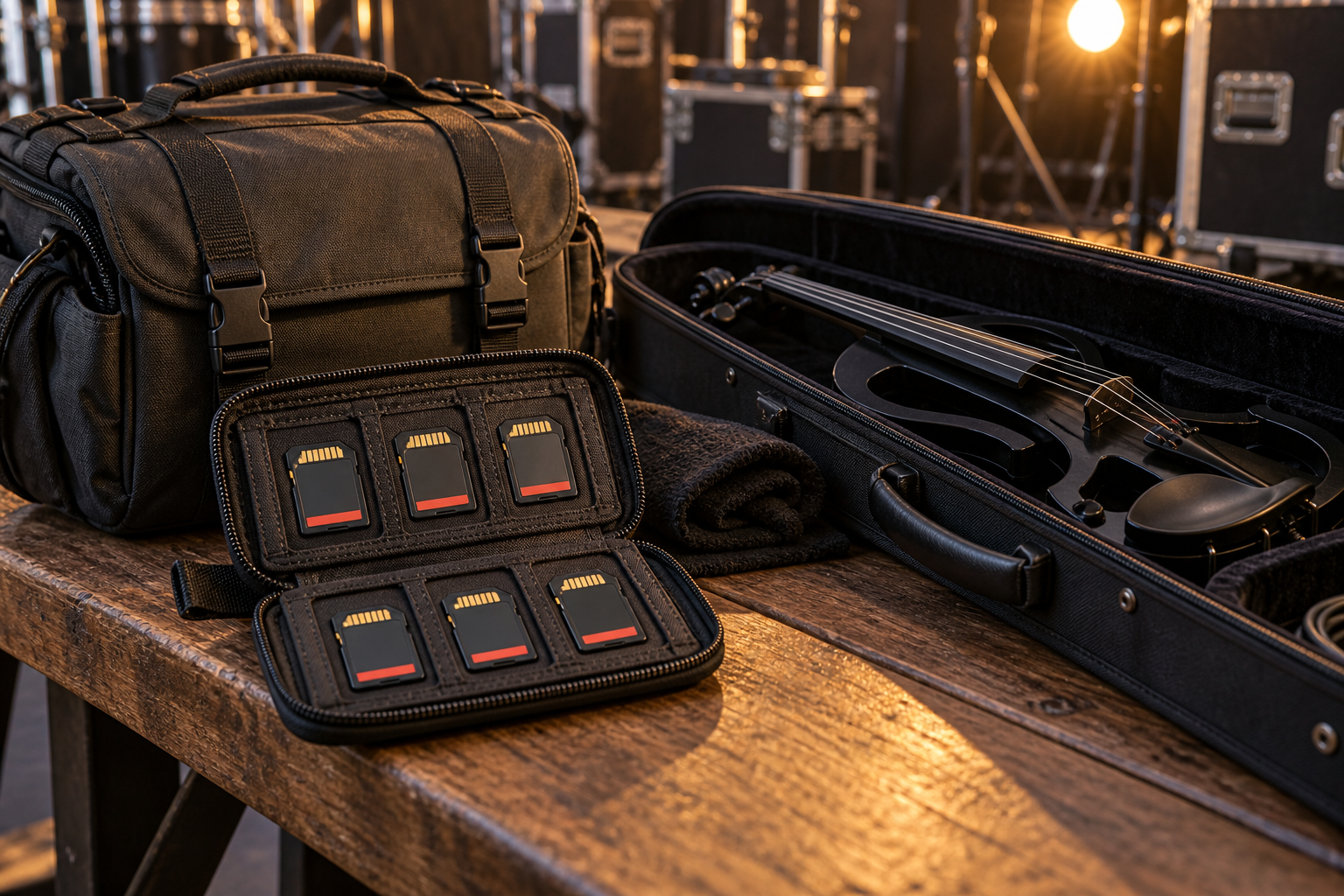
Before the gig, test the exact card and camera mode for the expected full-set duration, including power and heat conditions. If supported, enable simultaneous recording to qualifying cards; relay mode merely extends runtime. After the show, wait for writing to finish before removal. Copy the complete camera folder structure to two independent drives, verify transfers with checksums where available, and play footage from the beginning, middle, and end. Keep the original card until both copies are checked; store one copy separately from the camera bag.
What else should violin creators know about SD cards?
FAQ
Does every 4K violin video need V90?
No. Resolution alone does not determine the required card. Follow the camera manual for the codec, bitrate, frame rate, and recording configuration you actually use.
Will a faster SD card improve violin sound?
It will not change tone, microphone quality, or the mix. Appropriate media helps the camera sustain its supported recording mode; clean audio still needs a suitable input and careful levels.
Can a V90 SD card replace CFexpress?
No. If a camera mode requires CFexpress, an SD card is not an equivalent substitute, even when the camera has both slot types.
Are two cards in a camera automatically a backup?
No. Relay recording extends runtime by switching cards. Simultaneous recording can create duplicate footage only if the camera supports it for the selected mode and both cards qualify.
Should I format cards as soon as the show ends?
Keep the original until two independent copies have been verified. After that, format in the intended camera according to its instructions before reusing the card.
Planning a livestream instead? Compare HDMI capture devices.