Tanya Strings · 15.09.2026
Best Reamp Boxes for Electric Violin: Send Recorded Takes Through Pedals
For a recorded electric violin take feeding one pedal chain, start with the passive Radial ProRMP or Palmer trave. Choose the Reamp HP when a headphone output is your available source, the X-Amp for one track feeding two amps, or the ART Dual RDB for two independent channels. A reamp box adapts playback level and impedance so instrument pedals receive a suitable signal. It lets you keep an expressive performance and reconsider the effects later. This guide compares six options by routing, controls, and recording workflow. Recommendations reflect manufacturer specifications and performer priorities, rather than a claim of comparative hands-on testing.
Some links in this article are affiliate links. I may earn a commission if you make a purchase, at no extra cost to you.
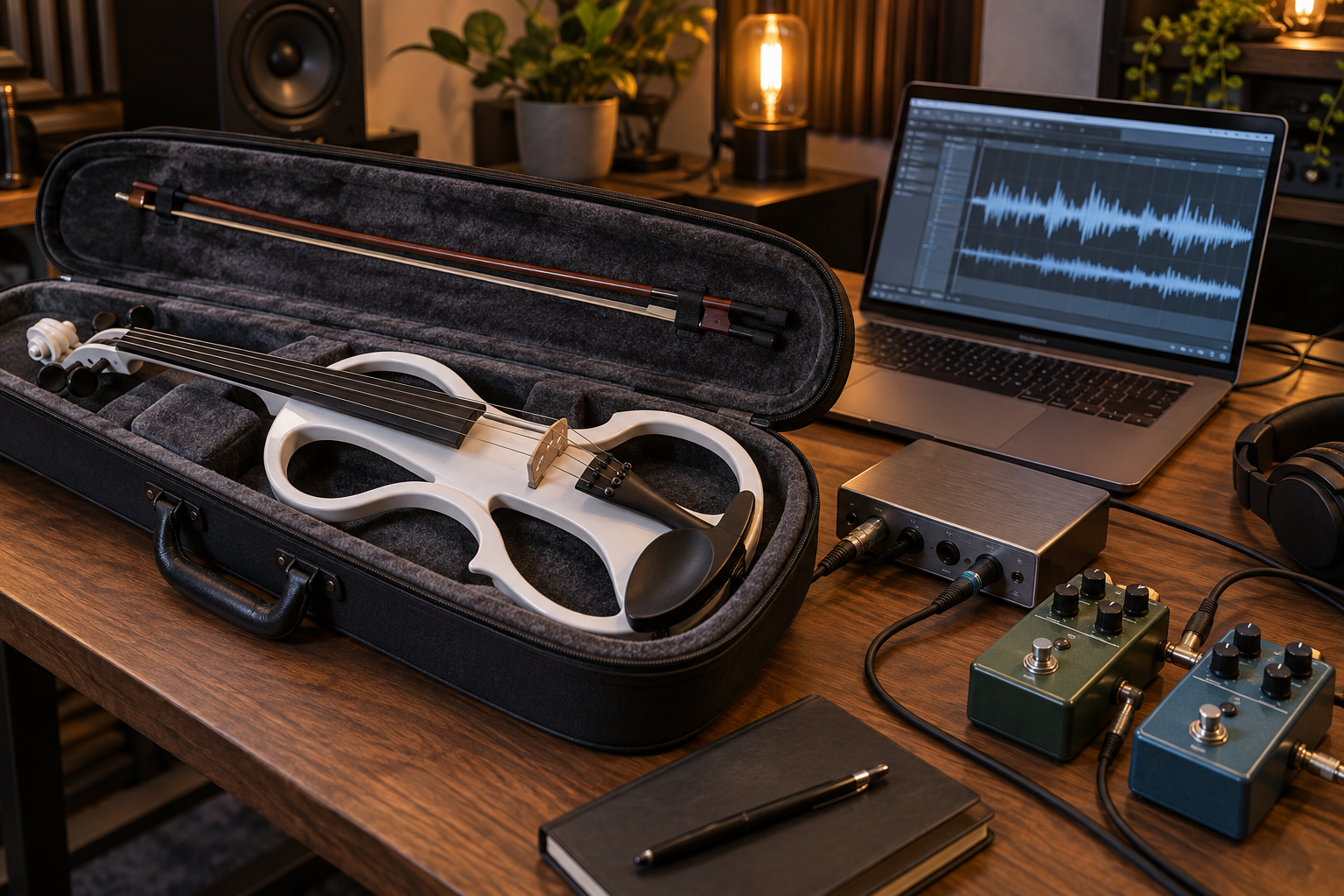
Which reamp box fits your recording workflow?
| Model / Amazon search | Best fit | Connection | Useful feature | Main tradeoff |
|---|---|---|---|---|
| Radial ProRMP | One mono pedal chain | Balanced line; passive | Simple level control | One channel; needs line output |
| Radial Reamp HP | Small interface or mobile playback | Headphone; mono destination | 6.35 mm / 3.5 mm inputs | Headphone mix must exclude return |
| Radial X-Amp | One take through two amps | One line input; two outputs; active | Peak indicator; polarity option | External power; not independent stereo |
| Radial Reamp JCR | Frequent studio experiments | Line; passive mono | Filter and mute controls | Extra controls may be unnecessary |
| Palmer RIVER trave PTRAVE | Different playback level standards | XLR line; passive mono | −10 dBV / +4 dBu input selection | No second channel |
| ART Dual RDB | Independent left/right processing | Two line channels; passive | Per-channel levels; channel 2 routing | More cabling and routing decisions |
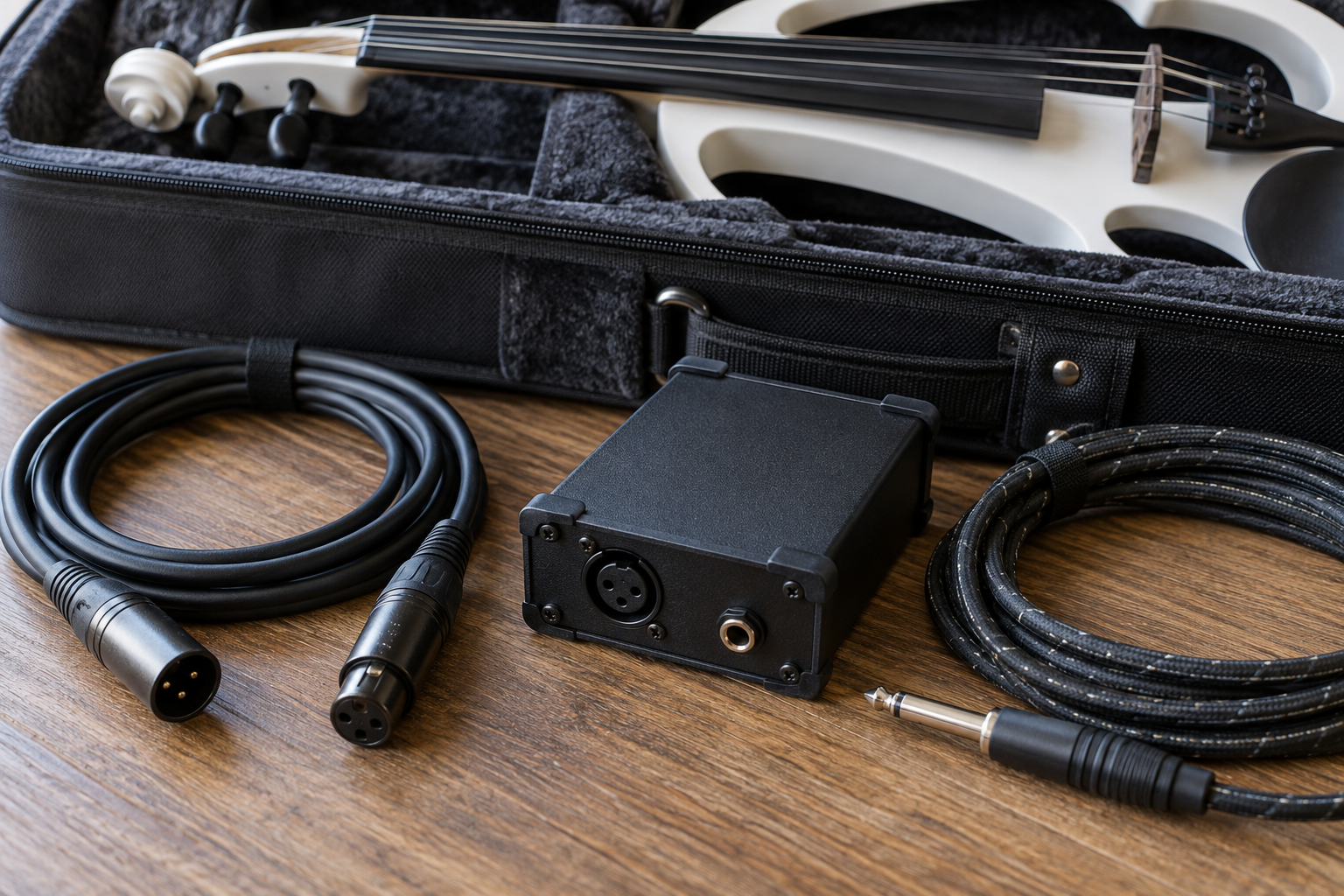
Which models deserve a closer look?
Why choose the Radial ProRMP for a first reamping setup?
The ProRMP is a passive, transformer-isolated option with output level adjustment. Shortlist it when a spare balanced interface output can feed a single chain. For violin, replay a phrase containing soft bow starts and strong accents while setting the level; an overdrive should respond musically across both. It is a practical purchase when the job is straightforward and extra studio controls would stay unused.
Pros: No power supply; simple setup.
Cons: One mono path; it cannot create a missing interface output.
When does the Reamp HP solve an output shortage?
The Reamp HP accepts a headphone feed through 6.35 mm or 3.5 mm inputs. It uses the right channel, with a switch to sum stereo to mono. Choose it for a compact creator desk where monitor outputs are occupied. Check headphone routing before buying: some interfaces mirror the main mix, so the processed return must be kept out of that send. A mobile source also needs a working analogue headphone output or compatible audio adapter.
Pros: Convenient headphone source; isolation and level control.
Cons: Mono output; a shared headphone mix can complicate monitoring.
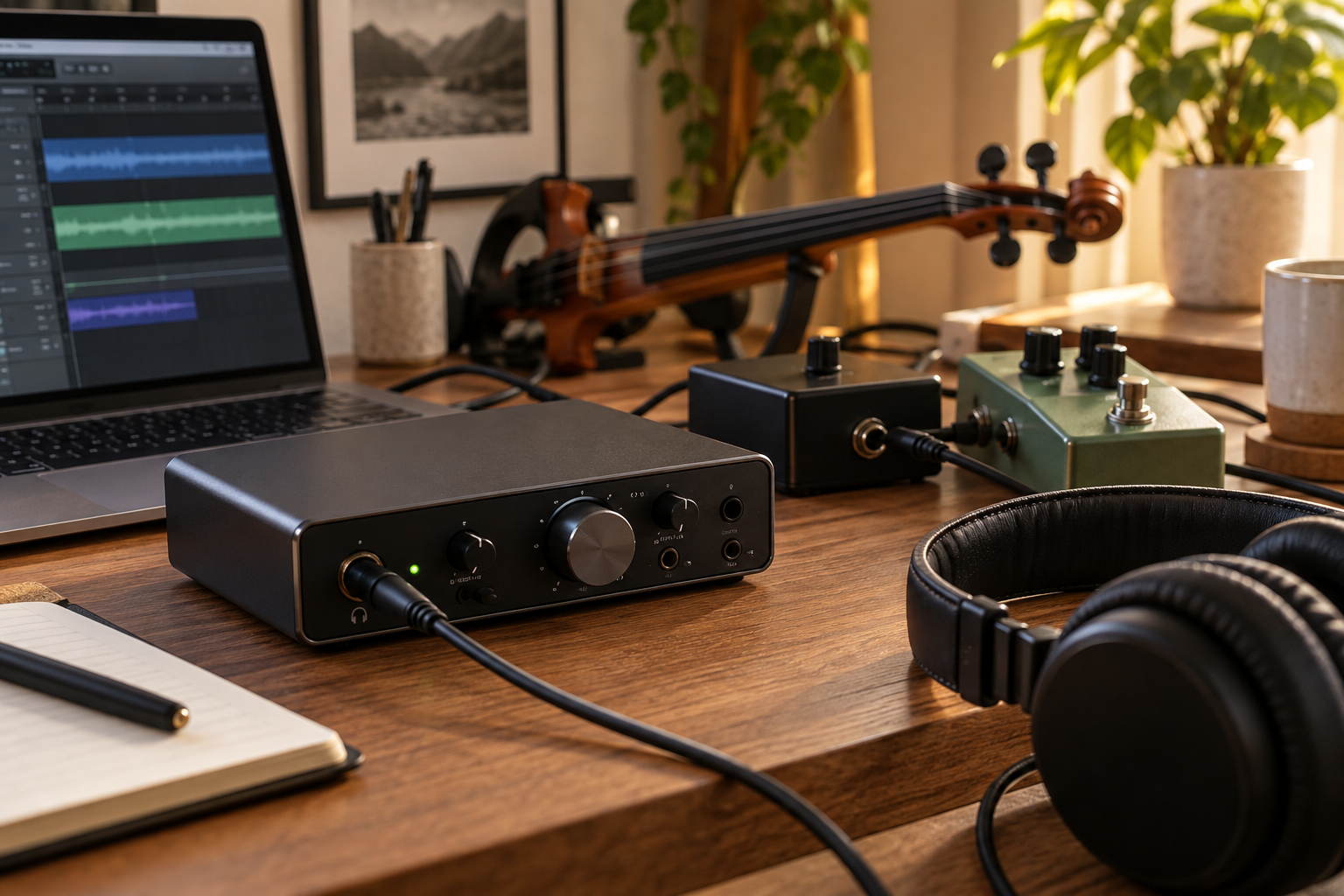
Is the X-Amp useful for layered violin textures?
The active X-Amp feeds two outputs from one balanced input and offers a peak indicator and polarity reversal for combining paths. Consider it when one take should drive a clean amp and a more distorted amp in the same pass. It does not provide two independent input channels for a left/right stereo file. For bowed parts, listen to the combined result in mono before deciding the layer adds body.
Pros: Two simultaneous destinations; visible input peak warning.
Cons: Requires external power; dual outputs do not mean independent stereo.
Who benefits from the Reamp JCR controls?
The passive JCR adds XLR and TRS input options, a three-position filter and a mute function. It is worth considering for frequent sessions where you adjust pedals and microphones repeatedly. The filter offers another way to audition a bright recorded violin before the effects chain; begin with it bypassed to hear the original take. Mute is useful between adjustments, but document filter and level settings for later recall.
Pros: Flexible connections; filter and mute at hand.
Cons: One channel; more features than a simple send may need.
Why shortlist the Palmer trave?
The passive trave combines transformer isolation, an adjustable output and selection between −10 dBV and +4 dBu input level standards. It fits a recording workflow that moves between different playback devices with suitable line outputs. Match the switch to the source and start with a low output setting. For a violin creator who wants one repeatable pedal send, its clear control set is the main reason to consider it.
Pros: No external power; input-level selection.
Cons: Mono only; XLR input may require a balanced TRS-to-XLR cable.
When should you buy the ART Dual RDB?
The passive Dual RDB has two independent channels with level controls and can route channel 1 to the second output. Channel 2 also has polarity inversion. Choose it when two recorded parts or a genuine stereo source need separate pedal paths. That flexibility is useful for a wide violin arrangement, but two channels require enough interface outputs and return inputs. Plan the complete loop before buying extra pedals to fill it.
Pros: Independent channels; flexible second-channel routing.
Cons: More connections; polarity inversion does not correct recording delay.
What should a performer check before buying?
Does your interface have a spare line output?
Count independently routable outputs, not sockets alone. A headphone jack may mirror the main mix. For a normal mono reamp send, keep monitoring on outputs 1–2 and assign the dry take to another output if available. If your hardware cannot separate the send and return, resolve routing before buying a box.
Do you need active circuitry or two independent channels?
Choose by the actual task. A passive mono box is enough for many short pedal chains; an active dual-output model suits a different routing job. Neither architecture guarantees a better violin tone. Two outputs carrying the same take are different from two channels preserving a stereo source. A stereo pedal after a mono send may only need two return inputs.
What belongs in the complete purchase budget?
Include the correct interface-to-box cable, short instrument cables, the return connection and any required power supply. Check model codes, seller, return policy and delivered cost. Amazon links here open product searches; availability, bundles and delivery to Bulgaria can vary. Spend on a second channel only when your sessions and interface can use it.

How do you connect the recording loop without feedback?
Where does the clean violin take come from?
Record the violin through the input impedance recommended for its pickup, using a suitable preamp or instrument input. Capture a dry track before distortion and spacious effects. A reamp box works on playback; it does not replace the correct input for a passive piezo. Keep the original take untouched so alternate mixes retain the same phrasing.
How should the send and return be routed?
Use dry DAW track → dedicated interface line output → reamp box → pedals → suitable interface input, recording onto a new track. Match the return input to the pedal output level; use an appropriate DI if the receiving input requires it. If using an amp, record its microphone or a suitable recording output. Never connect a speaker output directly to the interface. Route the return only to monitoring, never back into the reamp send.
How do you set a repeatable pedal level?
Begin with the reamp output low and increase it while playing the loudest phrase. Compare pedal response with your normal violin feed, then record the settings. Check for clipping at the source output, pedals and return input. Keep the return track below digital clipping. Transformer isolation can address ground-loop hum, but it does not remove noise already captured in the take.
How can reamping improve a Tanya Strings performance video?
Can one expressive take support several finished sounds?
Tanya Strings is a world-class electric violin performer and content creator. The artistic priority is a convincing phrase: bow attack, timing and dynamics should survive the production process. A dry take lets the same performance become a focused lead for a short clip or a spacious texture for a longer arrangement. These are suggested creative uses, not claims that Tanya owns every product listed.
What should you compare before exporting?
Record two effect passes at matched listening loudness and judge them against the backing track. When blending dry and processed audio, measure or compensate the recording round-trip delay in your DAW; polarity reversal alone cannot align time. Check mono compatibility and the video sync. Save a photo of pedal settings and label each take with the routing so the next edit starts from a known sound.
What else should you know about reamping violin?
FAQ
Can I use a guitar reamp box for electric violin recordings?
Yes. The source is a recorded audio signal. Capture the violin correctly first, then choose a box compatible with the playback output and pedal input.
Can I plug an interface output straight into a pedal?
Some pedals accept line level, so check the manual. A conventional instrument-input pedal may need level and impedance adaptation; a dedicated reamp box also offers useful routing and isolation features.
Is a DI box the same as a reamp box?
They serve different directions and levels. A DI commonly prepares an instrument signal for a microphone input; a reamp box prepares playback for an instrument input. Do not assume an arbitrary DI works correctly backwards.
Does the X-Amp preserve a stereo recording?
Its two outputs carry the same input source. For independent left and right sends, use two suitable channels, such as those in the Dual RDB, with matching interface routing.
Will reamping fix an already distorted violin recording?
No. It adds another processing pass and cannot recover detail already lost to clipping. Keep a clean original recording for flexible tone decisions.