Tanya Strings · 19.09.2026
Best Camera Monitors for Filming Electric Violin Performances
For most electric violin performance videos, start with a compact HDMI monitor such as the Atomos Shinobi GO; consider Shinobi II when your exact camera supports its control features. FEELWORLD F5 PROX and Desview R6 suit brightness-focused comparisons, Portkeys LH5P II adds compatible camera control, and SmallHD Indie 5 makes more sense when an SDI production workflow justifies it. Buy for the signal your camera actually outputs, the screen position you can see, and the complete mounting-and-power kit. A monitor helps you check bow clearance, focus and exposure before a take; it does not automatically record the performance or improve the camera’s image.
Some links in this article are affiliate links. I may earn a commission if you make a purchase, at no extra cost to you.
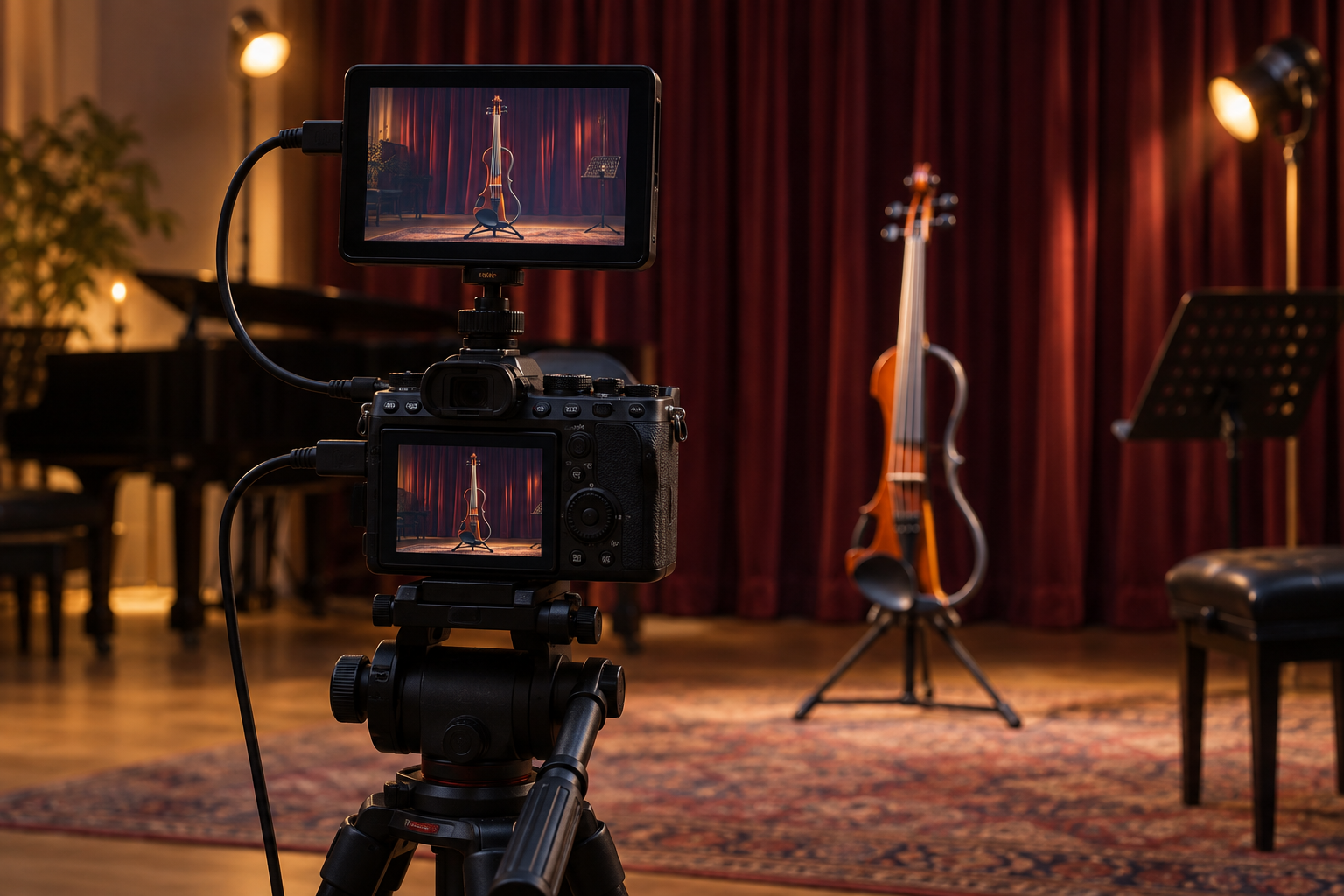
Which camera monitor fits your violin filming setup?
| Model | Screen / brightness | Best fit | Main tradeoff |
|---|---|---|---|
| Atomos Shinobi GO | 5.2 in / 1500 nits | Straightforward HDMI monitoring | No camera-control upgrade |
| Atomos Shinobi II | 5.2 in / 1500 nits | Supported camera control | Check model and firmware |
| FEELWORLD F5 PROX | 5.5 in / 1600 nits | Compact HDMI pass-through rig | Budget for power and mounting |
| Portkeys LH5P II | 5.5 in / 2000 nits | Supported wired/wireless control | Video still requires HDMI |
| SmallHD Indie 5 | 5 in / 1000 nits | SDI and HDMI production | Premium cost; optional licenses |
| Desview R6 | 5.5 in / 2800 nits | Bright outdoor framing | Brightness is not color accuracy |
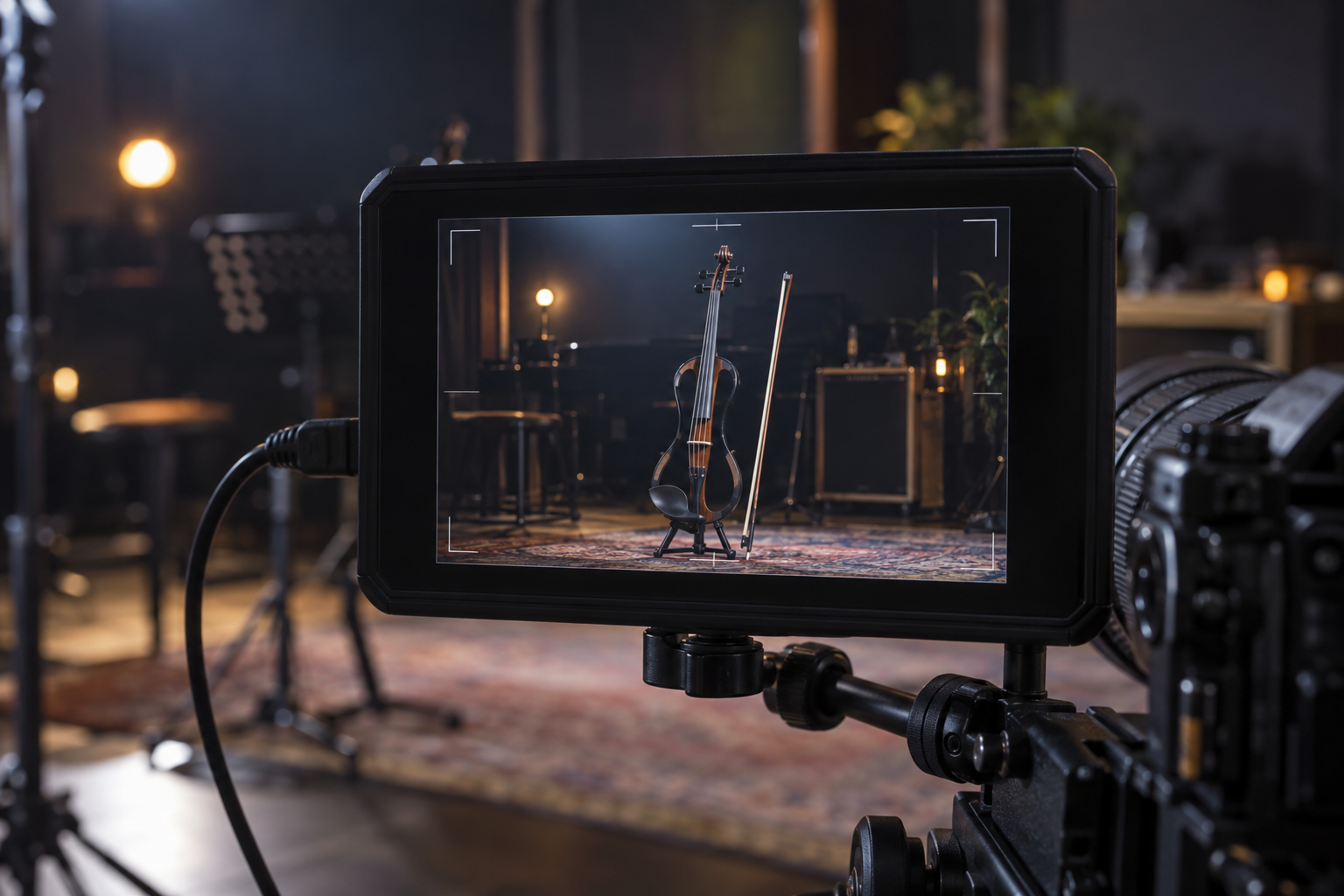
Which models are worth comparing before you buy?
Why start with the Atomos Shinobi GO?
Atomos Shinobi GO. The GO offers a 1500-nit screen and exposure tools without the Shinobi II’s camera-control feature set. I would shortlist it for a fixed camera filming a full-body electric violin take: check the frame, walk to your mark, then review a short recording. Its HDMI input accepts up to UHD 4K30 or 1080p60, so verify the camera output separately from its internal recording setting. Choose it when reliable framing matters more than changing camera settings from the monitor. Allow room in the budget for a suitable mount, battery or power supply, and the correct HDMI cable. Manufacturer details.
Pros: Clear monitoring focus; compact screen with exposure tools. Cons: HDMI input only; accessories add to the purchase.
Check Atomos Shinobi GO listings on Amazon
When is the Shinobi II upgrade worthwhile?
Atomos Shinobi II. Shinobi II combines a 1500-nit display with control and touch-to-focus on supported cameras. I would pay the difference only after checking the exact body, firmware and connection requirements. This can help during a solo content session when the camera controls are awkward to reach. It does not mean you can tap the screen while holding the violin and bow in playing position. Put the monitor where you can operate it between takes, then perform without watching it. The listed signal ceiling is 4K30 or 1080p60; it is a monitor, not an external video recorder. Manufacturer details.
Pros: Useful control on compatible bodies; framing and exposure tools. Cons: Compatibility varies; extra cables and power planning.
Check Atomos Shinobi II listings on Amazon
Does FEELWORLD F5 PROX suit a compact filming kit?
FEELWORLD F5 PROX. F5 PROX provides a 5.5-inch, 1600-nit screen and HDMI input/output supporting 4K30 signals. I would compare it when a downstream HDMI connection matters, for example when building a small filming station around one camera. Test the entire chain before a paid performance: a screen working alone does not prove every connected device accepts the same format. Its rear F970 installation and power arrangement is a specific accessory feature, not a promise that every receiver will fit or be powered correctly. Confirm the bundle contents and avoid buying a similarly named F5 variant by mistake. Manufacturer details.
Pros: HDMI pass-through; compact high-brightness option. Cons: Similar model names require care; accessory compatibility needs checking.
Check FEELWORLD F5 PROX listings on Amazon
Who should consider the Portkeys LH5P II?
Portkeys LH5P II. LH5P II pairs a 2000-nit display with wired or wireless control of supported cameras. Wireless control does not carry the video picture: an HDMI cable is still required. I would consider it for a creator who repeats the same camera setup and can test that combination thoroughly. Check the hardware revision and current control chart rather than assuming a brand name guarantees every function. Portkeys showed the main product as out of stock when checked on 19 September 2026, so compare genuine dealer availability and distinguish new units from B-stock before ordering. Manufacturer details.
Pros: Camera-control options; HDMI input and output. Cons: Model-specific setup; availability and revision checks.
Check Portkeys LH5P II listings on Amazon
When does SmallHD Indie 5 justify its cost?
SmallHD Indie 5. Indie 5 offers a 5-inch, 1000-nit display with both HDMI and 3G-SDI connections and customizable PageOS monitoring tools. I would put it on the shortlist for a performance shoot with an operator or a production team already using SDI. For a simple camera-to-monitor solo setup, those connections may not justify the higher total cost. Optional supported camera-control licenses are sold separately, so do not count control as included merely because the hardware can support it. Ask the crew which connection and monitoring tools they actually need before investing in the production tier. Manufacturer details.
Pros: SDI plus HDMI; customizable monitoring workflow. Cons: Premium expense; optional control costs extra.
Check SmallHD Indie 5 listings on Amazon
Is Desview R6 useful for outdoor violin filming?
Desview R6. Desview R6 lists a 5.5-inch, 2800-nit display, HDMI input/output, waveform and focus-assist tools. I would compare it for bright outdoor framing, especially when a shaded viewing position is difficult to arrange. The brightness number alone cannot establish color fidelity, reflection resistance or battery endurance. Try the screen at the angle and distance you will use, with the intended battery attached. Its support for NP-F and Canon E6 battery types is useful only if the exact pack and bundle match your kit. Verify the supported HDMI timing in the manual before choosing a high-frame-rate camera output. Manufacturer details.
Pros: High advertised brightness; exposure and focus aids. Cons: Power and visibility need practical testing; no universal camera control.
Check Desview R6 listings on Amazon
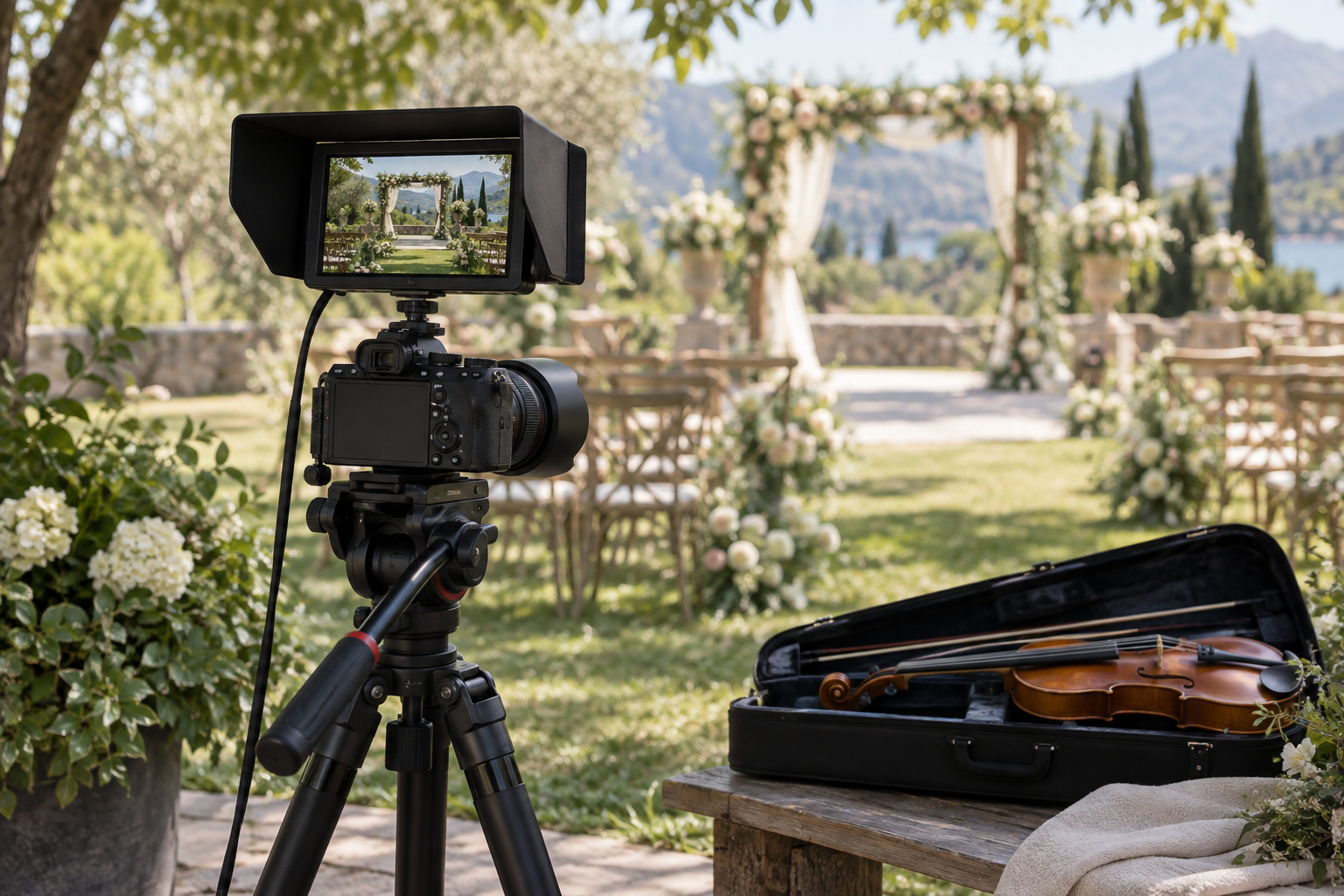
What should you check before buying an external camera monitor?
Will the camera send a compatible picture while recording?
Write down the camera’s HDMI connector size, output resolution and frame rate. Internal 4K60 recording does not prove a monitor accepts its output; some cameras can send a lower-resolution feed, but check the manual and test it. Confirm that HDMI stays active when recording starts and that your intended autofocus mode still works. A USB-C socket alone does not make a camera or phone a compatible video source for these HDMI monitors.
Can you see the screen without changing your performance?
A five-inch monitor is useful near the camera; it is not necessarily readable from across a stage. Position it to check framing before the take, or let an operator watch it. Leave space for the bow tip, raised elbow, instrument scroll and your widest movement. When delivering vertical clips, check the intended crop as well as the full horizontal picture. Do a complete phrase at performance energy before deciding the frame is safe.
What belongs in the real purchase budget?
Add a tilt mount rated for the monitor and battery, compatible batteries and charger, the right HDMI cable, protection in your bag and a sun hood if needed. Keep cable slack for tilting, secure it to the rig without pulling on the camera socket, and keep cables outside the playing area. Compare complete kits rather than bare-screen prices. Amazon search results may mix accessories, older versions and used units; confirm the exact model, seller, return terms and delivery before paying.
Will more brightness solve exposure problems?
A brighter backlight helps you see the display; it does not make the recorded image brighter or recover clipped highlights. Learn the selected waveform or false-color scale, use the correct camera profile and monitoring LUT, and check a recorded sample. A LUT preview does not automatically change the camera file. Stage lighting can change abruptly, so test the brightest cue, not only the comfortable rehearsal light.
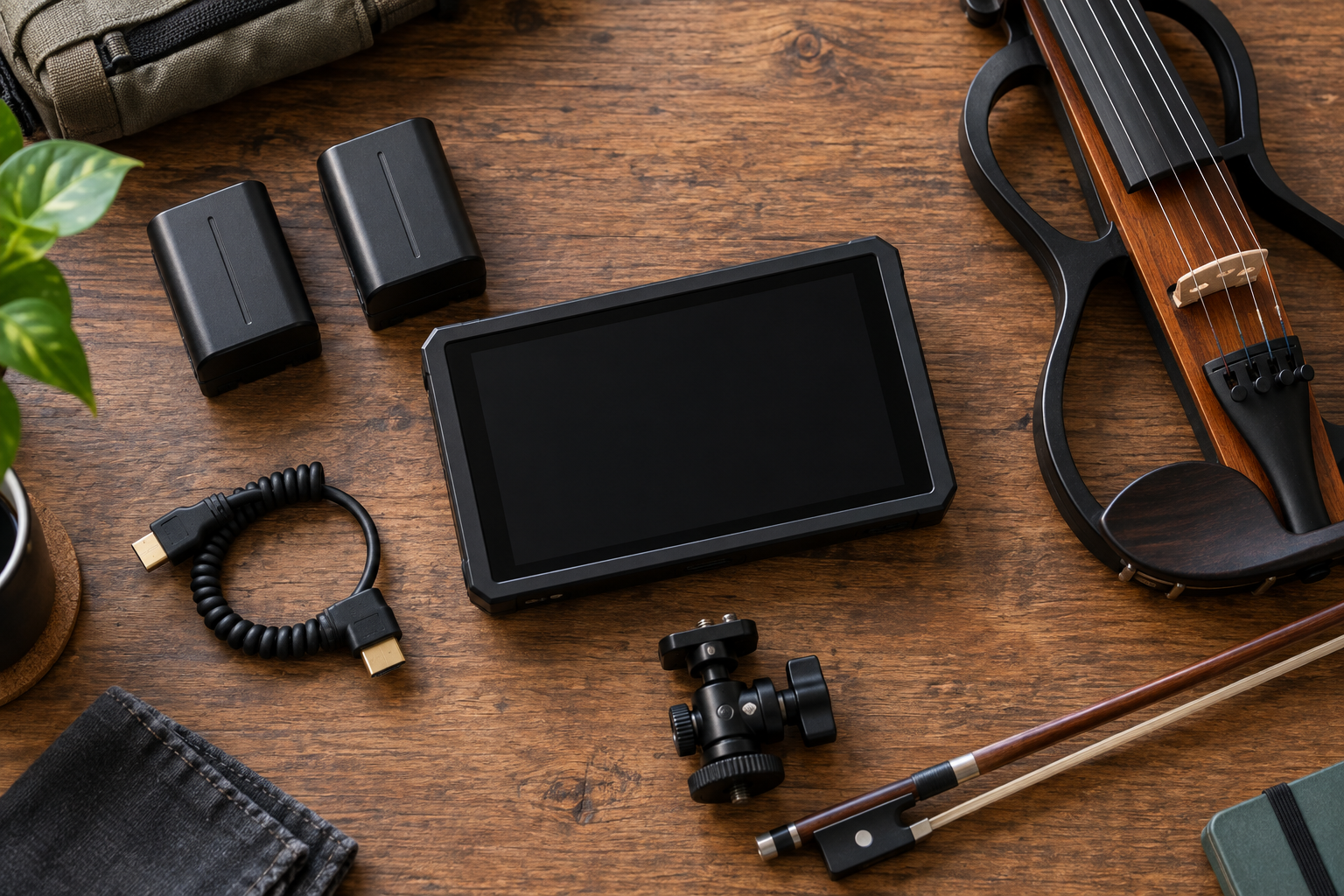
How would Tanya Strings use a monitor before a performance shoot?
For Tanya Strings, a world-class electric violin performer and content creator, the image should preserve the energy of the performance: a complete bow gesture, a clear face and an instrument that stays in frame. My buying priority would be fewer interrupted takes. I would choose a screen I can read quickly, set focus and exposure, then return attention to phrasing, movement and the audience. These recommendations combine manufacturer specifications with performance-workflow judgment; they are not claims of personal ownership or hands-on testing of every model.
Before recording, I would play the widest passage, review focus at the nearest and farthest positions, and check the brightest lighting cue. Then I would record a short audio-and-video sample and play back the actual file. A live picture on a monitor is not proof that the camera recorded successfully. Keep the audio plan separate: the monitor does not replace the violin’s recording interface, microphone or soundcheck.
When should you keep using the camera’s own screen?
If an articulated camera screen already shows the whole frame clearly, try a complete shoot with it before buying another device. A monitor earns its place when small-screen focus errors, awkward viewing angles or repeated framing mistakes cost useful takes. Rent or borrow for a one-off crewed shoot. For a solo performer, the best upgrade is the one that makes preparation simpler without adding a screen you feel compelled to watch while playing.
What else should you know about camera monitors?
FAQ
Do these monitors record my electric violin video?
These six choices are primarily monitoring devices, not external video recorders. Use the camera’s recording function and verify a saved clip. A monitor’s card slot may be for firmware or LUTs rather than recording.
Does a 4K input mean the screen has a 4K panel?
No. These models use Full HD panels and can accept certain higher-resolution signals for display. Check supported input resolution and frame rate separately from panel resolution.
Can wireless camera control replace an HDMI cable?
Not on the LH5P II by itself. Its supported wireless control changes camera functions, while the video picture still arrives through HDMI. Wireless video requires a separate compatible solution.
Can a monitor fix missed focus while I move?
It can help you inspect focus, but focus peaking is only an aid. Test your camera’s autofocus or chosen manual-focus distance across your full performance movement and inspect a recorded clip.
Should I buy the brightest monitor available?
Only if the actual viewing conditions justify it. Consider glare, shade, viewing angle, power, mounting and usable exposure tools together. A high brightness rating alone does not establish accurate color.