Best Mini MIDI Keyboards for Making Violin Backing Tracks
24 September 2026 · By Tanya Strings
For electric violinists making their own backing tracks, choose a mini MIDI keyboard by the part you need to enter: pads for drums, keys for bass and chords, and knobs or faders for shaping layers. Akai MPK mini IV is a practical beat-focused shortlist choice; Arturia MiniLab 3 adds useful faders, while Nektar SE25 keeps a travel kit simple. Choose 32 keys if two octaves repeatedly interrupt your ideas. None of these controllers records your violin or produces a finished backing track alone: you still need compatible music software, sounds and an audio path for monitoring.
Some links in this article are affiliate links. I may earn a commission if you make a purchase, at no extra cost to you.
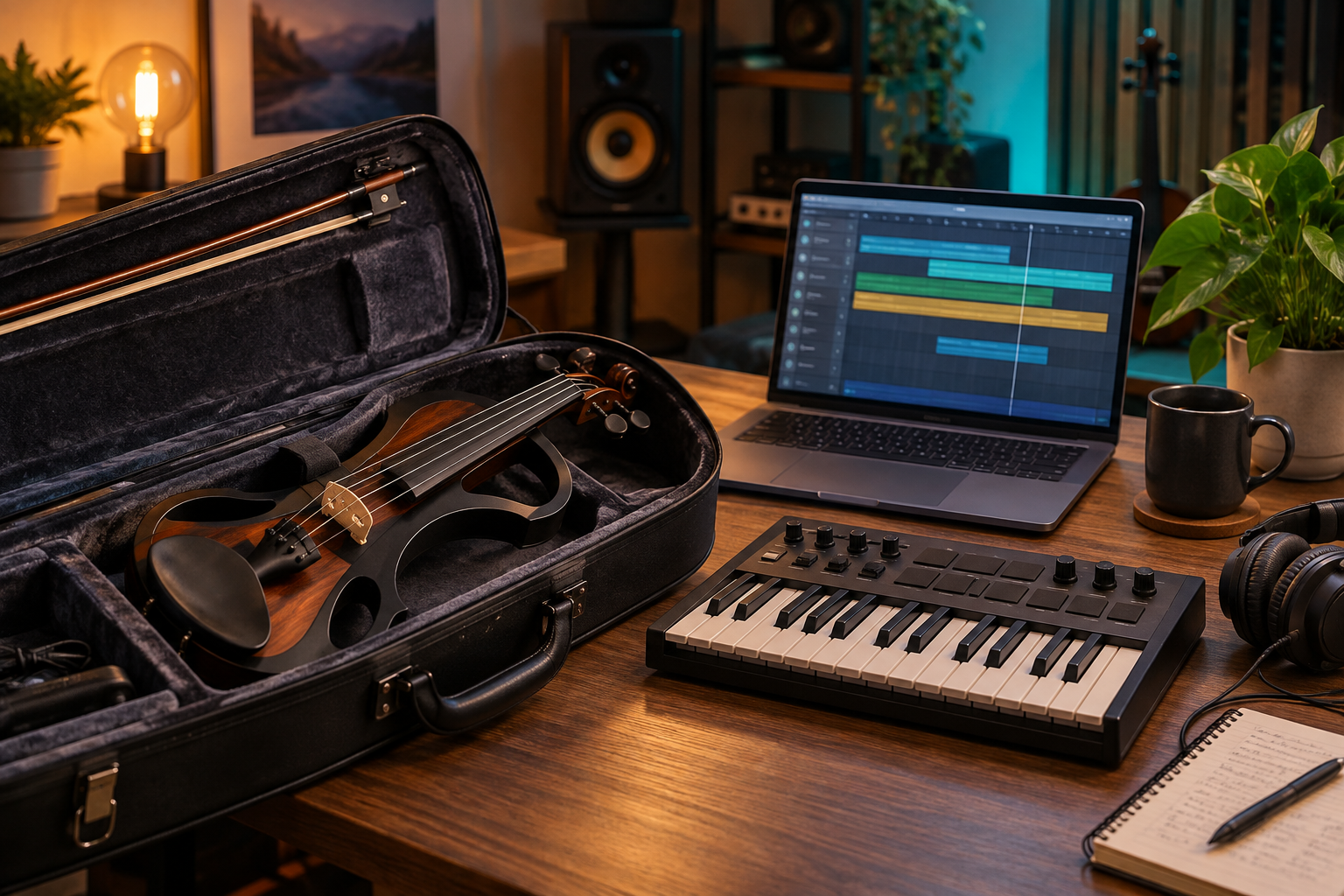
Which mini MIDI keyboard fits your arranging workflow?
This is a specification-based buying shortlist checked against manufacturer information on 24 September 2026. The table compares jobs and tradeoffs, not a hands-on ranking. Amazon links open model searches; confirm generation, seller, bundle and delivered price.
| Model | Keys | Best fit | Useful control | Buying check |
|---|---|---|---|---|
| Akai MPK mini IV | 25 | beat programming | Wheels and pads | Check DAW version |
| Arturia MiniLab 3 | 25 | layer balancing | Four faders | Touch-strip preference |
| Novation Launchkey Mini 25 MK4 | 25 | pad-centred arranging | 16 pads | No faders |
| Korg microKEY Air 25 | 25 | travel sketches | Bluetooth MIDI and USB | Button sustain |
| Nektar SE25 | 25 | minimal travel kit | 400 g | Few controls |
| M-Audio Oxygen Pro Mini | 32 | wider chord shapes | Keys plus mixing controls | Measure desk space |
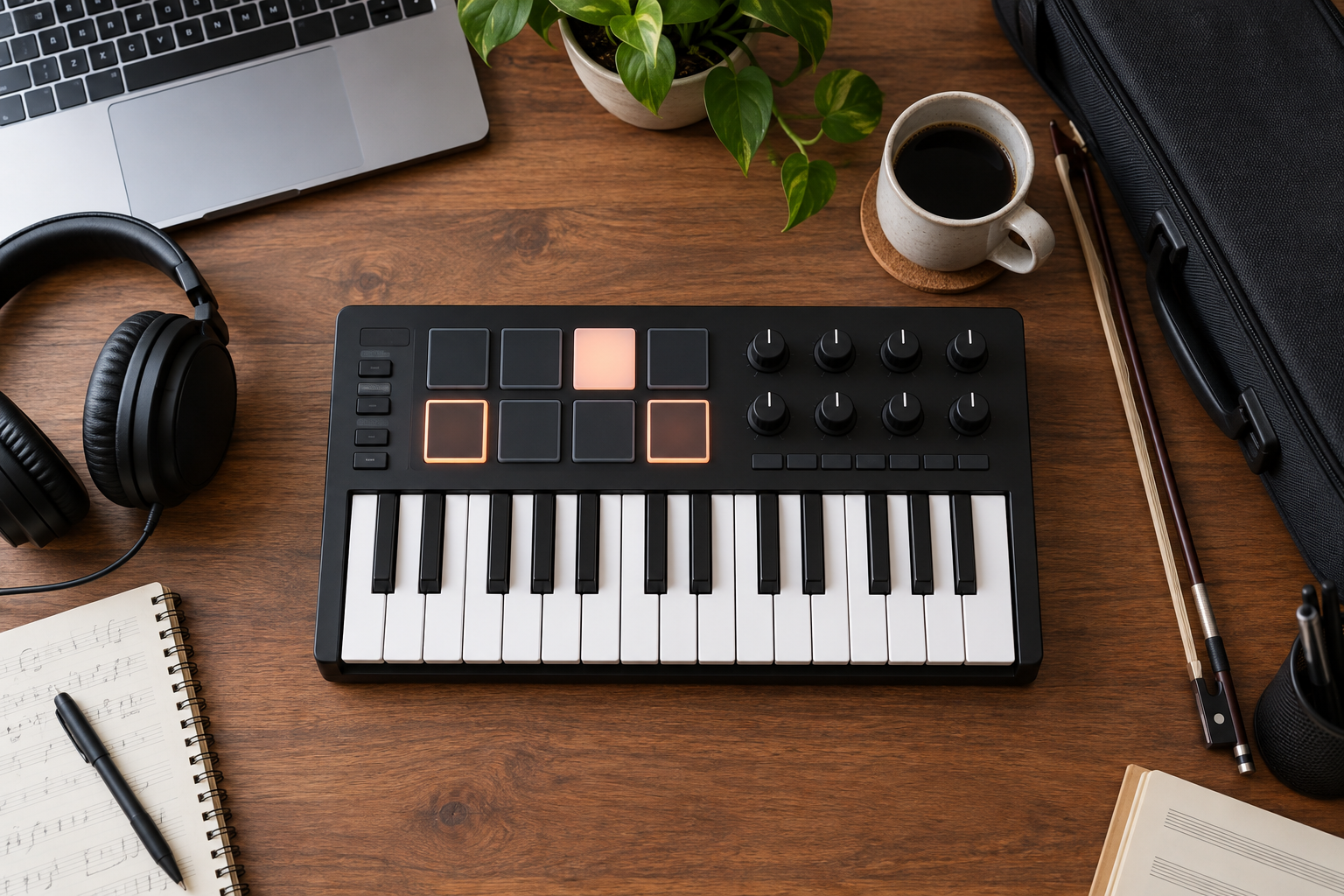
Which six models should you compare?
Why choose Akai MPK mini IV for beat-led arrangements?
With 25 velocity-sensitive keys, eight pads, eight endless knobs and physical pitch/modulation wheels, MPK mini IV is a sensible shortlist choice for entering drums and bass before recording violin. Its USB-C connection and five-pin MIDI output also allow different computer and hardware setups. I would choose it when tactile rhythm entry matters more than long piano phrases. Check your DAW version against Akai’s mapping requirements; older software may need manual assignments.
Pros: Pads and real wheels; hardware MIDI output. Cons: Only two octaves at once; DAW mapping is version-dependent.
Compare Amazon listings: Akai MPK mini IV
When is Arturia MiniLab 3 better for shaping a backing track?
MiniLab 3 combines 25 slim keys with eight pads, eight encoders and four faders. Those faders make it attractive for balancing a few backing layers or recording mapped automation. USB-C and five-pin MIDI output cover computer and compatible external-instrument control. I would shortlist it for a desk where sound selection and small mix moves happen repeatedly. Its touch strips suit a different gesture from wheels, so try bends before committing.
Pros: Faders plus encoders; useful sound-browsing workflow. Cons: Short keyboard span; touch strips will not suit every hand.
Compare Amazon listings: Arturia MiniLab 3
Who benefits from Launchkey Mini 25 MK4’s pad layout?
This model pairs 25 mini keys with 16 velocity-sensitive pads that support polyphonic aftertouch, plus eight encoders. It is worth comparing if your arranging workflow switches frequently between melodic notes and a larger pad grid. I would use that layout for auditioning drum variations around a violin hook. There are no faders on the Mini; confirm the exact MK4 model and your software’s integration before expecting every control to map automatically.
Pros: 16-pad layout; eight encoders. Cons: No faders; compact keys limit wide voicings.
Compare Amazon listings: Novation Launchkey Mini 25 MK4
Is Korg microKEY Air 25 useful for travel sketches?
microKEY Air 25 offers Bluetooth MIDI as well as USB, a joystick and a sustain button. I would consider it for a small travel setup where entering a bass line matters more than pads or mixing controls. The 25-key version uses a sustain button, unlike the pedal jack on larger models. Bluetooth carries MIDI instructions, not audio; verify operating-system support and keep USB available if wireless timing or pairing interrupts the session.
Pros: Wireless MIDI option; focused note entry. Cons: No drum-pad grid; 25-key model lacks a sustain-pedal jack.
Compare Amazon listings: Korg microKEY Air 25
When is the simpler Nektar SE25 enough?
SE25 provides 25 velocity-sensitive mini keys in a 400 g body, with six control buttons and a Part Two function for momentary alternate settings. It connects over micro-USB. I would choose this approach when the keyboard only needs to capture notes and travel lightly. There are no drum pads or banks of knobs; use the software for detailed edits. Nektar’s supported DAW integration requires registration and the relevant integration files.
Pros: Light and shallow; straightforward note capture. Cons: Few direct controls; micro-USB cable needs planning.
Compare Amazon listings: Nektar SE25
Why consider Oxygen Pro Mini when 25 keys feel cramped?
Oxygen Pro Mini expands the compact format to 32 keys and includes pads, knobs, faders and pitch/modulation wheels. I would compare it when a bass note plus chord shape repeatedly runs past a 25-key span. Extra notes reduce some octave switching, but this remains a mini keyboard rather than a piano-action instrument. Follow the setup guide for your DAW and select the correct control mode before judging whether transport and mixer assignments work.
Pros: Wider note span; several types of physical control. Cons: More desk space; mappings require setup.
Compare Amazon listings: M-Audio Oxygen Pro Mini
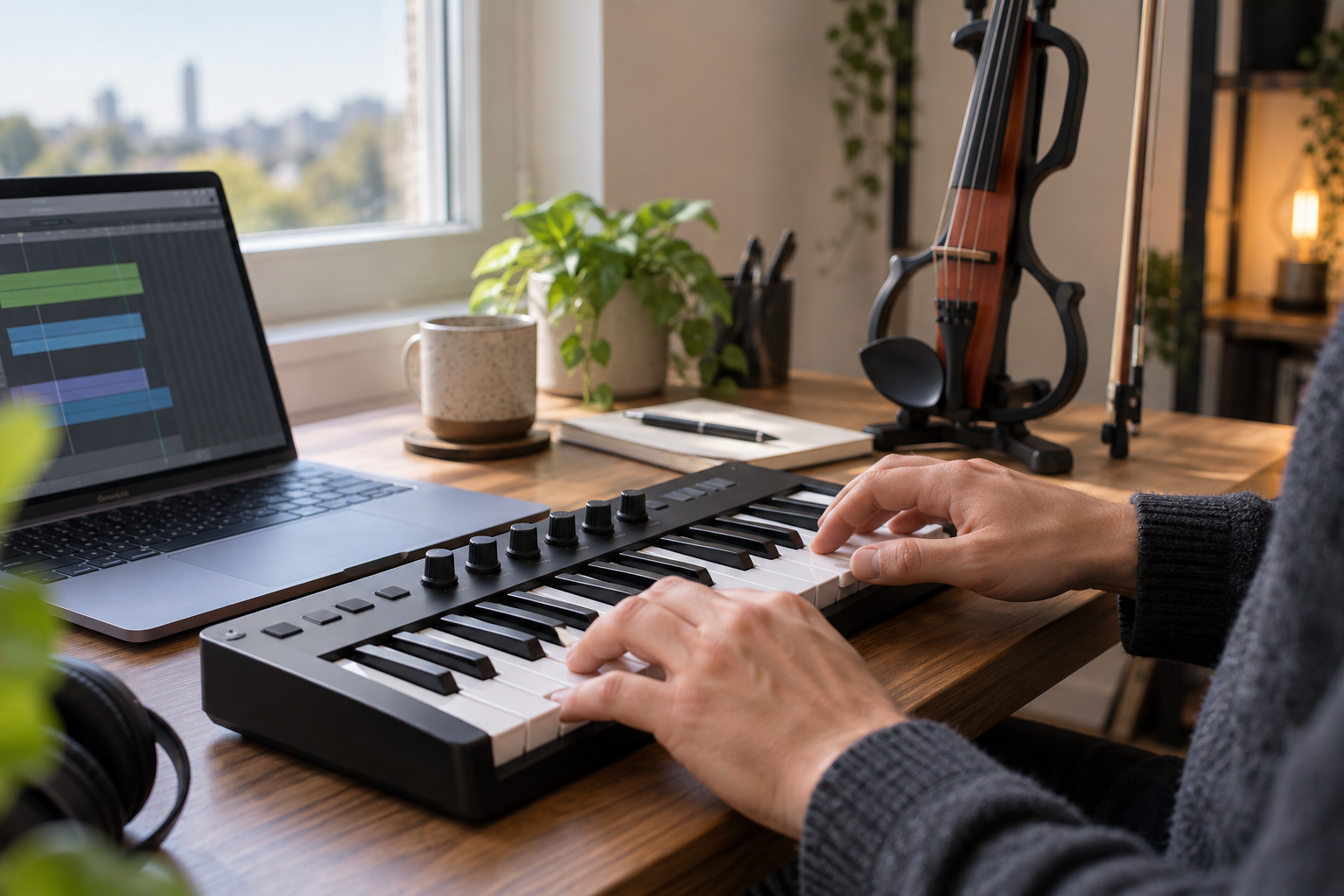
What should you check before buying a mini MIDI keyboard?
Will 25 keys cover your actual parts?
Play a typical bass phrase and chord shape on a borrowed keyboard or a software piano first. If you enter each layer separately, two octaves can be enough. If you need bass and wide chords together, a 32-key model helps only modestly; a larger keyboard may be a better purchase. Mini keys save space but do not reproduce a weighted piano action.
Does your software support the controls you want?
Basic note entry and deep DAW integration are different. DAW means digital audio workstation, the software where you arrange and export the track. Check the current operating system, exact DAW version, mapping script and plugin requirements. A controller can send notes successfully while its transport buttons remain unmapped. Budget for the software you actually use, rather than counting every bundled trial as lasting value.
Which cables, pedals and ports belong in the total cost?
Check the keyboard-end USB connector, the computer port and whether the supplied cable fits both. A MIDI output does not carry violin audio. If you want a sustain pedal, confirm that the exact model has a compatible input; the SE25 and microKEY Air 25 use buttons for sustain. Include a protective sleeve and any required adapter in the comparison. Compare delivered prices, warranty and returns instead of a changing headline discount.
Should you pay extra for pads and faders?
Buy pads if finger-drumming makes rhythm entry easier; otherwise the keys can trigger drum sounds too. Faders are useful only when mapped to parameters you repeatedly change. A small controller with fewer controls can be faster than a dense one that spends every session in the wrong mode. Try note velocity, octave switching and your common chord shape during the return window.
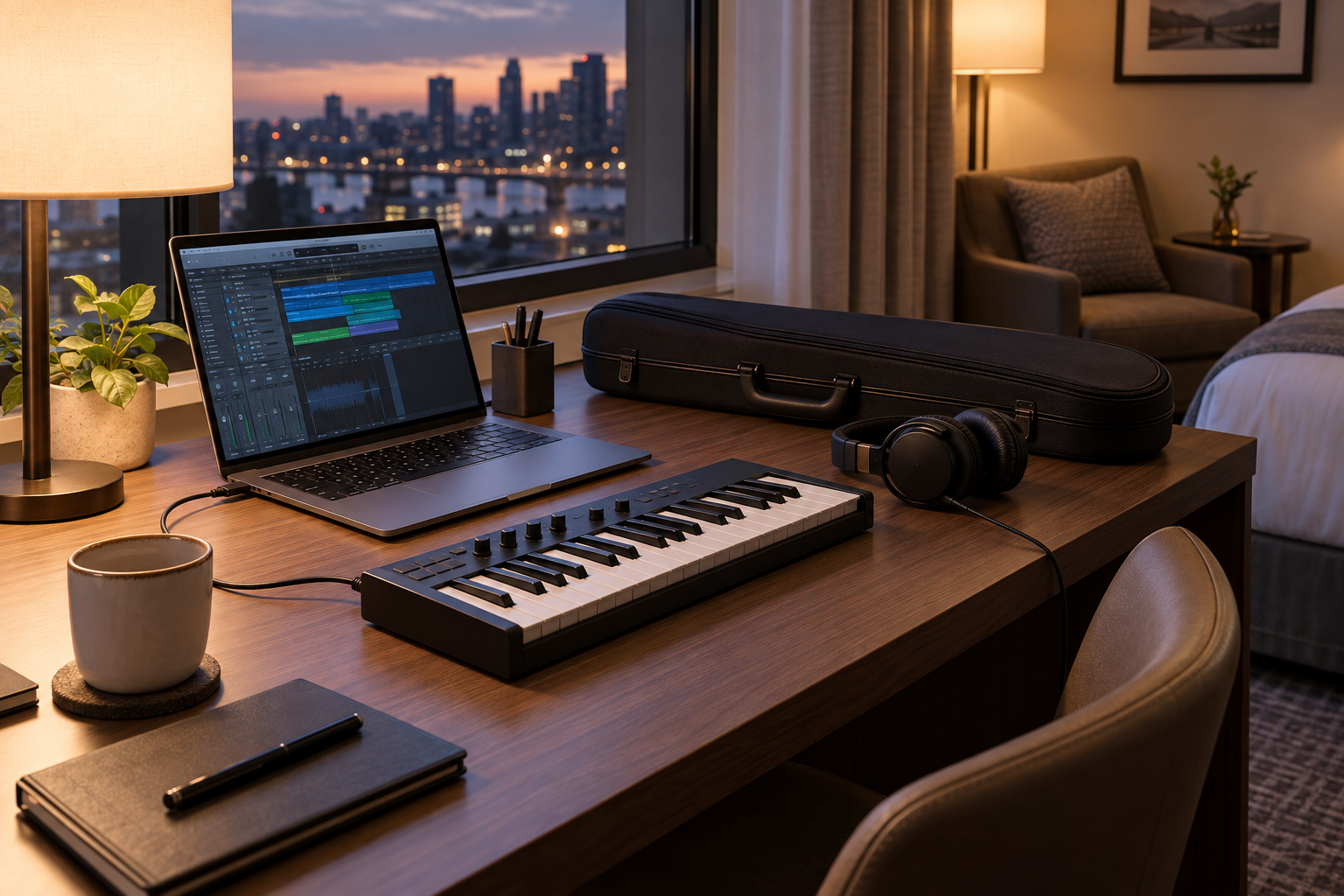
How would Tanya Strings build an accompaniment around the violin?
For Tanya Strings, a world-class electric violin performer and content creator, the backing arrangement should support the stage performance’s phrasing and energy. My buying priority would be quick musical decisions: a bass line that leaves room for the violin, a drum pattern that supports the bow accents, and chords that do not crowd the lead register. These recommendations apply that performer perspective to published specifications; they are not claims that Tanya has personally tested every model.
I would sketch an eight-bar chorus, record the bass and harmony separately, then play the violin over it before adding more layers. If the accompaniment masks a phrase, change its register or rhythm before reaching for another effect. Keep a clean project version and export an audio backing track for rehearsal. The keyboard can then stay on the desk while the performance setup plays the finished file.
How can you check a new controller before the first session?
Connect by USB, select it as a MIDI input, load one software instrument and confirm that every key produces one note. Record soft and firm notes, release sustain and test octave changes. Next, install the correct DAW integration and check play, record and each control you intend to use. If notes feel late, examine the audio driver, buffer and plugin load; a new keyboard alone cannot fix that whole chain.
Record a short passage and listen back against the click. Save the project, reopen it and confirm the instrument and mappings return correctly. For a show, rehearse the exported backing file on the actual playback rig. A controller purchase is successful when it removes editing friction and leaves more attention for the violin performance.
What do violin creators ask about mini MIDI keyboards?
FAQ
Can I plug my electric violin into a MIDI keyboard?
These controllers do not provide an instrument audio input. Record the violin through a suitable audio interface or preamp/interface chain; use the keyboard for MIDI parts.
Do these keyboards make sound without a computer?
They are controllers, not self-contained sound sources. Compatible software or an external sound module must generate the audio. Hardware MIDI output, where fitted, still needs a sound-producing destination.
Is a mini MIDI keyboard needed to play backing tracks live?
No. A finished audio backing track can play without one. Buy a keyboard to arrange or control parts when that fits your workflow.
Does Bluetooth MIDI send audio to headphones?
No. It sends note and control messages. Your software instrument still needs an audio output; Bluetooth audio is a separate connection with its own latency.
Will chord mode write a complete arrangement for me?
No. It can speed up note entry, but you still choose harmony, rhythm, register and song structure. Listen with the live violin before finalising the backing track.