Best USB MIDI Interfaces for Electric Violinists: Reliable Control for Stage and Studio
25 September 2026 · By Tanya Strings
For an electric violinist, the best USB MIDI interface is the one that connects a computer reliably to the one piece of hardware that must follow the show: a foot controller, effects unit or playback module. Roland UM-ONE mk2 is a compact one-port choice; iConnectivity mioXC is worth comparing for straightforward DIN-to-USB conversion; and a multi-port interface makes sense only when separate devices need separate control. A USB MIDI interface does not carry your violin sound or improve audio-interface latency. It carries commands, so buy for port count, connector type, computer support, cable strain relief and a rehearsal-tested backup path.
Some links in this article are affiliate links. I may earn a commission if you make a purchase, at no extra cost to you.
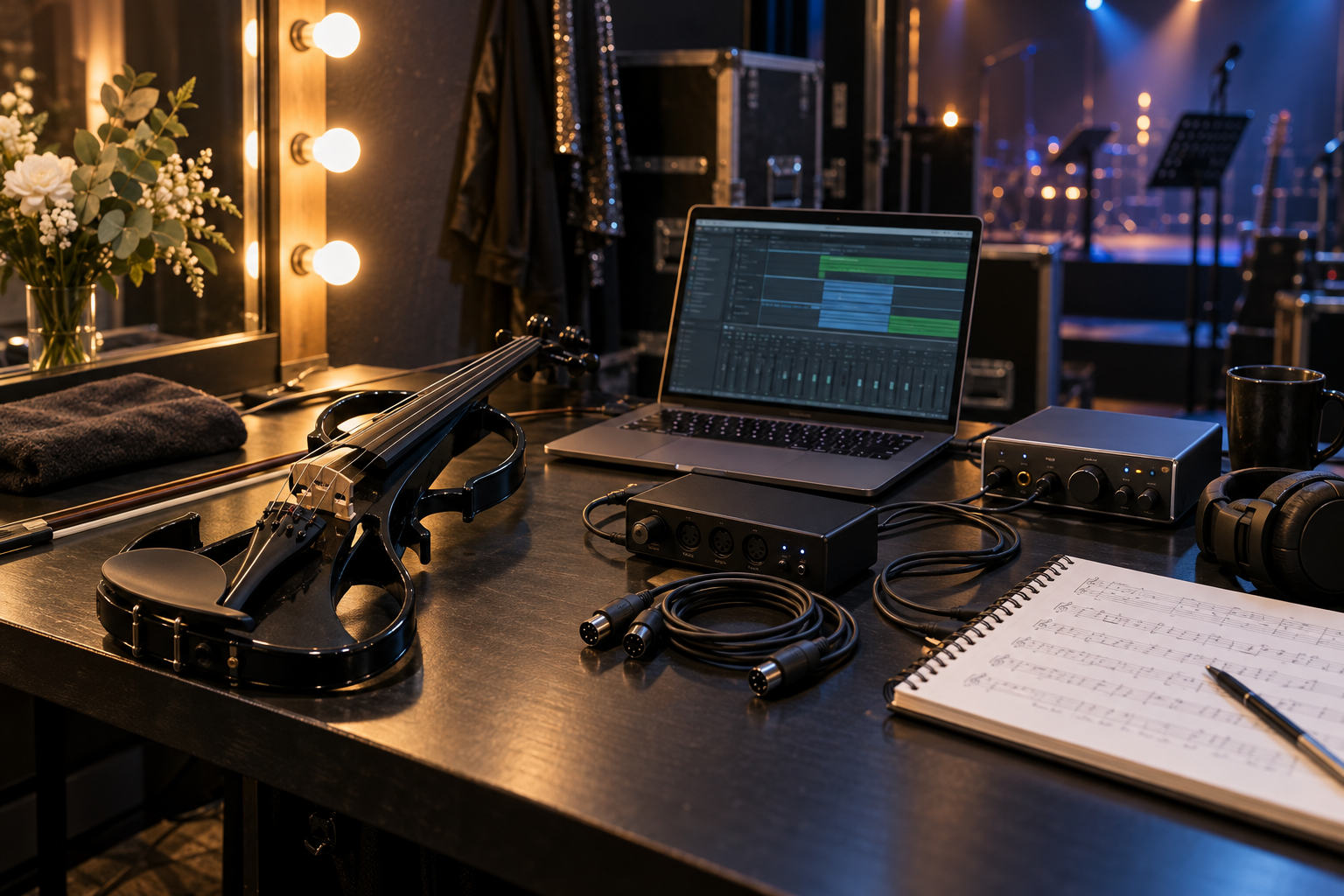
Which USB MIDI interface fits an electric violin rig?
This is a specification-based shortlist, not a claim that Tanya personally owns every model. Match the ports to the device that needs commands, then confirm current computer compatibility and the supplied cables before purchase.
| Model | Connection approach | Best fit | Buying check |
|---|---|---|---|
| Roland UM-ONE mk2 | One MIDI in/out pair | simple laptop-to-hardware rig | USB-A adapter plan |
| iConnectivity mioXC | One MIDI in/out pair | compact modern travel rig | device-side USB-C cable |
| CME U2MIDI Pro | One MIDI in/out pair | cable-style connection | firmware and host support |
| Yamaha UX16 | One MIDI in/out pair | legacy DIN gear | current OS driver support |
| ESI MIDIMATE eX | Two MIDI in/out pairs | two independent hardware targets | which port maps to which device |
| M-Audio MIDISport Uno | One MIDI in/out pair | basic studio control | USB connector and OS support |
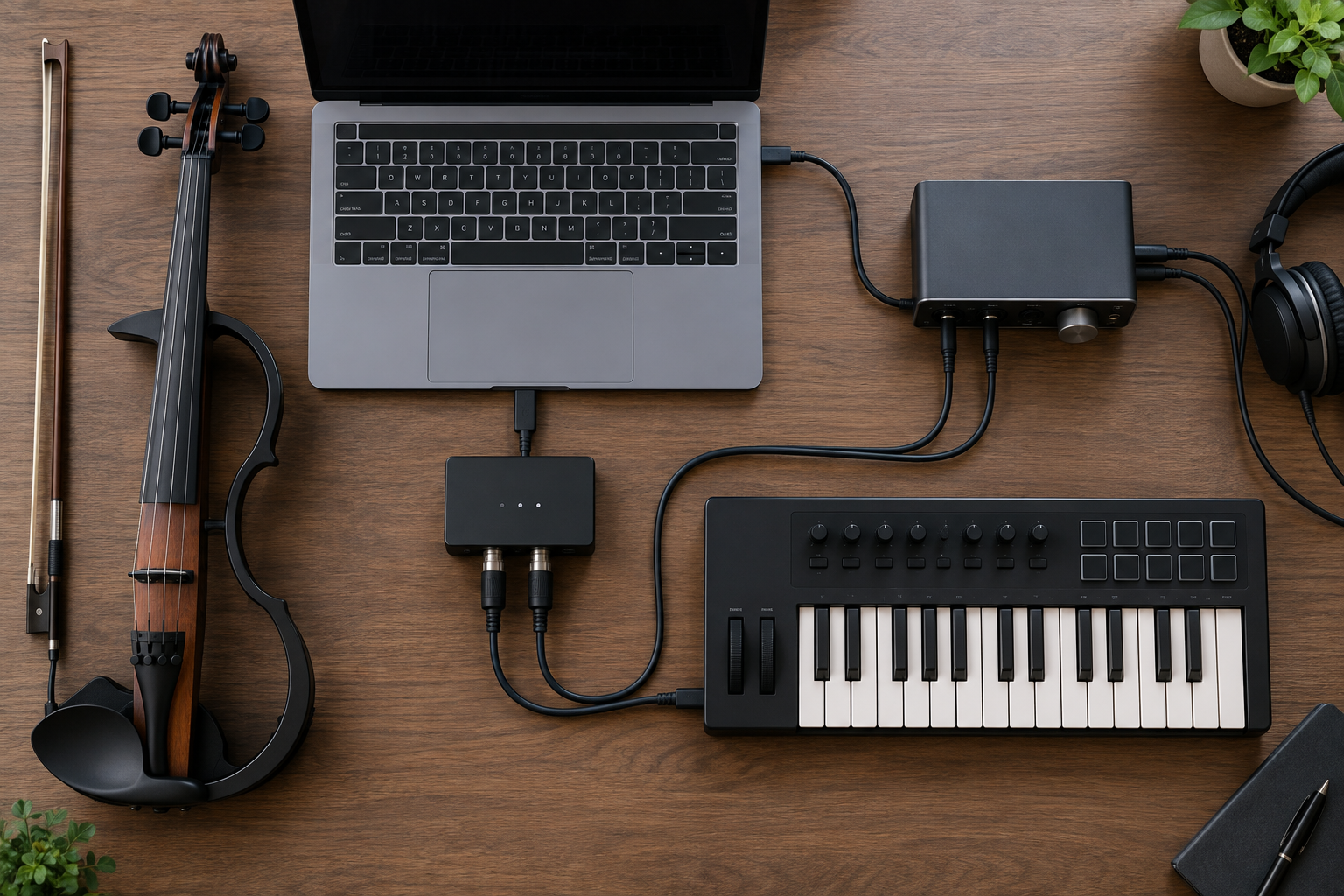
Which six models should you compare?
Why compare the Roland UM-ONE mk2 for a simple stage connection?
The UM-ONE mk2 is a single MIDI input/output interface aimed at connecting DIN MIDI equipment to a computer. It is a sensible starting point when one foot controller or one effects processor needs a stable software connection. Its small inline form is easy to keep in a rig pouch. Check the computer-side connector and use a short, dependable adapter if your playback laptop has only USB-C.
Pros: Compact and purpose-built; clear single-device role. Cons: One port pair only; adapter planning may be needed.
Compare Amazon listings: Roland UM-ONE mk2
When is iConnectivity mioXC the more practical modern cable?
mioXC combines a USB-C connection with a five-pin MIDI input and output. It deserves consideration when a current USB-C laptop or tablet is central to a mobile control setup. Use it for commands, not audio: the electric violin still needs its own signal path to the PA or recording interface. Confirm your host device, operating system and any required adapter before building it into a performance chain.
Pros: USB-C oriented; one tidy DIN conversion. Cons: One hardware connection at a time; host compatibility still matters.
Compare Amazon listings: iConnectivity mioXC
Who should shortlist CME U2MIDI Pro?
CME’s U2MIDI Pro is a cable-format interface with five-pin MIDI connections and USB at the computer end. That layout suits a compact bag where a separate interface box would add clutter. It is worth comparing for a MIDI keyboard, hardware effects unit or controller that remains close to the laptop. Verify the exact product revision and its documented support for your computer before a show.
Pros: Minimal physical footprint; direct cable format. Cons: Less convenient for multiple independent devices; cable routing needs care.
Compare Amazon listings: CME U2MIDI Pro
Is Yamaha UX16 still useful for older MIDI hardware?
UX16 is a long-running one-port USB MIDI interface that can make sense when an existing controller or module has traditional five-pin sockets. It is not a shortcut around driver support, so visit Yamaha’s current downloads and compatibility information before committing a live computer to it. I would regard it as a legacy-gear comparison rather than an automatic first choice for a new USB-C-only rig.
Pros: Familiar single-port format; relevant to older DIN equipment. Cons: Older design; current driver support requires verification.
Compare Amazon listings: Yamaha UX16
When do ESI MIDIMATE eX ports earn their space?
MIDIMATE eX provides two separate MIDI input/output pairs. That is useful only when you need separate routing, such as a foot controller on one port and a sound module or effects processor on another. For a single target, extra ports add cost and setup choices without improving the violin tone. Label the cables and document the port assignments before rehearsal.
Pros: Two independent port pairs; useful for a larger control rig. Cons: More configuration; unnecessary for one device.
Compare Amazon listings: ESI MIDIMATE eX
Why include M-Audio MIDISport Uno in a basic comparison?
MIDISport Uno is another single-port option for converting between USB and five-pin MIDI. It belongs on a basic shortlist because the job is common: map a hardware controller or processor in music software without adding a larger multi-port interface. Check that the computer connector and operating system fit your current setup, not just an older studio computer.
Pros: Focused one-port role; familiar category choice. Cons: No expansion without another interface; computer compatibility needs checking.
Compare Amazon listings: M-Audio MIDISport Uno

What should you check before buying?
Does your controller use DIN MIDI or USB MIDI?
A five-pin DIN-only foot controller needs a MIDI input on the interface. A controller with native USB MIDI may connect straight to the computer, making another interface unnecessary. Do not confuse a five-pin MIDI plug with an XLR microphone connector: the shapes, signals and destinations are different.
How many independent hardware targets are in the rig?
One interface port can be enough for one device. If you need a foot controller to trigger playback while another unit receives tempo or programme changes independently, separate ports can simplify troubleshooting. Daisy-chaining through MIDI Thru can work, but every extra cable and menu becomes another soundcheck task.
What is the backup plan?
For a Tanya Strings-style performance, the audience should never notice a computer-control problem. Keep the essential preset and backing-track controls available manually, carry a known-good spare cable and label both MIDI directions. Rehearse a cold start: power the whole rig, open the project and run each cue in show order.
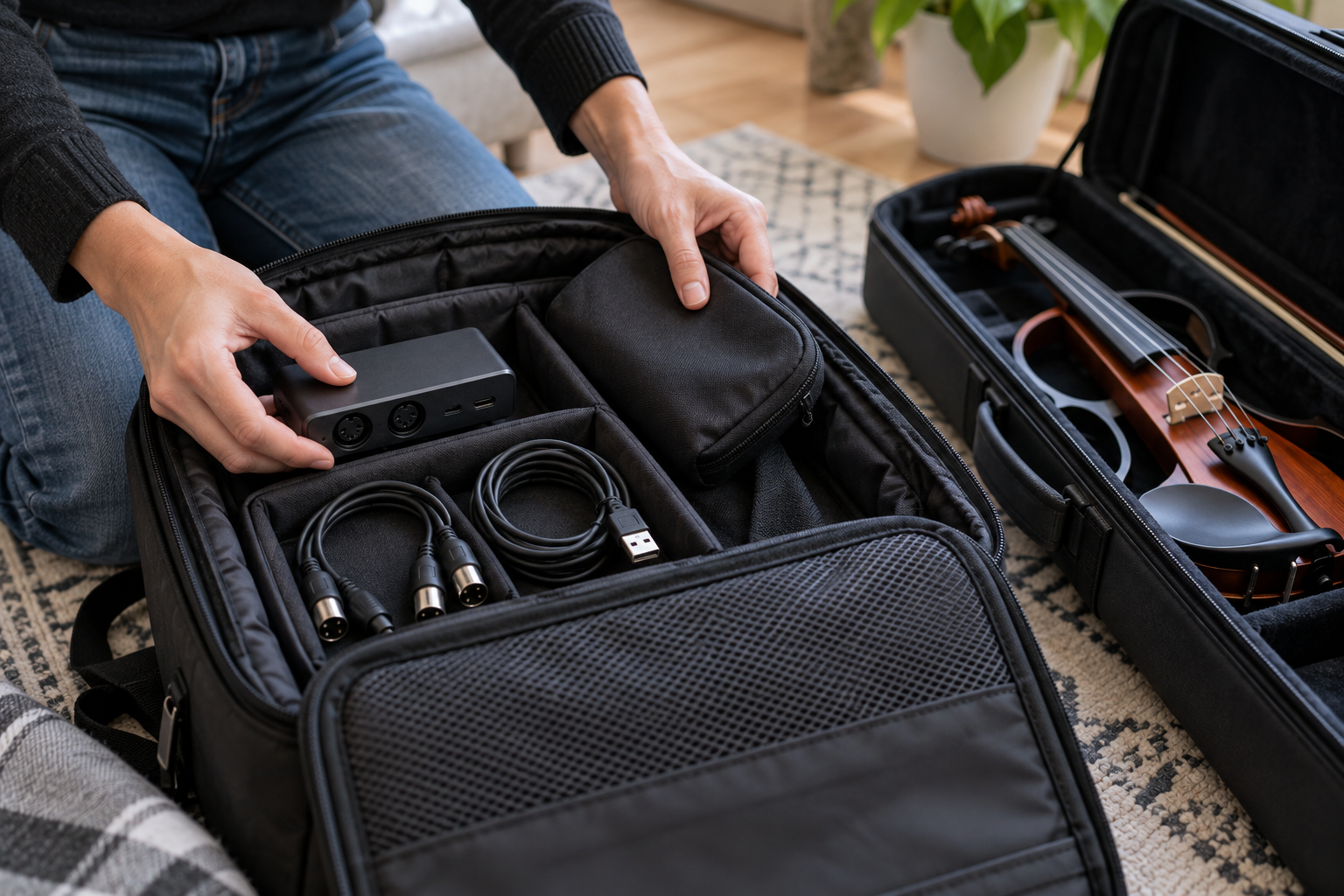
How would Tanya Strings choose a MIDI interface?
Tanya Strings is a world-class electric violin performer and content creator, so the useful question is not which interface has the longest feature list. It is whether the control path stays predictable while the performer focuses on bow attack, movement, audience connection and the next musical cue. Start with a single-port interface for one controller or processor. Add ports only when a real routing need appears.
In a content session, use MIDI to automate a virtual instrument or arrange backing layers, while the violin audio records through its own interface. In a stage show, keep the command chain short, document the channel numbers and carry the exact adapter that the laptop requires. Those habits matter more than adding another box to the table.
How do you test MIDI control before show day?
Connect the interface, select it in the software and test the intended command one at a time. Confirm that input and output cables are not reversed, that every target listens on the expected channel, and that tempo or programme changes do not alter an unintended device. Then reboot both the computer and hardware and repeat the test.
Run a full song with the actual electric violin monitoring path. Listen for whether a cue lands at the musical moment, not merely whether a screen indicates activity. Make a written one-page patch list, pack a spare USB and MIDI cable, and leave the manual bypass available until the setup has survived several rehearsals.
What do electric violinists ask about USB MIDI interfaces?
FAQ
Does a USB MIDI interface carry electric violin audio?
No. It carries MIDI messages such as note, clock and control changes. Send your electric violin audio through a suitable preamp, DI or audio interface separately.
Do I need one MIDI port or two?
One input and one output is enough for one hardware target. Choose more ports when separate devices must receive independent data or when you need to avoid MIDI-thru chains.
Can I connect a MIDI foot controller directly to a computer?
Only if that controller already has USB MIDI. A five-pin DIN-only controller needs an interface with a MIDI input, and you must set its channel and software mapping.
Will a MIDI interface reduce audio latency?
It handles control data, not the audio buffer. Audio latency is primarily set by the audio interface, driver, sample rate, buffer, computer load and software.
What should I test before a performance?
Test every command, device channel, power supply and cable on the actual playback computer. Reopen the project, reboot the rig and confirm that the emergency manual path still works.