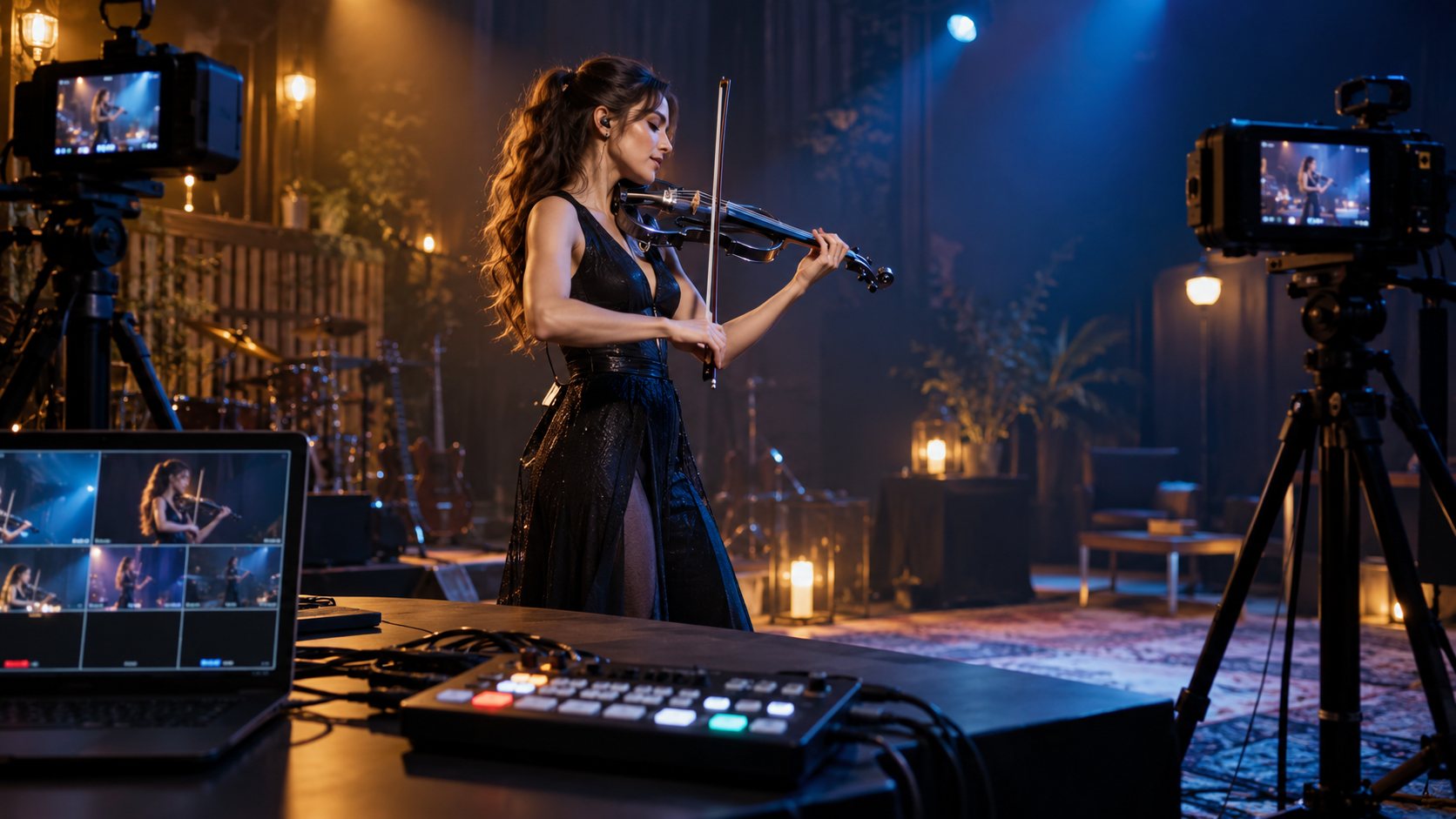
The best portable video switcher for an electric violin livestream is the one that lets you change cameras calmly while your music, audio and connection stay dependable. Blackmagic Design ATEM Mini Pro ISO is the practical comparison point for many multi-camera broadcasts; ATEM Mini Extreme ISO, Roland V-1HD+, YoloBox Ultra, Osee GoStream Duet and Feelworld L2 Plus suit different input counts, streaming styles and budgets. Choose inputs, audio routing, recording and a rehearsed control plan before buying features. For Tanya Strings, switching should serve the performance: a clean wide shot, a deliberate bow-side angle and a confident visual rhythm, never a frantic technical distraction.
Some links in this article are affiliate links. I may earn a commission if you make a purchase, at no extra cost to you.
A switcher becomes worthwhile when the show genuinely needs choices: a stable full-body performance view, a close bow angle, a room-wide camera and perhaps a laptop visual. Four HDMI inputs are a useful starting point. A dedicated switcher usually keeps the camera changes more immediate than a computer-only setup, while an all-in-one streaming unit can reduce the number of boxes for a touring creator. First map every source, destination and power supply. Then buy the device that makes the next show simpler.
| Switcher | Best fit | Why compare it | Trade-off |
|---|---|---|---|
| ATEM Mini Pro ISO | Practical multi-camera streams | Live switching and ISO workflow | HDMI-only planning |
| ATEM Mini Extreme ISO | Larger creator productions | More sources and control | More cost and setup |
| Roland V-1HD+ | Hands-on live production | Dedicated hardware approach | Confirm exact I/O needs |
| YoloBox Ultra | Travel-first streaming | Integrated screen and encoder | Different workflow from a desktop switcher |
| Osee GoStream Duet | Compact hybrid rigs | Creator-focused feature set | Test compatibility before show day |
| Feelworld L2 Plus | Budget HDMI switching | Accessible compact format | Plan external streaming path |
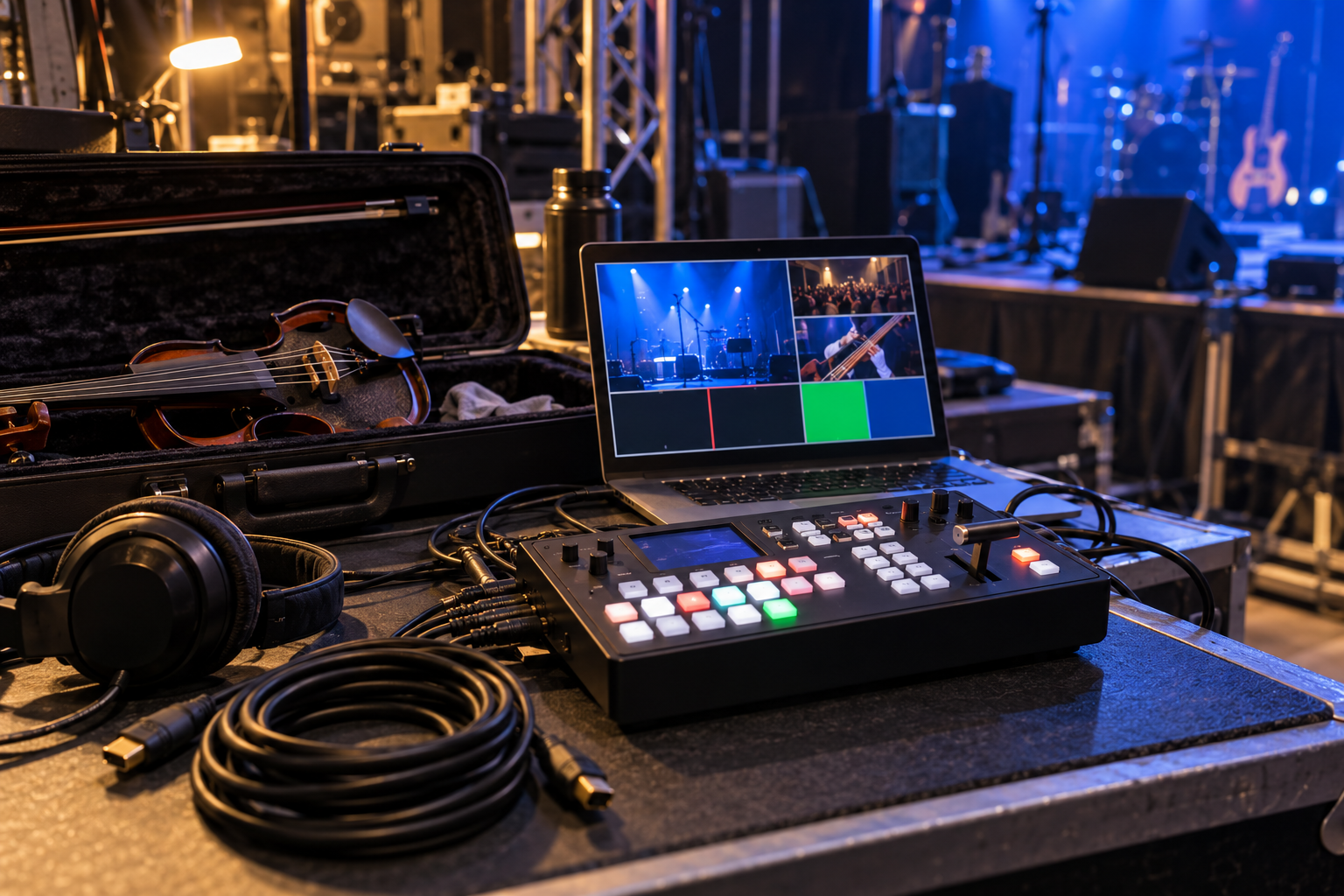
ATEM Mini Pro ISO is a sensible baseline for a performer building a compact multi-camera broadcast. Its appeal is a clear switching workflow combined with an ISO-oriented production route for creators who want options after the live moment. Pros: established compact format and useful post-show flexibility. Cons: plan HDMI lengths, converters and camera output settings before arriving at the venue.
Manufacturer details · Compare Amazon listings
ATEM Mini Extreme ISO belongs on the shortlist when the visual plan has outgrown a simple two-camera concert: more cameras, graphics, a computer source or an assistant can justify the larger control surface. Pros: wider headroom for a planned production. Cons: extra capability also means extra cables, batteries and rehearsal time.
Manufacturer details · Compare Amazon listings
Roland V-1HD+ is worth comparing for artists who value a dedicated hardware-switching approach for a small live production. It can suit a reliable camera-and-audio plan where the person at the controls needs clear physical access during a performance. Pros: hands-on broadcast-minded layout. Cons: confirm every input, output and audio-routing requirement against the current manual before purchase.
Manufacturer details · Compare Amazon listings
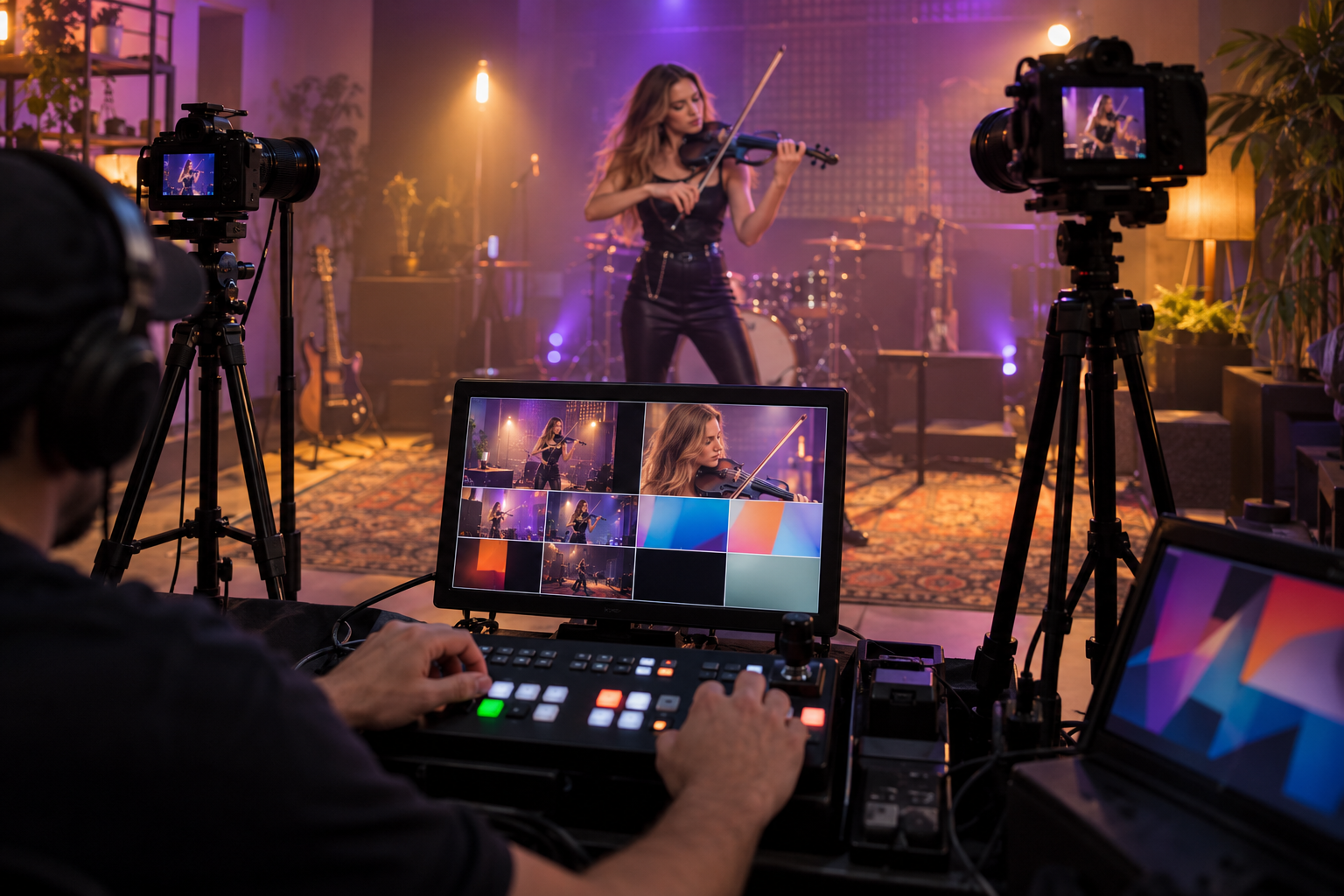
YoloBox Ultra represents the all-in-one route: a device built around switching, monitoring and streaming in one portable package. That can be attractive for an electric violin creator travelling without a full production table. Pros: fewer separate components to manage. Cons: learn its exact streaming, encoding and power workflow well before a concert day.
Manufacturer details · Compare Amazon listings
Osee GoStream Duet is a useful compact option to evaluate when a creator needs a purpose-built live-production box without building a larger rack. Compare its source support, audio behavior and control method with the cameras you actually own. Pros: compact creator-oriented category option. Cons: do not assume that a promising feature list replaces a full test with your phone, cameras and sound feed.
Manufacturer details · Compare Amazon listings
Feelworld L2 Plus is worth considering as a budget-oriented HDMI switching category reference for a smaller creator rig. It can make sense when the goal is straightforward camera cuts and the streaming encoder is already handled elsewhere. Pros: compact entry point for planned switching. Cons: confirm the whole chain, including monitor, encoder, audio embed and power, rather than treating the switcher as the entire livestream solution.
Manufacturer details · Compare Amazon listings
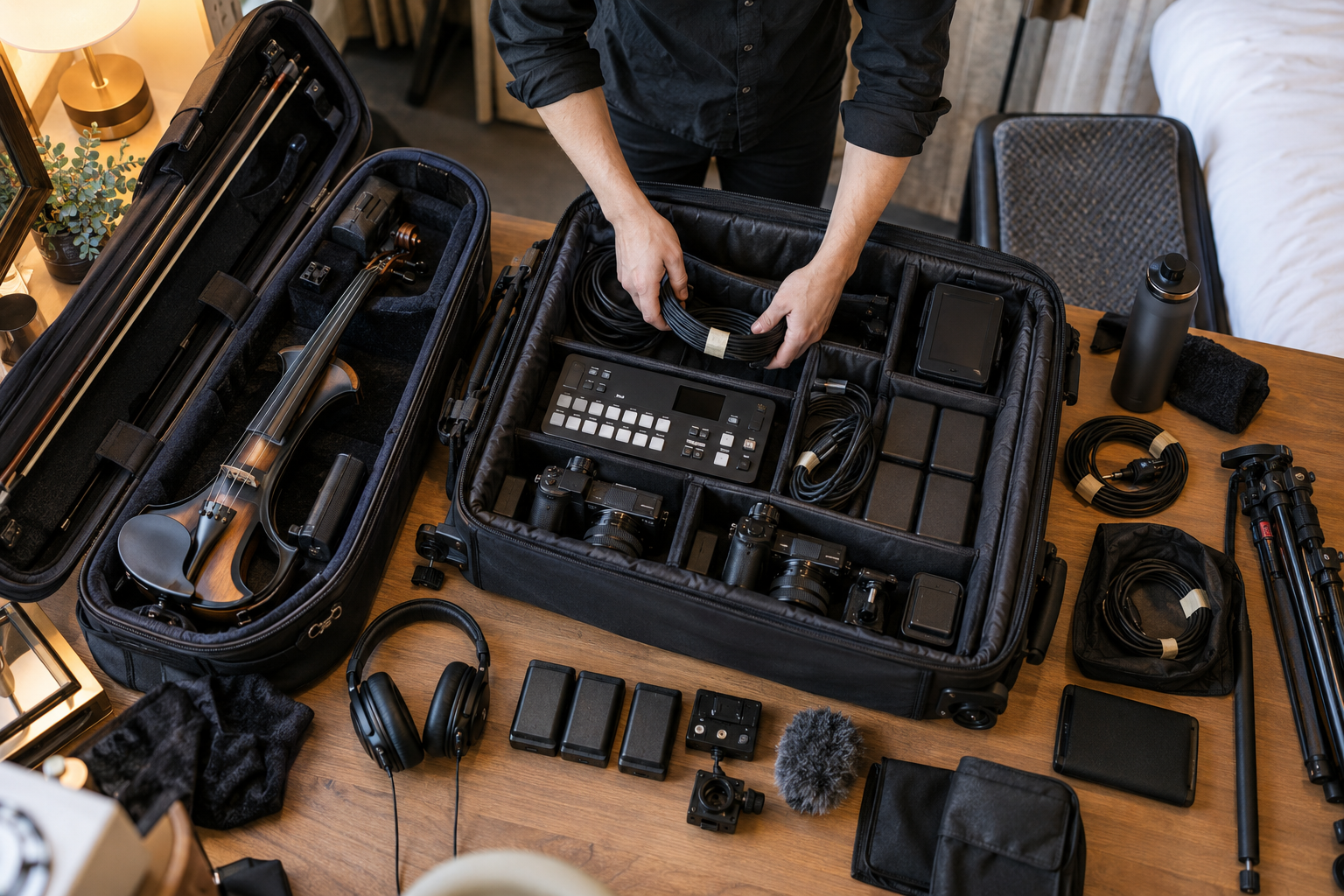
Confirm each camera can output the resolution and frame rate you need without overheating, timing out or showing distracting overlays. Bring short tested cables and any required HDMI adapters; an elegant switcher cannot rescue an unreliable camera feed.
Build the sound first: electric violin to the trusted stage chain, then a deliberate feed from the mixer or audio interface to the stream. Check level, lip sync and whether the audience hears the same musical balance you approved at soundcheck.
For a solo set, use a small number of predictable scenes or ask a trusted operator to switch. A production assistant who knows the set list is more valuable than six unused inputs. Rehearse every cut so a camera change feels like part of the musical phrasing.
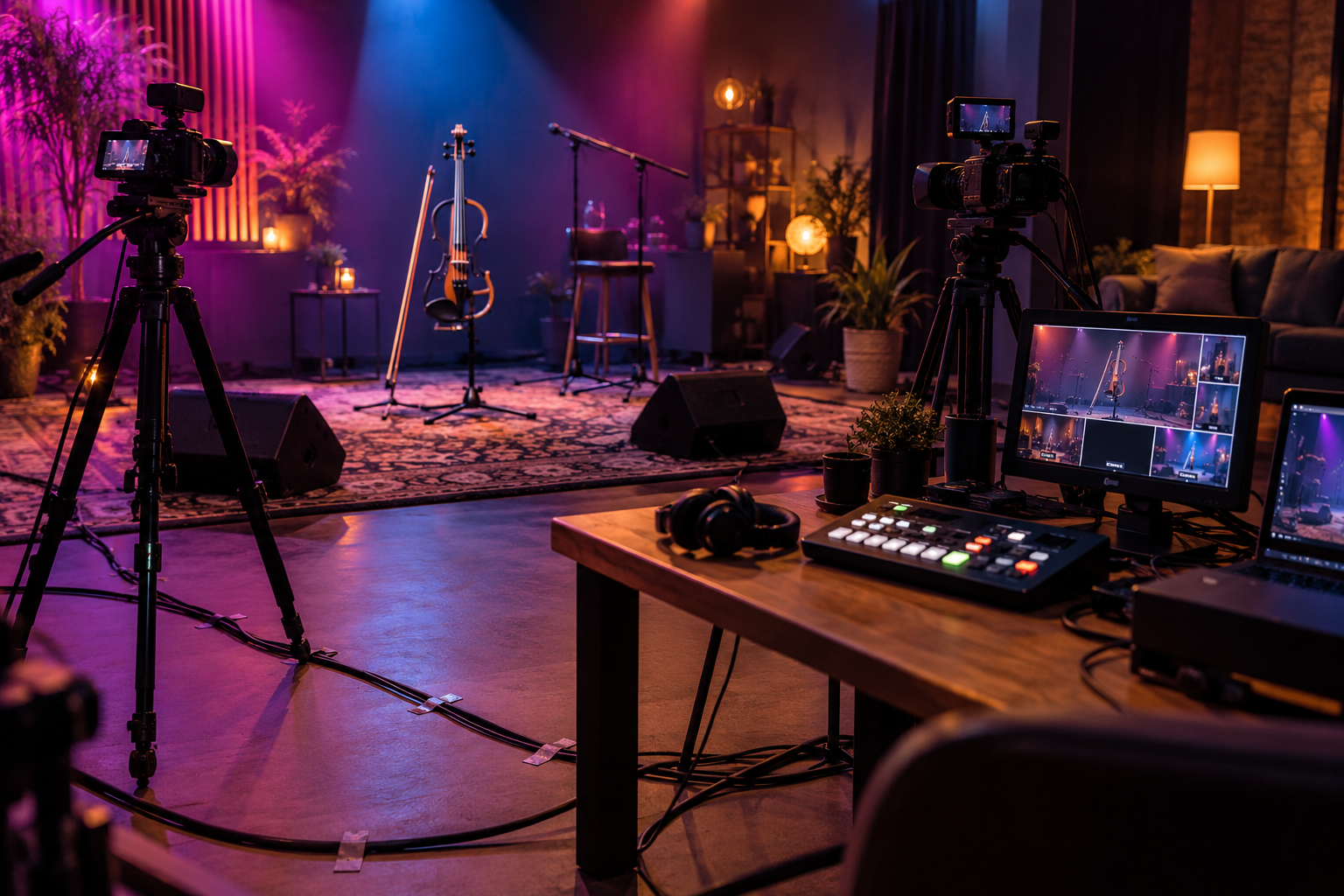
Tanya Strings is a world-class electric violin performer and content creator, so I would treat the switcher as a storytelling instrument, not the center of the show. I would prepare one honest wide shot, one detail camera that stays clear of the bow path, and a safe alternate angle. The audio feed, main camera and internet test would be locked before wardrobe and warmup. During the performance, the visual choices should feel calm enough that the audience sees the music first.
Only if you need to change between two or more camera sources, add a computer feed, or make a live show feel more deliberate. One dependable camera is better than a rushed multi-camera rig.
Four inputs cover a practical starting rig: main camera, bow-side camera, wide shot and a computer or playback source. Leave one input free when possible.
It can embed a prepared audio feed into the stream, but it cannot repair a weak violin signal. Build the pickup, DI, mixer and monitoring path first.
Run a full rehearsal with the exact cameras, cables, power, audio feed, streaming destination and internet connection. Record a local test and confirm lip sync.