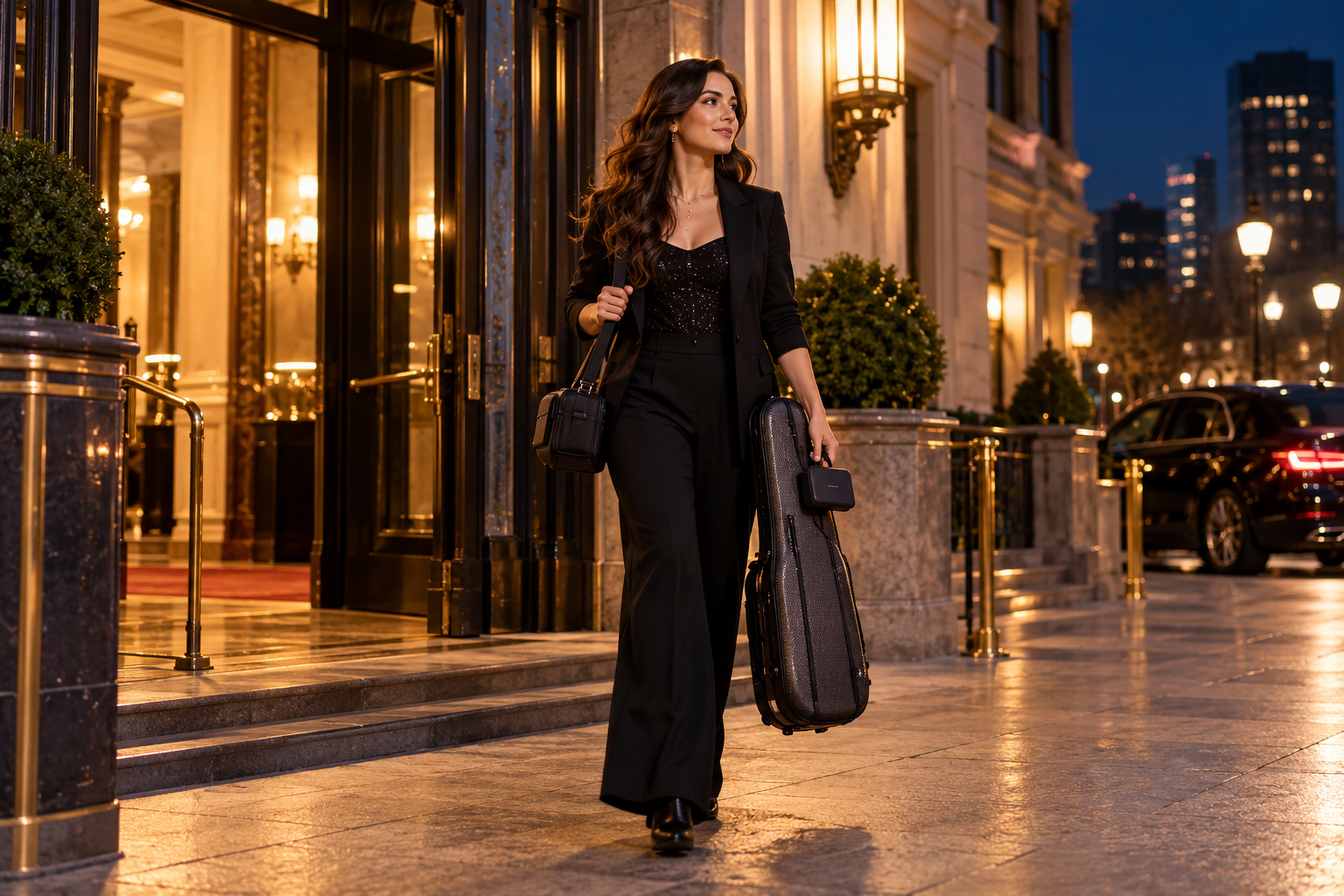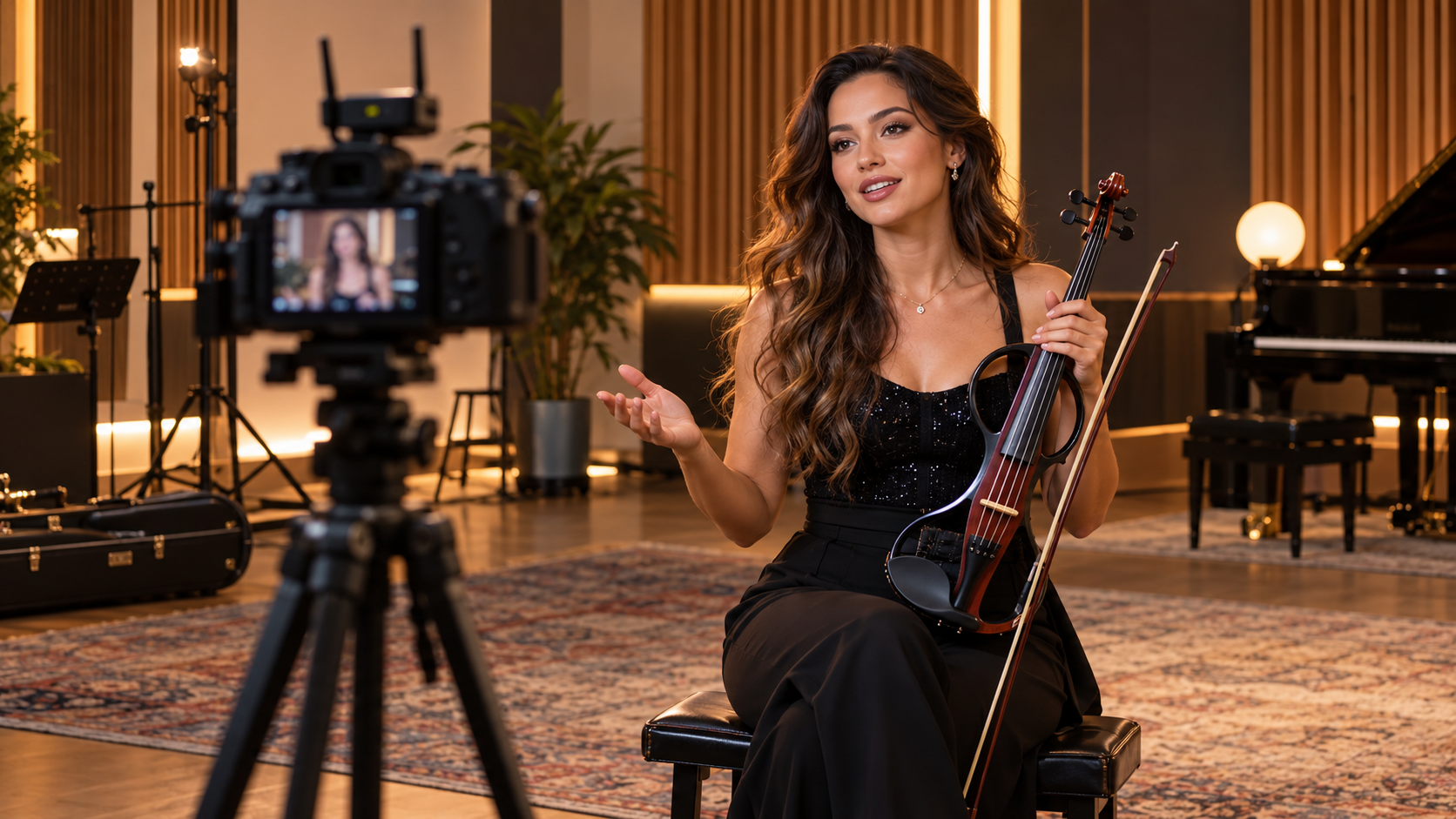
The best wireless microphone for an electric violin content creator is a compact, dependable system that captures a clear spoken intro, backstage update, or camera-facing story without getting in the way of the instrument, bow arm, or show wardrobe. For polished solo content, start with DJI Mic 2 or RØDE Wireless PRO when recording flexibility matters; choose RØDE Wireless Micro or Hollyland Lark M2 when travel weight and fast phone clips matter more. Tanya Strings looks at this as a performer’s camera tool, not an instrument-miking replacement: record the violin from its pickup or DI, then let the wireless mic carry the human connection around the performance.
Some links in this article are affiliate links. I may earn a commission if you make a purchase, at no extra cost to you.
Pick a two-transmitter kit with stable internal recording if you film fast backstage moments or collaborate. Pick the smallest phone-first system when the goal is a quick vertical clip. The instrument’s pickup remains the primary music source; the microphone is for voice, atmosphere, and story.
| System | Best for | Pros | Watch for |
|---|---|---|---|
| DJI Mic 2 | Flexible creator workflow | Compact kit and backup-oriented features | Learn gain settings first |
| RØDE Wireless PRO | Demanding video days | Feature-rich, creator focused | Higher setup depth |
| Hollyland Lark Max | Two-person clips | Practical dual-transmitter format | Test mounting with costume |
| Sennheiser Profile Wireless | Organized production kit | Flexible workflow options | Compare device compatibility |
| Shure MoveMic | Mobile creator capture | Small, mobile-minded system | Confirm phone workflow |
| RØDE Wireless Micro | Fast phone reels | Very simple travel setup | Fewer advanced controls |
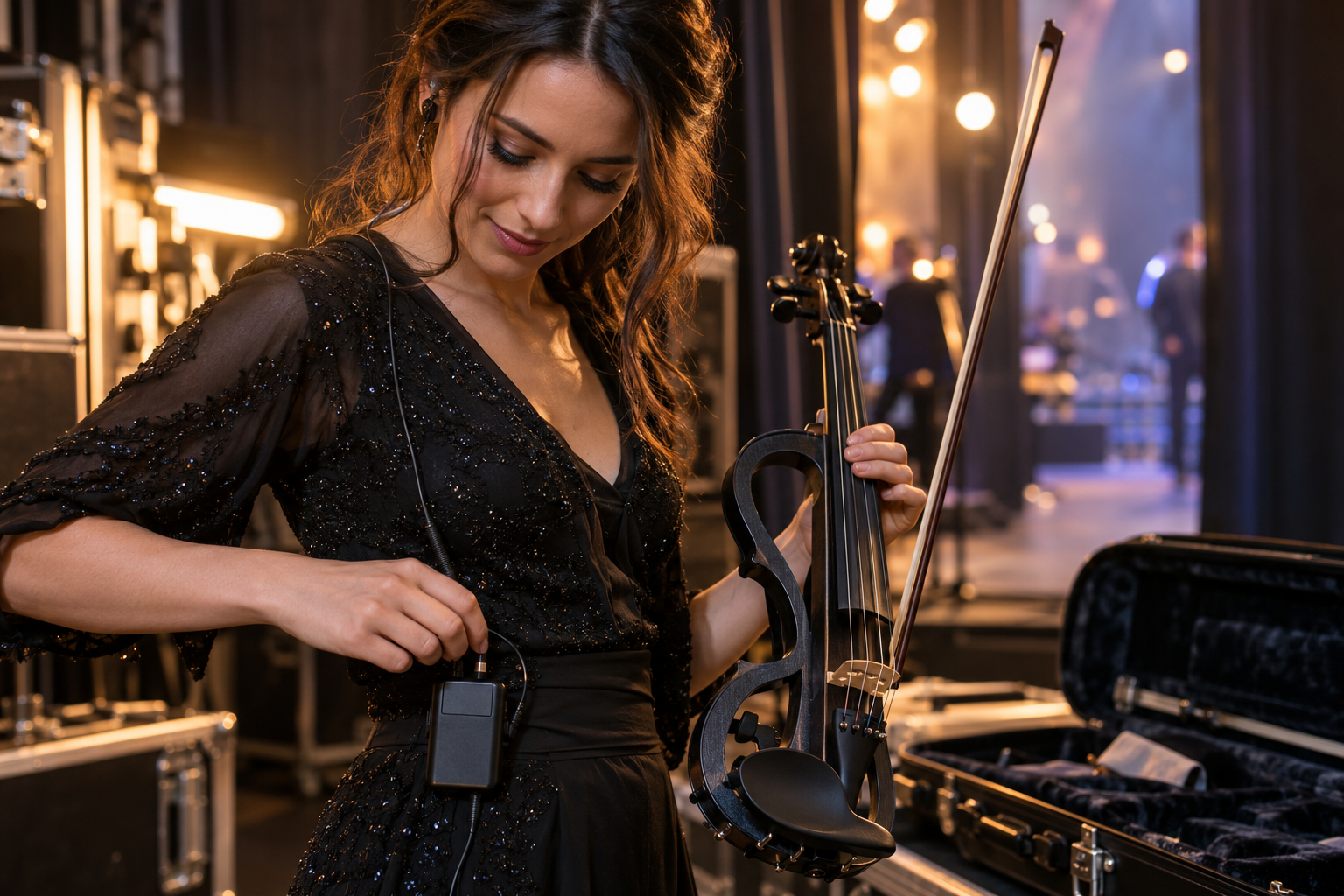
DJI Mic 2 is a strong all-round lane for performers who move between rehearsals, venue updates, camera pieces, and short-form edits. Pros: a compact two-person format and flexible creator workflow. Cons: a clean result still depends on checking levels and clothing noise before the moment begins. Compare Amazon listings
Consider it when a content day deserves more control and a repeatable production routine. Pros: feature depth for serious video capture. Cons: take time to build a simple default setup rather than changing every option at a venue. Compare Amazon listings
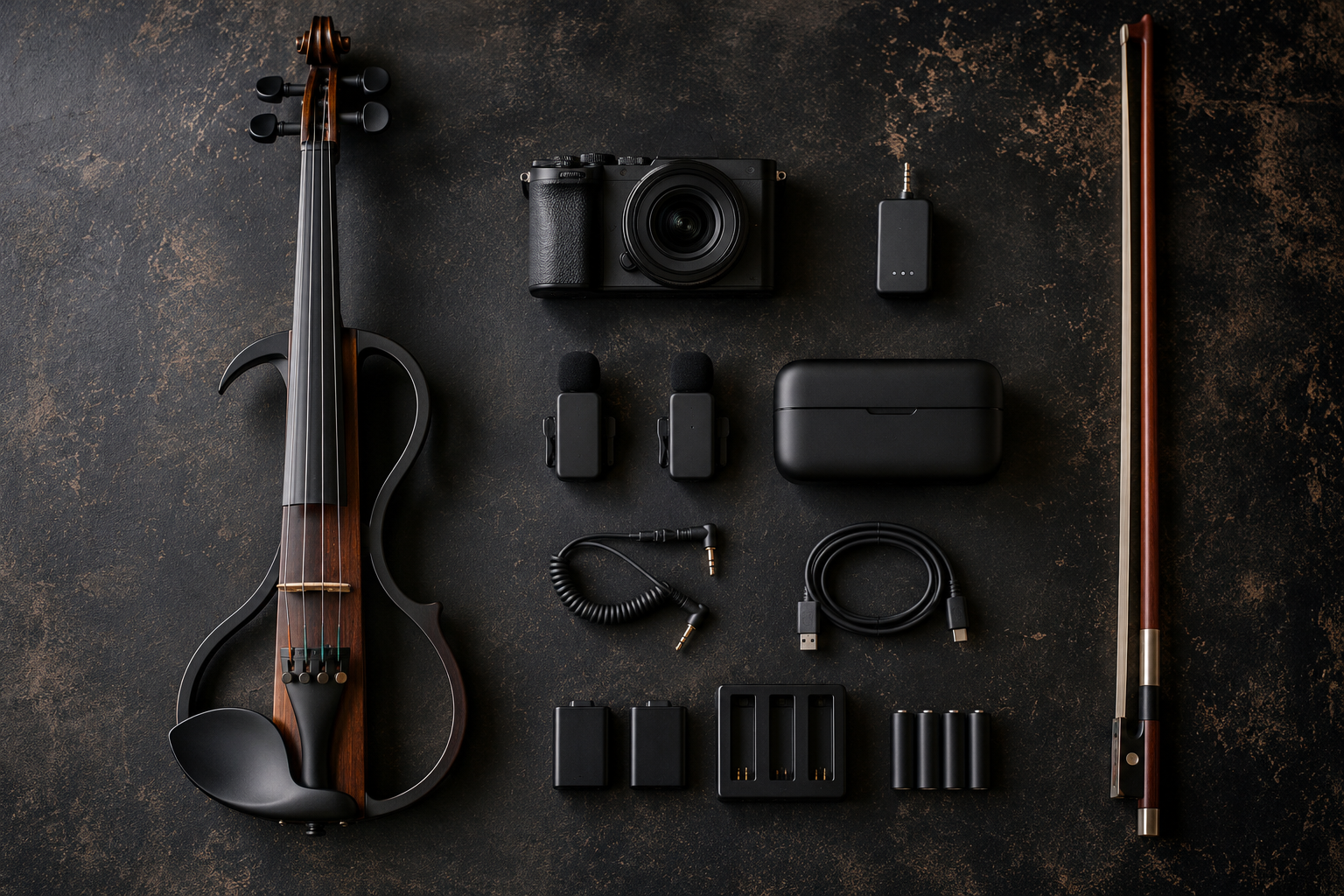
This is worth comparing for artists who regularly bring a collaborator, presenter, or behind-the-scenes voice into a clip. Pros: useful dual-transmitter concept. Cons: verify the exact device connections needed for your camera and phone. Compare Amazon listings
It can appeal to performers who want a tidy, production-minded kit for deliberate creator work. Pros: flexible system approach. Cons: confirm that its workflow stays quick enough for your real filming pace. Compare Amazon listings
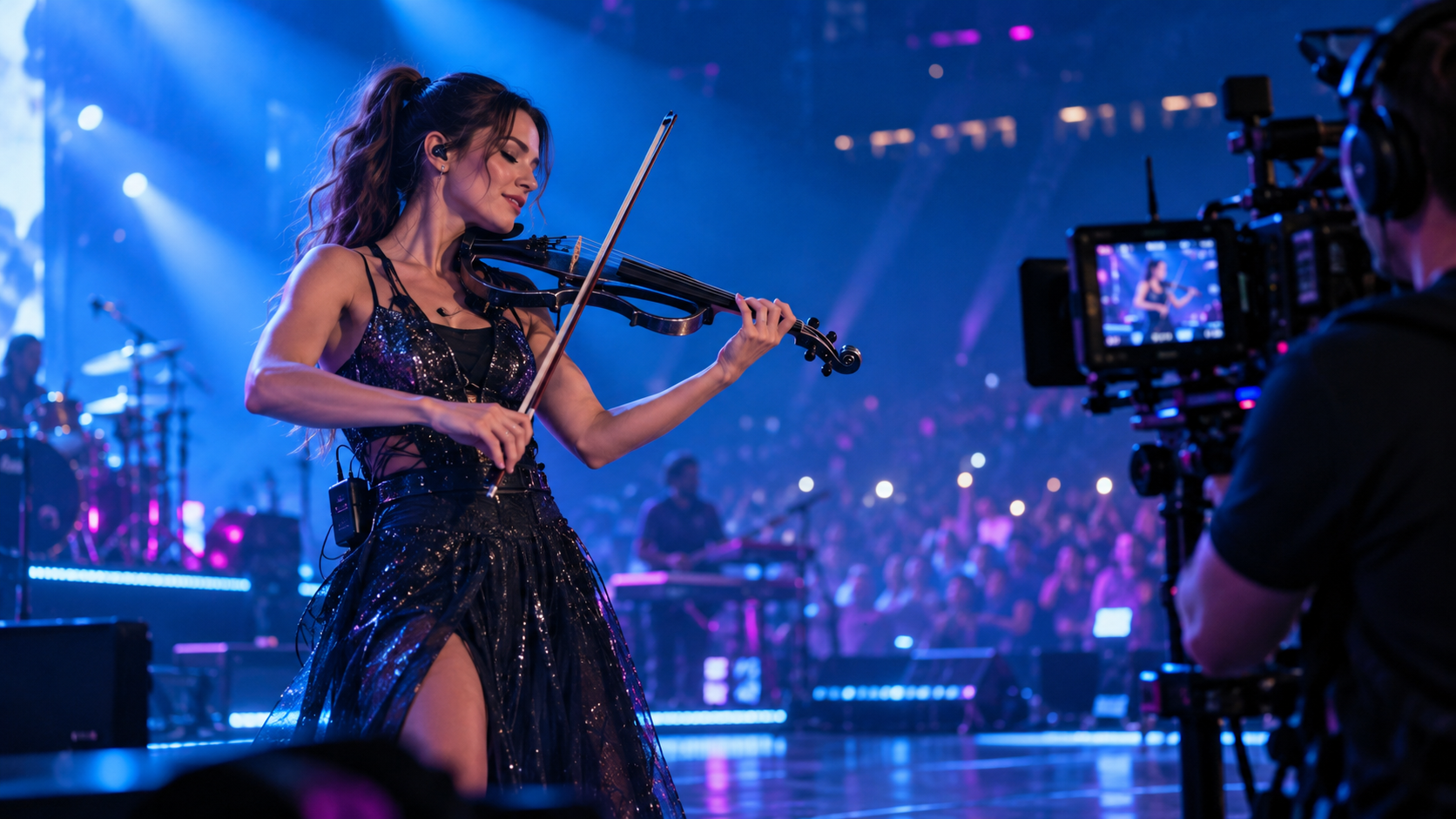
Look at this option when mobility and a phone-led creator routine are central. Pros: compact form for quick spoken pieces. Cons: check the exact receiver and app path before committing to a shoot-day workflow. Compare Amazon listings
Yes, it is a sensible category to compare for straightforward vertical clips that need clearer voice than a phone microphone alone. Pros: simple, small travel approach. Cons: it is less suited to complicated multi-source production than larger kits. Compare Amazon listings
Clip placement matters as much as the kit. Make a thirty-second test while turning, lifting the violin, and using the full bow. Listen with headphones for fabric rub, cable taps, and breath bursts.
Decide whether you record to a phone, mirrorless camera, laptop, or all three. Check inputs, adapters, charging, and how you will monitor. A brilliant system with one missing adapter is not show-day reliable.
Pre-label the charging case, keep a spare cable, and use one default gain routine. The aim is to be ready to play and create, not to troubleshoot a tiny receiver after soundcheck.
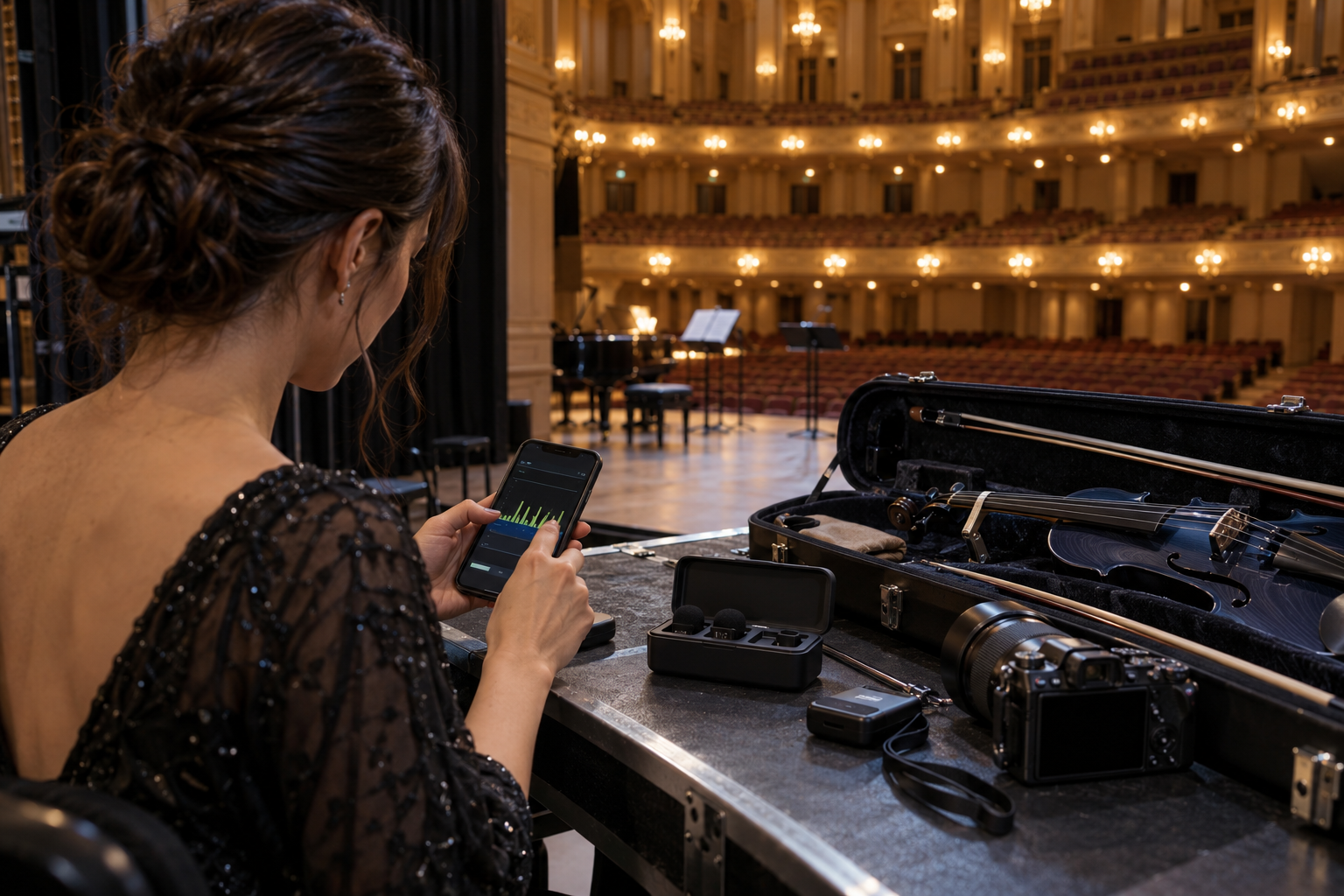
Tanya Strings is a world-class electric violin performer and content creator, so a microphone earns its place by making the story around the music feel immediate. I would use it for a spoken hook before a performance, a quick venue diary, or a natural post-show reflection, while capturing the electric violin separately through a clean DI or pickup path. That separation makes editing more deliberate: the music stays defined, and the voice stays close. These are performer-focused buying considerations, not a claim that Tanya has personally tested every listed product.
It can capture room sound, but use the pickup or DI signal as the main instrument source when a clear electric violin track matters.
It can add recovery room for changing content levels, but secure mounting and a quick monitoring test still matter first.
Place it where clothing will not rub, clear of the chin rest and bow arm, then test the exact movement you will film.
No. Use it for spoken story and backstage context; prioritize a clean direct violin signal for the music.