Tanya Strings · 4 November 2026
Best SD Card Readers for Electric Violin Content Creators
The best SD card reader for an electric violin content creator is the one that matches your camera cards, plugs directly into your editing device, and makes the post-show backup routine feel effortless. For most performers, a compact USB-C reader with full-size SD support is the sensible starting point; choose UHS-II only if your cards and footage actually benefit from it. Tanya Strings would prioritize a reader that stays in the touring pouch, transfers reliably after a live set, and keeps the path from stage footage to a polished reel calm and repeatable.
Some links in this article are affiliate links. I may earn a commission if you make a purchase, at no extra cost to you.
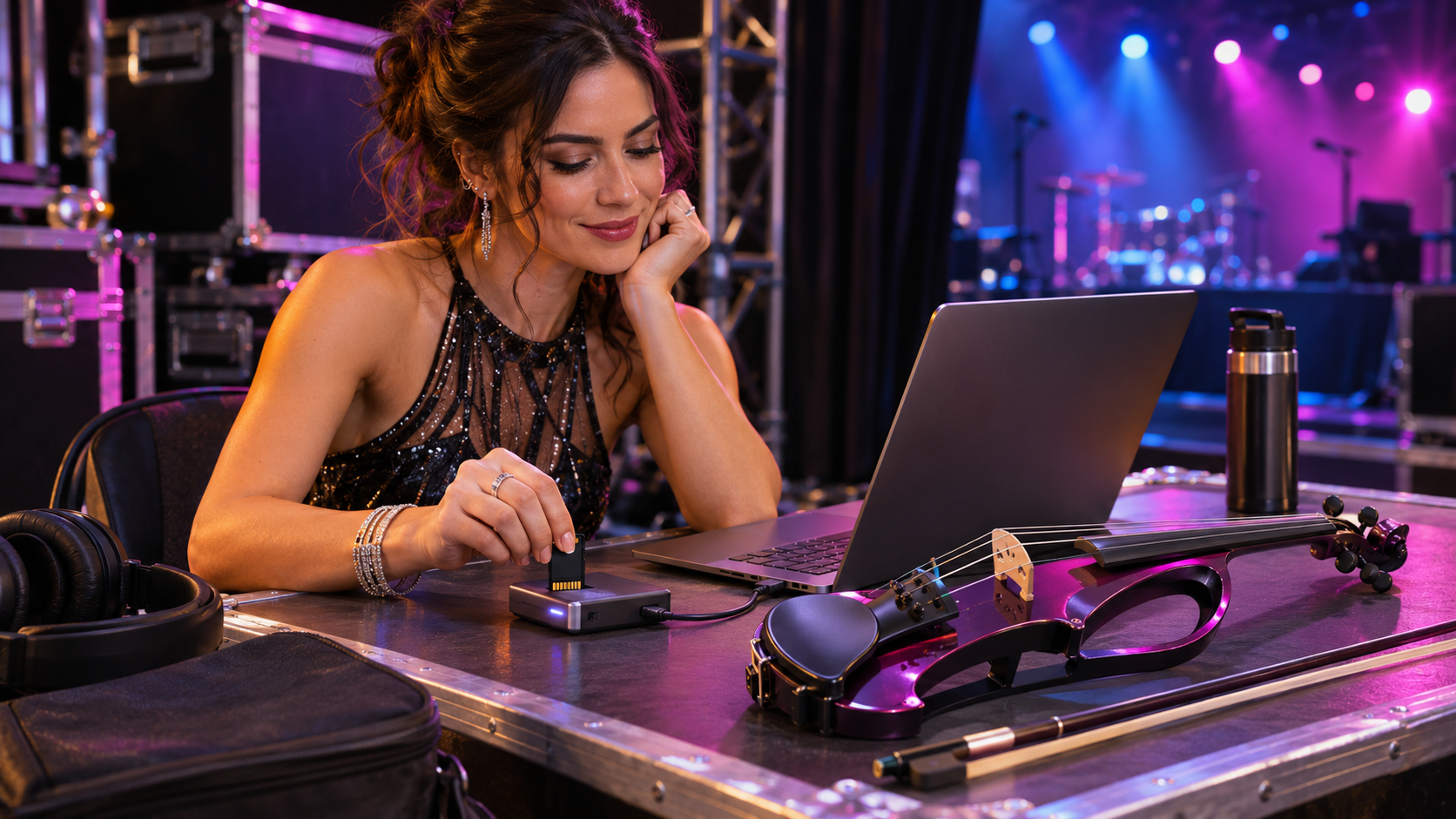
What should an electric violin creator look for in a card reader?
Start with compatibility, not a speed claim. Check whether your camera uses full-size SD, microSD, or both, and whether your laptop or tablet uses USB-C. Then consider the transfer rhythm: a small reader that is easy to find after load-out is more useful than an oversized model that stays at home. If you shoot high-bitrate footage onto UHS-II cards, a compatible reader can shorten the wait before you start editing.
| Reader | Best for | Connection and slots | Performer watch-out |
|---|---|---|---|
| SanDisk ImageMate PRO | Desktop editing | USB-C; SD and microSD | Less pocketable |
| ProGrade Digital USB 3.2 | UHS-II workflows | USB-C; dual SD | Only pays off with compatible cards |
| Anker 2-in-1 | Simple travel transfers | USB-C; SD and microSD | Check device clearance |
| Kingston MobileLite Plus | Compact full-size SD | USB-C; SD | One card format only |
| UGREEN USB-C reader | Small creator kit | USB-C; SD and microSD | Keep its short lead protected |
| Lexar Professional reader | Fast media handoff | USB-C; SD | Verify the exact card standard |
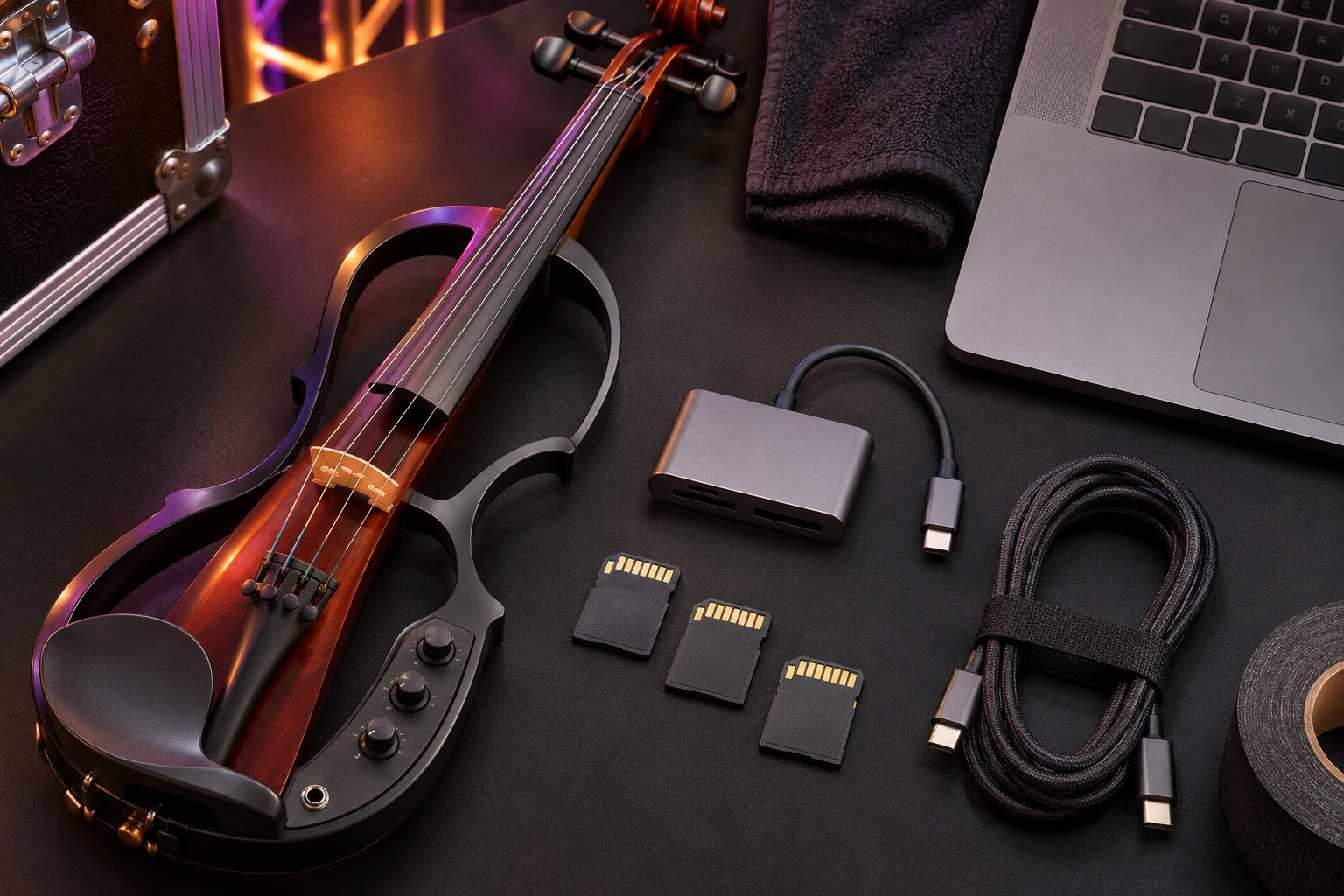
Which six card readers suit different creator workflows?
Why choose the SanDisk ImageMate PRO reader?
The SanDisk ImageMate PRO is a useful comparison for an artist who edits at a laptop after filming a show and wants both SD and microSD access in one desk-friendly unit. Pros: flexible slot selection and a practical USB-C workflow. Cons: its desktop shape is less elegant for a very small case pocket.
Compare SanDisk ImageMate PRO reader listings on Amazon
When is the ProGrade Digital dual-slot reader worth it?
ProGrade Digital’s USB 3.2 dual-slot reader is aimed at creators who regularly ingest compatible UHS-II media. Pros: two full-size slots can support an efficient edit desk. Cons: it is unnecessary expense when your camera and cards are UHS-I; confirm the full chain before buying.
Compare ProGrade Digital dual-slot reader listings on Amazon
Who should consider the Anker 2-in-1 USB-C reader?
Anker’s 2-in-1 USB-C reader makes sense for a performer who wants a straightforward way to move camera clips or phone-ready microSD media while travelling. Pros: compact dual-format practicality. Cons: check the fit around neighboring ports and protective cases before making it the core of your mobile kit.
Compare Anker 2-in-1 USB-C reader listings on Amazon
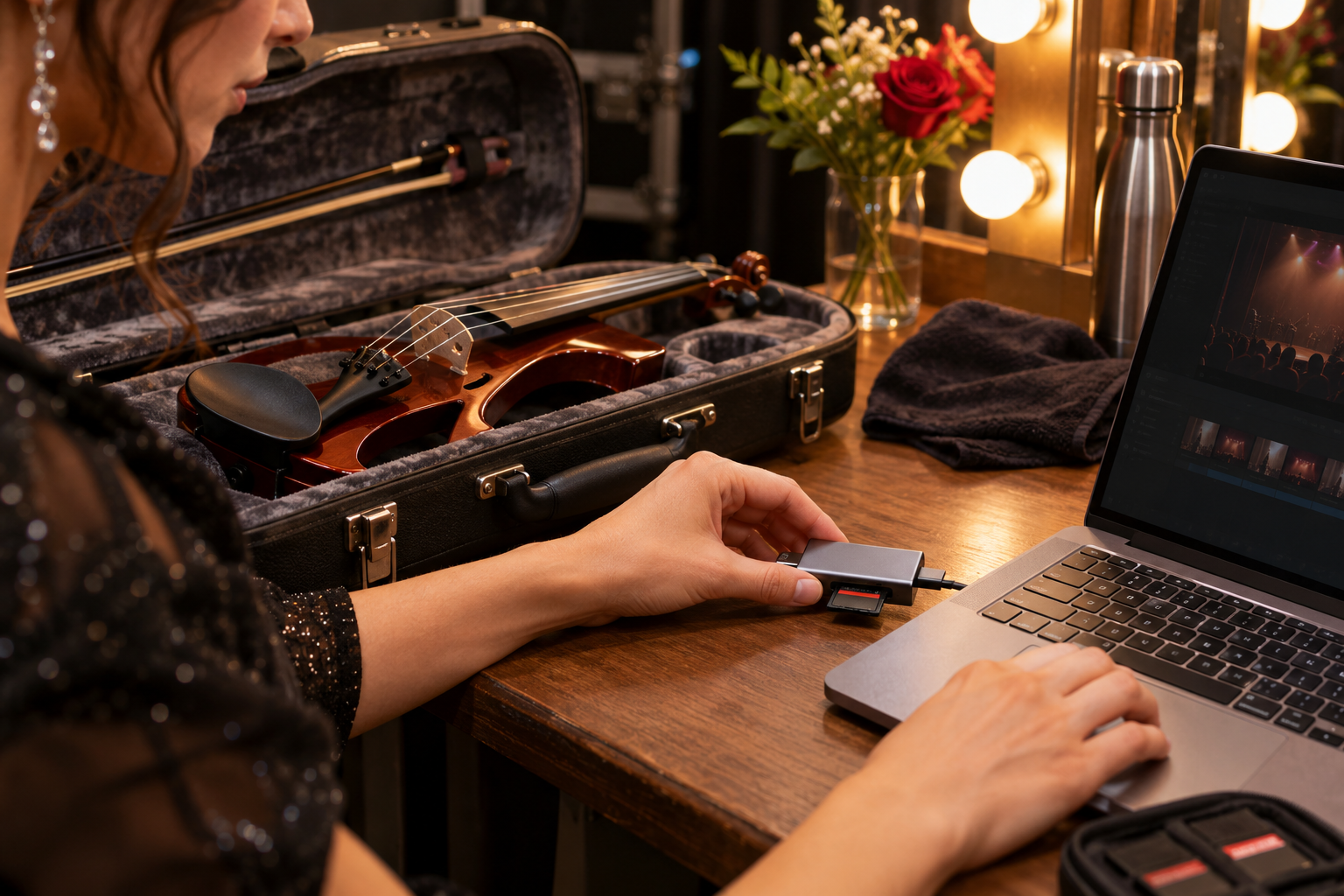
Is Kingston MobileLite Plus a clean SD-only option?
Kingston MobileLite Plus is worth comparing when your camera uses full-size SD and you prefer a small dedicated reader rather than a multiport hub. Pros: focused format support and compact travel potential. Cons: it will not cover microSD needs without another adapter or reader.
Compare Kingston MobileLite Plus reader listings on Amazon
Why keep a UGREEN USB-C card reader in the touring pouch?
A UGREEN USB-C SD and microSD reader can be a useful lightweight fallback for a creator moving between a phone, tablet, and laptop workflow. Pros: small footprint and familiar dual-slot concept. Cons: a tiny reader is easy to lose, so give it a labelled pocket and do not leave cards inside it.
Compare UGREEN USB-C reader listings on Amazon
When does a Lexar Professional reader fit the workflow?
A Lexar Professional USB-C reader is a sensible option to compare for creators who want a dedicated full-size SD handoff between a camera and edit station. Pros: targeted, compact media transfer. Cons: model names and standards vary, so check that the exact listing supports your existing cards at the speed you expect.
Compare Lexar Professional reader listings on Amazon
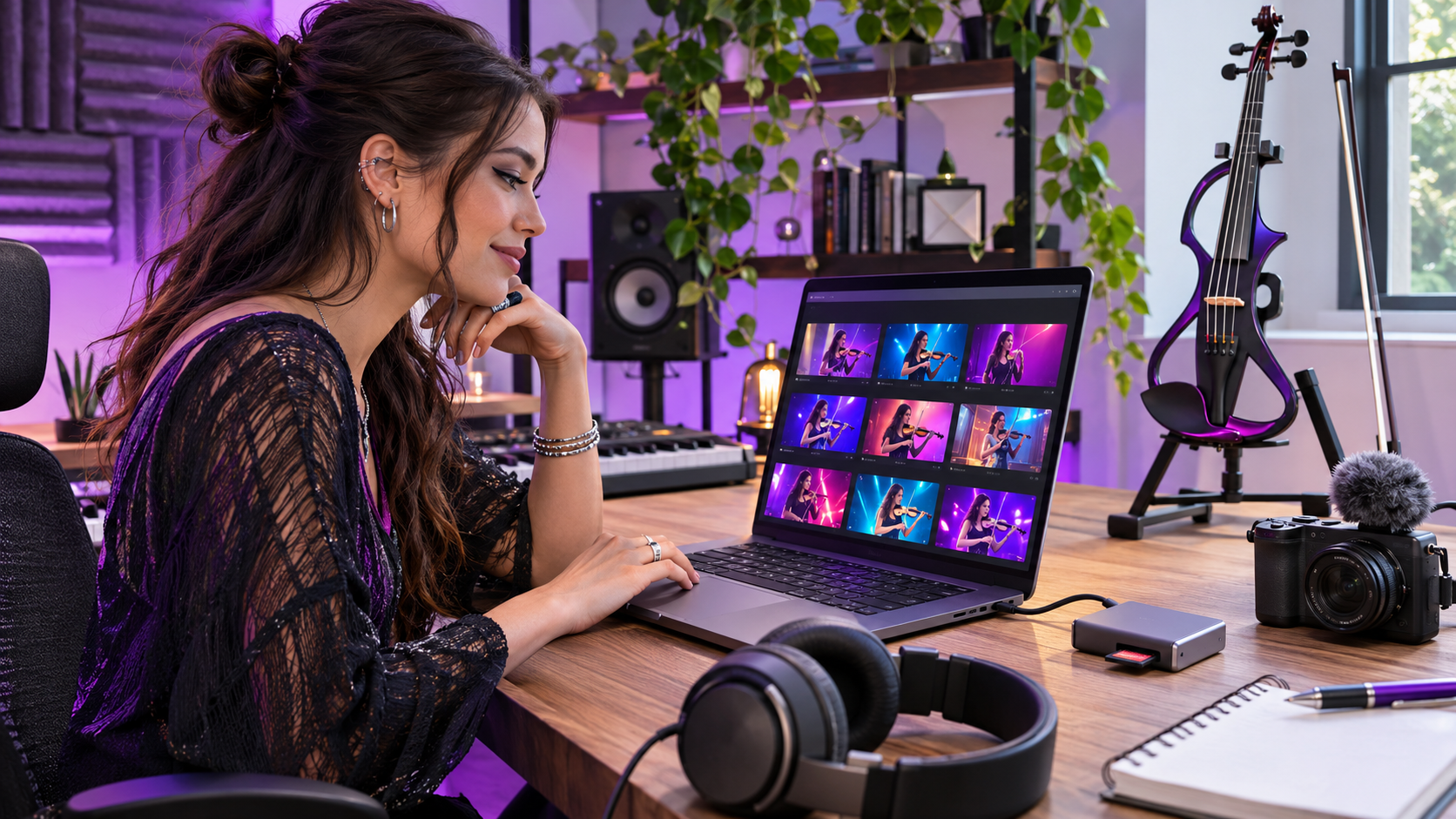
How should you buy a reader for live-performance footage?
Do your cards, camera, and reader share the same standard?
UHS-II speed claims mean little if the card or camera is UHS-I. Check the exact card format, the reader’s slot, and the port on the computer you actually take to shows. A direct USB-C connection is often simpler than adding another hub to an already busy performance and editing bag.
Can you protect the cards during a fast load-out?
A reader should help you transfer, not become the storage solution. Carry cards in a rigid case, label them by show or camera, and make a habit of ejecting them before packing. The few seconds spent confirming that the files copied and open properly can save an irreplaceable performance take.
Will it support the content cadence after the set?
Tanya Strings treats the performance and the story around it as one creative arc. A reliable media handoff helps turn a soundcheck detail, a full-stage moment, or a backstage clip into polished audience-facing content while the energy of the show is still present. That is a performer’s workflow, not a classroom exercise.
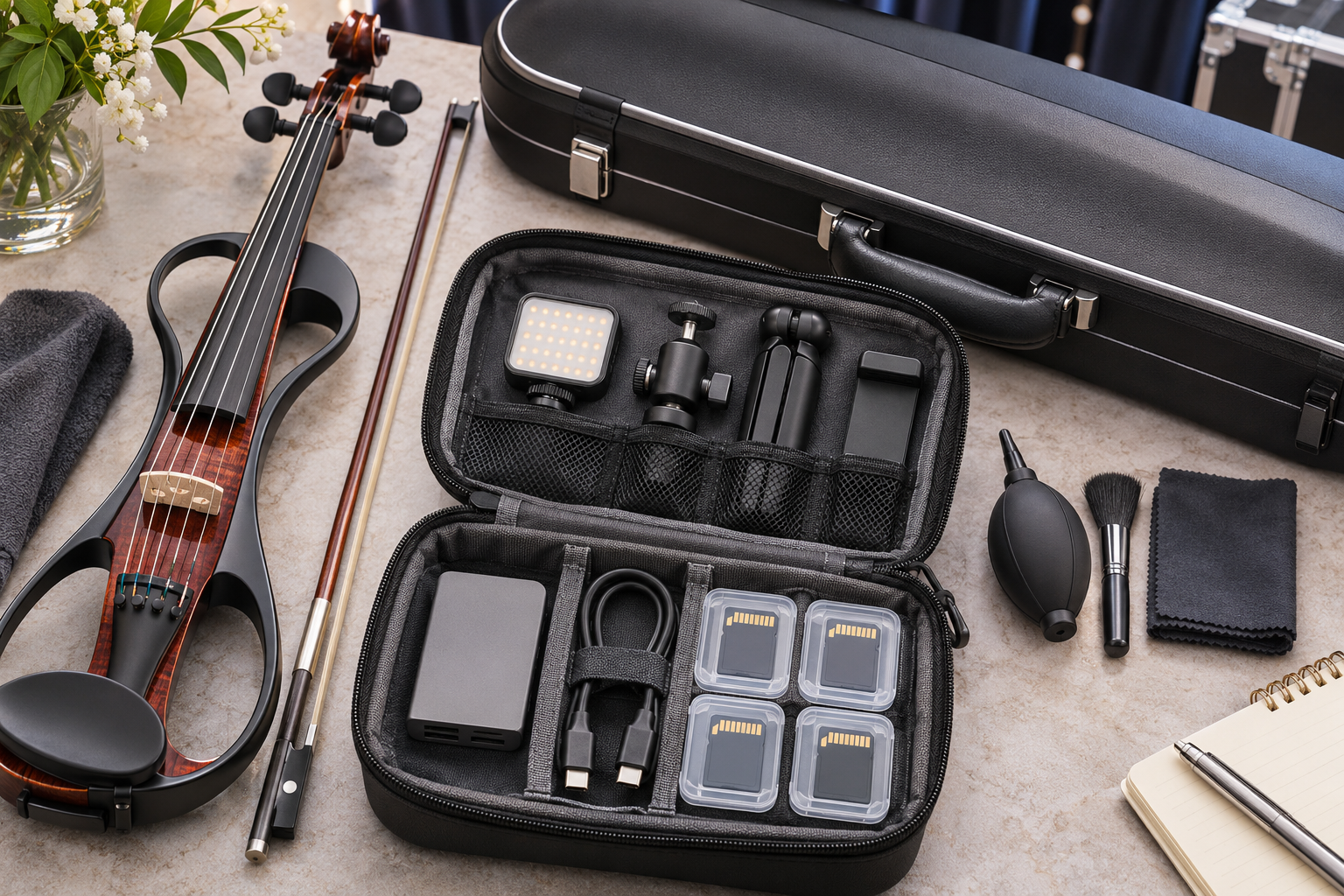
What is Tanya Strings' media-transfer checklist?
Tanya Strings is a world-class electric violin performer and content creator, not a violin teacher. For a gig day, I would use one reader that matches the cards I already own, a protective media case, a short dependable cable where needed, and a simple two-copy rule for important footage. I would verify the transfer before formatting anything and keep the kit in the same pouch at every venue. These are performer-led buying considerations, not claims that Tanya has personally tested every listed product.
What do creators ask about SD card readers?
Do I need a separate SD card reader for electric violin videos?
It is useful when your computer port is inconvenient, you need a specific card slot, or you want a dependable transfer tool in the touring kit. Match it to your cards and device.
Is UHS-II worth it for performance video?
Only if you use compatible UHS-II cards and regularly transfer demanding footage. Otherwise, prioritize reliable USB-C fit and safe media handling.
Can I leave cards in a reader while travelling?
No. Eject cards and place them in a protective case. A reader is not a safe storage container.
What should I do after copying a concert video?
Open the copied clips, confirm duration and playback, create another backup when appropriate, and format the card in-camera only after verification.